

What is Wispr Flow?
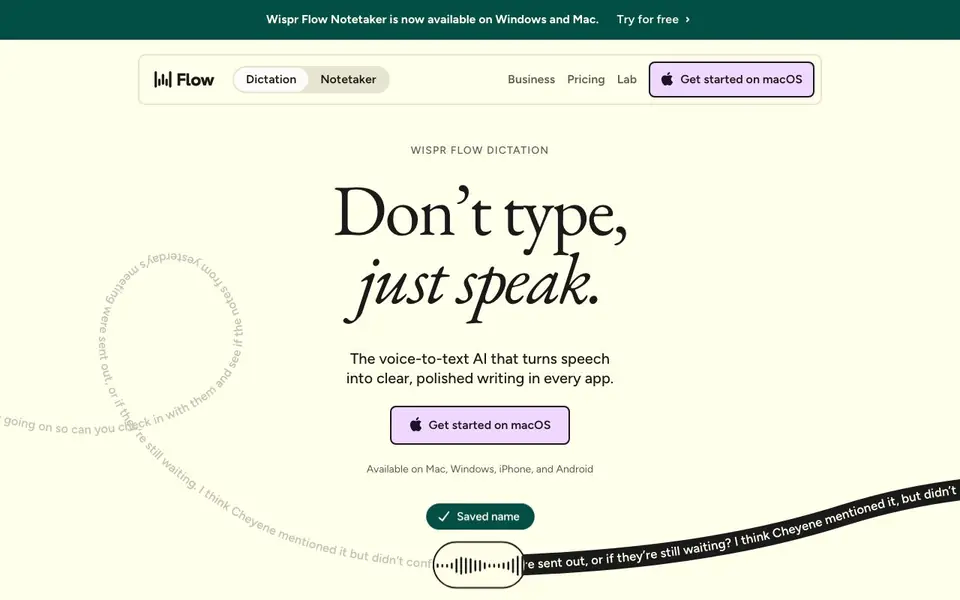
Wispr Flow is a voice-to-text AI that lets you dictate instead of type. It works across apps on Mac, Windows, iPhone, and Android. You speak naturally, and Flow cleans up your words into polished, professional writing. It is designed for anyone who wants to write, message, code, or create faster.
You start by installing Flow on your device. Then, in any app, you press a hotkey and start speaking. Flow transcribes your voice in real time, removing filler words like "um" and fixing grammar. It can also turn rambling thoughts into a clear, concise message. The result is clean text ready to send or save.
Flow is built for professionals, students, and creators who type a lot. It claims to be 4x faster than typing. The Notetaker feature is available on Windows and Mac. You can try it for free, and there are paid plans for more advanced needs.
Wispr Flow features
- Voice dictation: Dictate in any app and get clean, polished text instantly.
- Filler word removal: Automatically removes "um," "uh," and other verbal clutter.
- Grammar correction: Fixes grammar and punctuation as you speak.
- Cross-platform: Works on Mac, Windows, iPhone, and Android.
- Notetaker: Captures and organizes meeting notes on Windows and Mac.
What you can do with Wispr Flow
- Write emails and messages by speaking instead of typing.
- Create documents and reports hands-free.
- Take meeting notes and turn them into clear summaries.
- Code or write scripts using voice commands.
How to get started with Wispr Flow
- Download Wispr Flow for your device from the website.
- Install the app and set up your microphone.
- Press the hotkey in any app and start speaking to see your words appear as text.
Tips for better results with Wispr Flow
- Install Wispr Flow on your primary device first, then practice the hotkey in a few apps you use daily to build muscle memory before relying on it for real work.
- Speak in complete, natural sentences when using Wispr Flow, and pause briefly between thoughts so the grammar correction and filler word removal work cleanly without extra edits.
- Use Wispr Flow's Notetaker on Windows or Mac for meetings, then review the generated summary right after to catch any missed context or misheard names before sharing it.
- Test Wispr Flow in your most-used app, like email or a code editor, to confirm the hotkey works there and the output matches your tone before committing to it for daily tasks.
Wispr Flow pricing
Wispr Flow has a free way to start, with paid plans for heavier use. Check wisprflow.ai for current limits and prices.
What to check before you rely on Wispr Flow
- Check whether the free plan includes all features you need, like Notetaker, or if it limits dictation length or usage; the website does not state specific limits.
- Verify that Wispr Flow supports your exact operating system version and apps, since the site lists platforms but not detailed compatibility for every application.
- Review the privacy policy for how your voice recordings are stored and used, as the website does not clearly state data retention or deletion options.
Who Wispr Flow is for
Wispr Flow suits professionals, students, creators and developers. If that is not you, the AI transcription tools below may fit better.
Similar tools compared with Wispr Flow
| Tool | What it is | Pricing |
|---|---|---|
| Wispr Flow | AI voice dictation and notetaker | Freemium |
| Otter.ai | AI meeting notetaker and transcription tool | Freemium |
| Fireflies.ai | AI meeting assistant for transcription and notes | Freemium |
| Fathom | AI notetaker for online meetings | Freemium |
| Turboscribe | Unlimited audio and video transcription | Freemium |
Wispr Flow FAQ
What does Wispr Flow do?
It converts your speech into clean, polished text in any app. You speak naturally, and it removes filler words, fixes grammar, and formats your words. It works across Mac, Windows, iPhone, and Android.
Is Wispr Flow free?
You can try it for free. The website mentions a free trial, but it does not state whether there is a permanent free plan. Paid plans are available for more features.
Who is Wispr Flow for?
It is for anyone who types a lot, including professionals, students, and creators. It is also useful for developers who want to code by voice. The website says it is used by professionals.
What devices does Wispr Flow support?
It is available on Mac, Windows, iPhone, and Android. The Notetaker feature is specifically available on Windows and Mac. The website does not detail all device-specific features.
What can Wispr Flow export or connect to?
Wispr Flow works in any app on your device, so it can dictate text into apps like email, messaging, documents, and code editors. The website does not list specific export formats or integrations. To see if it connects to a particular tool, check the Wispr Flow website or contact their support.
What does the free plan of Wispr Flow include?
Wispr Flow is free to try, and you can use it to dictate in any app with features like filler word removal and grammar correction. The website does not detail exactly what is limited in the free version versus paid plans. For specifics, visit the Wispr Flow pricing page.
Does Wispr Flow work for coding or programming?
Yes, Wispr Flow can be used for coding and writing scripts with voice commands. It works across apps on Mac, Windows, iPhone, and Android, so you can dictate code in your preferred editor. The website does not mention specific programming languages or IDE integrations, so test it in your setup.


