

What is Submagic?
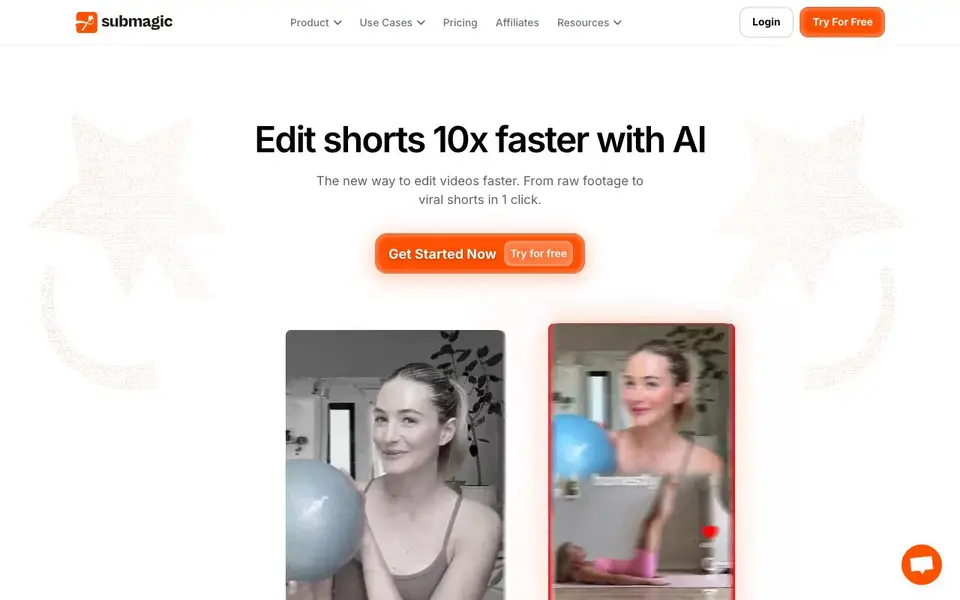
Submagic is an AI video editor built for short-form content. It handles the slow parts of editing for you, like adding captions, cutting silences, and picking key moments. You can turn a podcast, YouTube video, or phone clip into polished shorts for TikTok, Reels, and Shorts.
To start, you upload a video or paste a YouTube link. The AI then adds captions in 123 languages with 99% accuracy, removes silences, inserts B-roll, and finds the best clips. You review the result, pick a schedule, and publish directly to platforms from the editor.
It suits business owners, media companies, marketing teams, agencies, advertisers, and content creators. The site says it is loved by 4M+ businesses and claims 10x faster editing, a 40% average view increase, and an 80% reduction in editing cost. You can also use AI avatars to create videos without filming.
Submagic features
- Viral caption styles: Generates captions in 123 languages with 99% accuracy to boost views and retention.
- Magic clips: Automatically repurposes one long video into multiple shorts by extracting key moments.
- One-click AI editing: Cuts, trims, and publishes shorts 10x faster without manual timeline work.
- Scheduled publishing: Lets you pick a date and platform, then publishes your video automatically.
- AI avatars: Creates videos without filming or hiring actors, for consistent content at lower cost.
What you can do with Submagic
- Turn a podcast episode into several captioned shorts for social media.
- Repurpose a YouTube video into TikTok and Reels clips with auto-captions.
- Schedule a week of short-form posts across platforms from one editor.
- Create product shorts with AI avatars for advertising campaigns.
How to get started with Submagic
- Upload a video or paste a YouTube link into Submagic.
- Let the AI add captions, remove silences, insert B-roll, and find key moments.
- Schedule and publish your shorts directly to platforms like TikTok, Reels, and Shorts.
Tips for better results with Submagic
- Upload a clean, high-quality video or YouTube link so Submagic can detect speech and key moments accurately, reducing manual corrections later.
- Review Submagic's auto-generated captions and clip selections before publishing, especially for languages you don't speak, to catch any errors.
- Use Submagic's scheduling feature to batch-publish multiple shorts at once, saving time and keeping a consistent posting cadence across platforms.
- Experiment with different caption styles and AI avatar options in Submagic to see which formats boost retention for your specific audience.
Submagic pricing
Submagic has a free way to start, with paid plans for heavier use. Check submagic.co for current limits and prices.
What to check before you rely on Submagic
- Check whether the free plan includes watermarks or limits on video length, exports, or publishing, as the website does not state these details.
- Verify if Submagic supports your target platforms and export formats beyond TikTok, Reels, and Shorts, since the site only lists those.
- Review Submagic's data and privacy policy to confirm how your uploaded videos are stored or used, as this is not explained on the homepage.
Who Submagic is for
Submagic suits business owners, content creators, marketing teams and agencies. If that is not you, the AI video editors below may fit better.
Similar tools compared with Submagic
| Tool | What it is | Pricing |
|---|---|---|
| Submagic | AI short-form video editor with captions | Freemium |
| SiVideoGen | AI video generator with multiple models | Freemium |
| Descript | AI video and audio text-based editor | Freemium |
| InVideo | Agentic AI video editor and maker | Freemium |
| VEED | AI video creation and editing platform | See website |
Submagic FAQ
How do I create a short with Submagic?
You upload a video or paste a YouTube link. The AI adds captions, cuts silences, inserts B-roll, and finds key moments automatically. Then you can review, schedule, and publish the short directly from the editor.
Can I turn a long video into multiple shorts?
Yes. Submagic's Magic clips feature automatically repurposes one video into multiple shorts by extracting key moments. This lets you post content at scale without manually cutting each clip yourself.
Does Submagic add captions automatically?
Yes, it adds captions automatically in 123 languages with 99% accuracy. The caption styles are designed to boost views and improve retention, so you don't have to create or sync them manually.
What quality levels are available for export?
The website mentions exports up to 4K at 60fps, optimized for TikTok, Reels, and Shorts. It does not list specific quality tiers or resolution options beyond that, so check the pricing page for details.
What can Submagic export or connect to besides TikTok, Reels, and Shorts?
Submagic lets you schedule and publish directly to TikTok, Reels, and Shorts from the editor. The website does not list other export formats or additional platform integrations. For the most current list of supported platforms and export options, check the pricing or help pages on submagic.co.
Does Submagic run on mobile devices or only on desktop?
The Submagic website does not specify which devices or operating systems the tool supports. It describes uploading videos or YouTube links, but does not mention a mobile app or desktop-only requirement. To see if Submagic works on your device, check the site's FAQ or contact their support.
What does the free plan of Submagic include?
Submagic is labeled freemium, but the website does not detail what the free plan includes. It offers a 'Try for free' option, but the specific limits on video length, exports, or features are not listed. For exact free plan details, visit the Pricing page on submagic.co.


