

What is Runway?
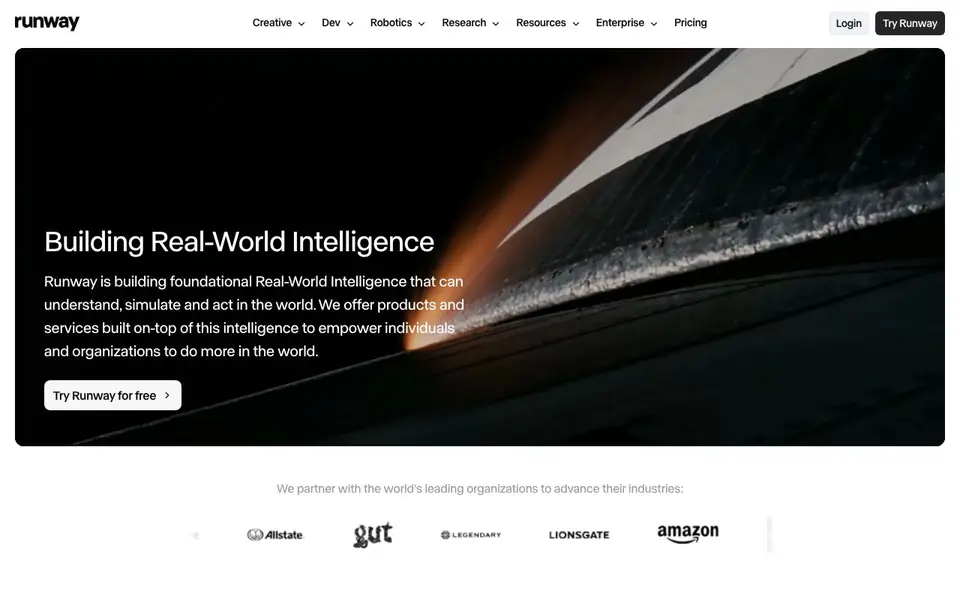
Runway is a cloud-based creative platform that lets you generate and edit video, images, and audio in one workspace. It is built on AI models that understand and simulate the real world. You can use it for creative projects, and it also offers tools for developers and robotics research.
You start by signing up for free and accessing the Creative suite. From there, you can generate video from text prompts, edit existing footage, create images, and work with audio. The platform is designed for individuals and teams, with features like shared projects and pooled credits on team plans.
Runway is used by over 60 million creatives worldwide. It suits filmmakers, content creators, and teams needing an all-in-one AI media tool. For developers, Runway Dev provides an API to integrate AI models into your own applications. The website also mentions enterprise options with data security and customer stories.
Runway features
- Text-to-video generation: Create video clips from written descriptions using advanced AI models.
- Video editing tools: Edit and enhance your footage with AI-powered effects and adjustments.
- Image generation: Generate images from text prompts or edit existing ones in the same workspace.
- Audio generation: Create and edit audio content alongside your video and image projects.
- API access: Developers can use Runway's models through an API for custom applications.
What you can do with Runway
- Generate marketing videos from simple text prompts.
- Edit and enhance existing footage with AI tools.
- Create visual assets for social media campaigns.
- Build custom AI media applications using the API.
How to get started with Runway
- Sign up for a free account on Runway's website.
- Choose the Creative platform to start generating or editing media.
- Use text prompts to create videos, images, or audio, or upload your own files to edit.
Tips for better results with Runway
- Start with detailed text prompts that describe camera angles, lighting, and motion to get more precise video results from Runway.
- Use Runway's editing tools to refine generated clips by adjusting effects and transitions, rather than regenerating from scratch.
- Experiment with different models within Runway, like Gen-4.5, to compare output quality and pick the best fit for your project.
- For team projects, set up shared projects and pooled credits in Runway to manage collaboration and keep everyone on the same page.
Runway pricing
Runway has a free way to start, with paid plans for heavier use. Check runway.com for current limits and prices.
What to check before you rely on Runway
- Check the free plan's credit limits and watermarks before relying on Runway for client work, as the website does not specify these details.
- Verify whether your required export formats and resolutions are supported, since Runway's site does not list them explicitly.
- Review Runway's data and privacy policies for enterprise use, especially if you handle sensitive footage, as the website mentions security but not specifics.
Who Runway is for
Runway suits creatives, content creators, developers and enterprise teams. If that is not you, the AI video generators below may fit better.
Similar tools compared with Runway
| Tool | What it is | Pricing |
|---|---|---|
| Runway | AI video, image, and audio creation suite | Freemium |
| SiVideoGen | AI video generator with multiple models | Freemium |
| FreeSiTools | Free AI image prompt generator | Free |
| SiVideoAPI | Unified API for top AI video models | Freemium |
| Synthesia | AI video and avatar platform for business | Freemium |
Runway FAQ
What can I do with Runway?
You can generate videos from text, edit existing footage, create images, and work with audio. It is an all-in-one creative suite for making media with AI.
Is Runway free to use?
Runway offers a free trial. The website says you can try it for free and cancel anytime. Paid plans are available for individuals and teams.
Who is Runway for?
It is for creatives, content creators, and teams of all sizes. Developers can also use Runway Dev for API access, and there are enterprise options.
Can I use Runway for team projects?
Yes, Runway has a Team Plan for creative teams. It includes shared projects, pooled credits, and Brand Kits for 2 to 9 seats.
What can Runway export or connect to?
Runway is a cloud-based platform, so you can export your generated videos, images, and audio directly from the workspace. The website does not list specific export formats or integrations with other tools like Adobe or YouTube. For details on export options, check the in-app export menu or Runway's documentation.
Does Runway work on mobile devices or only on desktop?
Runway is cloud-based, which means you can access it through a web browser on most devices, including laptops and desktops. The website does not mention dedicated mobile apps for iOS or Android. To see if your device is supported, try logging in from your browser or check Runway's help center.
What does Runway's free plan include?
Runway offers a free tier that lets you sign up and access the Creative suite. With it, you can generate and edit video, images, and audio, though the website does not specify exact limits on credits or exports. For current free plan details, visit the pricing page on runway.com.


