

What is Pika?
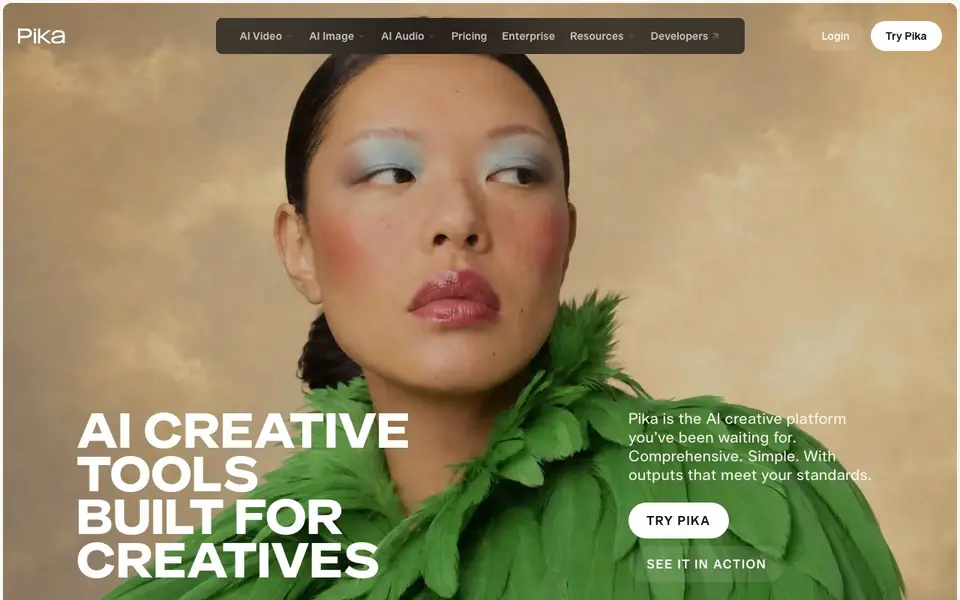
Pika is an AI creative platform that brings video, image, and sound creation into one place. It combines several leading generative media models with focused apps, so you can handle different creative tasks without juggling multiple tools. The platform is built for creatives who want professional-level outputs.
You start by choosing an app for your task. For example, Video Studio generates clips from a short shot to a 30-second multi-shot video. Color Grade adjusts the mood of any clip. Extend Video makes clips longer by generating extra frames. Pika Soundtrack scores music and effects to match the action. You can also edit images, create custom characters, and generate product shots.
The platform serves ad creatives, editors, marketers, and filmmakers. It is designed to be intuitive rather than overwhelming, with self-contained tools for both full final outputs and narrow tasks. Pika also offers an API for developers and enterprise options, plus research and blog resources.
Pika features
- Video Studio: Generate anything from a short clip to a 30-second multi-shot video.
- Color Grade: Adjust the color, contrast, and mood of any photo or clip.
- Extend Video: Make any clip longer than its original by generating extra frames.
- Pika Soundtrack: Scores any clip with music, ambience, and foley matched to the action.
- Character Studio: Customize a character who can be repeatedly used in your creations.
What you can do with Pika
- Create short clips or full videos from your references.
- Craft the exact image you need with Image Studio.
- Give footage your look using Color Grade.
- Add voiceover for social media with Speech Studio.
How to get started with Pika
- Go to Pika's website and click Try Pika to start.
- Choose an app like Video Studio or Image Studio for your task.
- Generate your output and refine it with tools like Color Grade or Extend Video.
Tips for better results with Pika
- Start with Video Studio to generate a rough clip, then use Extend Video to lengthen it frame by frame until you hit the 30-second multi-shot limit.
- Use Color Grade on Pika clips to unify mood across shots, but apply it after editing so the adjustments match your final sequence.
- Feed Pika Soundtrack a finished video with clear action beats, and review the generated foley and music before exporting to avoid mismatched audio.
- Test Character Studio with a simple reference image first, then reuse the same character across multiple Pika projects to keep visual consistency.
Pika pricing
Pika’s homepage does not list prices. Check pika.art for current plans.
What to check before you rely on Pika
- Check whether Pika's free tier or paid plans include commercial usage rights for your output, since the pricing page does not list any limits or costs.
- Verify if Pika exports video in your required resolution and format, as the website does not state supported file types or export options.
- Confirm how Pika handles your uploaded images and clips for privacy, because the site does not detail data retention or training use policies.
Who Pika is for
Pika suits ad creatives, editors, marketers and filmmakers. If that is not you, the AI video generators below may fit better.
Similar tools compared with Pika
| Tool | What it is | Pricing |
|---|---|---|
| Pika | AI creative platform for video and images | See website |
| SiVideoGen | AI video generator with multiple models | Freemium |
| FreeSiTools | Free AI image prompt generator | Free |
| SiVideoAPI | Unified API for top AI video models | Freemium |
| Runway | AI video, image, and audio creation suite | Freemium |
Pika FAQ
What can I create with Pika?
You can create videos, images, and audio. Specific tools include Video Studio for clips up to 30 seconds, Image Studio for professional imagery, Color Grade for adjusting footage, and Pika Soundtrack for scoring clips.
Is Pika free to use?
The website does not state whether Pika has a free plan. It mentions Pricing and Enterprise options, but you would need to check those pages for specific costs and plans.
Who is Pika for?
Pika is built for creative professionals. The website lists ad creatives, editors, marketers, and filmmakers as its main audience, and it emphasizes meeting high standards for creative work.
Can I use Pika for editing existing videos?
Yes. Pika includes tools like Color Grade to adjust the look of footage, Extend Video to make clips longer, and Pika Soundtrack to add music and effects. These are designed for editing and enhancing existing clips.
What can Pika export or connect to?
The Pika website does not mention specific export formats or integrations with other tools. You can check the app itself or the API documentation for details on what you can do with your finished videos, images, or audio. For developers, the API section may offer more information.
On which devices or platforms does Pika run?
Pika is a web-based platform, so you can access it through a browser on your computer or mobile device. The website does not list specific operating system requirements or dedicated desktop or mobile apps. For the best experience, check the site's system requirements or contact support.
What does the Pika free plan include?
The Pika website does not detail a free plan or its limits. You can sign up and try Pika, but the pricing page is not shown here. To know what you get for free, visit the Pricing section on pika.art or start a trial to see what's available.


