

What is Vidu?
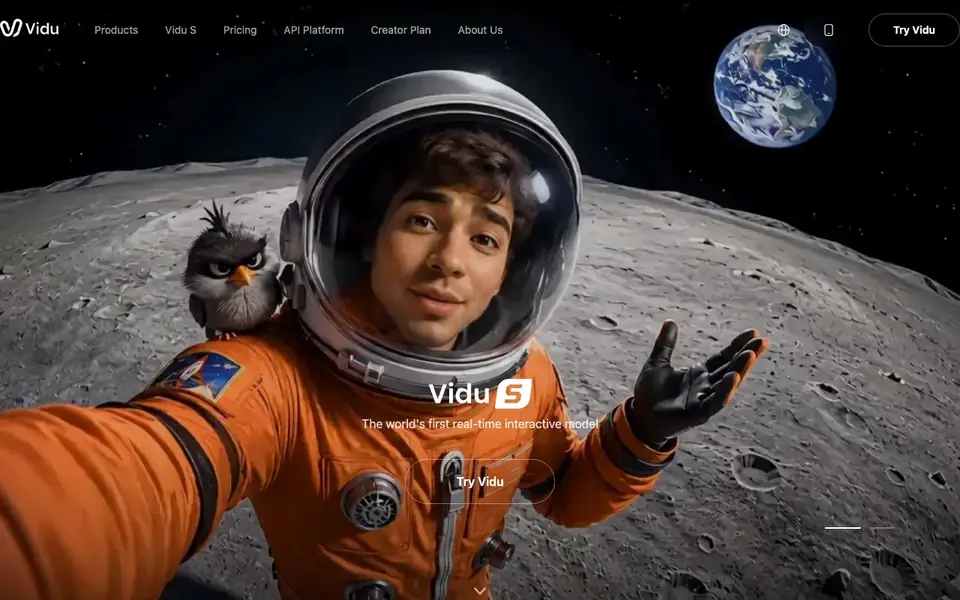
Vidu is an AI video generator that creates short clips from text prompts, images, or reference videos. It supports 16-second audio-visual generation, making it useful for social media content, e-commerce ads, and short films. The platform also offers image generation and a real-time interactive model with millisecond responses.
You start by choosing a mode: Text to Video, Image to Video, or Reference to Video. Then you write a prompt or upload your material. Vidu generates the clip, and you can refine it using features like Smart Cuts and Storyboard. The Vidu App provides an all-in-one collaborative creation environment for working on projects anywhere.
Vidu suits beginners and experienced creators alike. Reviewers highlight its strong animation quality, especially for anime styles and character expressions. It also offers flexible plans for individuals and enterprises, plus an API platform for developers. The site does not list specific pricing details, so you would need to check the pricing page for current costs.
Vidu features
- Text to Video: Generates video clips directly from your written prompts.
- Image to Video: Animates your still images into moving video sequences.
- Reference to Video: Uses reference clips to guide the style and motion of new videos.
- Real-time interactive model: Responds in milliseconds, keeping pace with your conversation or workflow.
- Smart Cuts: Automatically trims or edits generated footage to improve pacing and flow.
What you can do with Vidu
- Create social media clips from text prompts in under a minute.
- Turn product photos into animated ads for e-commerce campaigns.
- Build storyboard sequences for short films or animation projects.
- Generate anime-style characters with expressive facial details.
How to get started with Vidu
- Choose a creation mode: Text to Video, Image to Video, or Reference to Video.
- Enter your prompt or upload your image or reference clip.
- Generate the video, then refine it with Smart Cuts or Storyboard as needed.
Tips for better results with Vidu
- Start with Text to Video in Vidu using a detailed prompt that specifies subject, motion, and lighting, then refine the output with Smart Cuts to improve pacing.
- For character-driven scenes, use Vidu's Reference to Video mode with a clip that matches your desired style, especially for anime expressions and nuanced animation.
- Test Vidu's real-time interactive model for quick iterative drafts, then switch to Storyboard to structure longer sequences before finalizing your clip.
- When animating product images, upload high-resolution stills into Vidu's Image to Video mode and describe the camera movement to get smoother, more ad-ready results.
Vidu pricing
Vidu’s homepage does not list prices. Check vidu.com for current plans.
What to check before you rely on Vidu
- Check Vidu's pricing page directly, since the website does not list specific costs or plan limits for individual or enterprise tiers.
- Confirm whether your intended use case fits Vidu's 16-second generation limit, as the site does not state options for longer clips.
- Review Vidu's data and privacy policy before uploading reference videos or images, as the site does not specify how your materials are stored or used.
Who Vidu is for
Vidu suits content creators, social media marketers, e-commerce sellers and animators. If that is not you, the AI video generators below may fit better.
Similar tools compared with Vidu
| Tool | What it is | Pricing |
|---|---|---|
| Vidu | AI video generator for text, images, and references | See website |
| SiVideoGen | AI video generator with multiple models | Freemium |
| FreeSiTools | Free AI image prompt generator | Free |
| SiVideoAPI | Unified API for top AI video models | Freemium |
| Runway | AI video, image, and audio creation suite | Freemium |
Vidu FAQ
What can I create with Vidu?
You can create short videos from text prompts, images, or reference clips. It also supports image generation and real-time interactive generation, so you can make social media clips, ads, animations, and short film segments.
Does Vidu have a free plan?
The website mentions flexible plans for individuals and enterprises but does not state whether a free plan exists. You would need to visit the pricing page to see current options and credit costs.
Who is Vidu best for?
It suits beginners who want to try AI video without complex operations, as well as experienced creators who need high-quality animation and fast workflows. Reviewers include content creators, writers, students, and corporate users.
Can I use my own images or videos as input?
Yes. Vidu offers Image to Video and Reference to Video modes, so you can upload your own pictures or clips to guide the generation. This helps maintain character consistency and style across your projects.
Can Vidu export videos in different formats or resolutions?
The Vidu website does not mention specific export formats or resolution options. You can check the Help Center or the app's export settings after generating a clip to see what is available. If you need a particular format for a project, contact Vidu support for details.
Does Vidu work on mobile devices or only in a browser?
Vidu offers a dedicated Vidu App described as an all-in-one collaborative creation app for working on projects anywhere. This suggests mobile support, but the website does not specify which operating systems it supports. Check your device's app store for Vidu to see if it is available for your platform.
What does Vidu's free plan include?
The Vidu website does not list specific details about a free plan. It mentions flexible plans for individuals and enterprises, but pricing and included features are not shown. To know what the free plan offers, visit the Vidu pricing page or sign up to see the available options.


