

What is Murf?
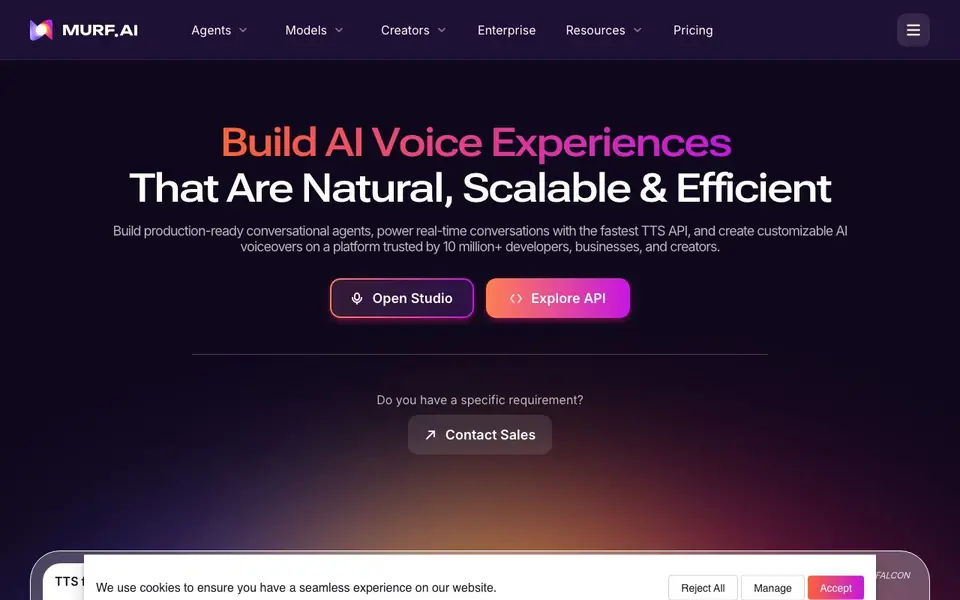
Murf AI is a platform for generating human-like speech and deploying conversational agents. It serves developers, businesses, and creators who need scalable voice solutions. The platform is trusted by over 10 million users and 300+ Forbes 2000 companies.
You can use Murf Studio to create voiceovers with expressive, lifelike voices. It offers over 200 voices across 35+ languages, with full control over pitch, speed, and intonation. You can also integrate with tools like Canva, PowerPoint, and Captivate. For video localization, Murf's AI dubbing translates content into 40+ languages while preserving the original voice and tone.
For developers, Murf Falcon 2 provides a fast text-to-speech API with sub-100ms response time. It supports real-time conversational agents for customer service, sales, and more. The platform is designed for low latency and human-like interactions, with agents available for calls and chat.
Murf features
- Expressive voices: Choose from over 200 lifelike voices across 35+ languages for your projects.
- Custom pronunciation library: Add your own pronunciations to ensure names and terms sound right.
- Voice control: Adjust pitch, speed, and intonation to match the tone you need.
- AI dubbing: Translate videos into 40+ languages while keeping the original voice and meaning.
- Fast TTS API: Generate speech in under 100ms for real-time conversational applications.
What you can do with Murf
- Create e-learning voiceovers with natural-sounding narration.
- Localize marketing videos into multiple languages for global audiences.
- Build customer service agents that handle calls and chat automatically.
- Produce audiobooks and podcasts with expressive AI voices.
How to get started with Murf
- Open Murf Studio and pick a voice from the library.
- Type your script and adjust pitch, speed, and intonation.
- Export your voiceover or use the API to integrate it into your workflow.
Tips for better results with Murf
- Start with Murf Studio's voice preview feature to audition multiple voices before committing, so you match the tone and pacing to your project's audience.
- Use Murf's custom pronunciation library to correct names, acronyms, or industry terms that the default voices might mispronounce, saving you from re-recording entire clips.
- For real-time agents, test Murf Falcon 2 with your actual dialogue scripts and latency requirements, since sub-100ms performance can vary with network conditions and payload size.
- When dubbing videos, review Murf's translated output for cultural nuances and timing, as automatic lip-sync and tone preservation may need manual adjustments for complex scenes.
Murf pricing
Murf’s homepage does not list prices. Check murf.ai for current plans.
What to check before you rely on Murf
- Verify your Murf plan's included characters or minutes, as the website does not list usage limits or overage costs for Studio or API.
- Confirm Murf's data retention and privacy policies for uploaded audio and generated voices, since the site does not state how long your files are stored.
- Check if Murf Falcon 2 supports your target programming language and platform, as the website does not list SDKs or integration details beyond API access.
Who Murf is for
Murf suits developers, businesses, creators and localization teams. If that is not you, the AI voice generators below may fit better.
Similar tools compared with Murf
| Tool | What it is | Pricing |
|---|---|---|
| Murf | AI voice and conversational agent platform | See website |
| ElevenLabs | AI voice generator and voice agents platform | Freemium |
| Resemble AI | AI deepfake detection and watermarking platform | See website |
| Speechify | AI text-to-speech and voice assistant | Freemium |
| Synthesia | AI video and avatar platform for business | Freemium |
Murf FAQ
What can I create with Murf AI?
You can generate voiceovers for e-learning, podcasts, ads, and audiobooks. You can also dub videos into multiple languages and build conversational agents for customer service or sales.
Does Murf AI offer a free plan?
The website does not state whether there is a free plan. You can check the Pricing page on Murf AI's website for current plans and options.
Who is Murf AI for?
It suits developers who need a fast TTS API, businesses deploying conversational agents, and creators making voiceovers or dubbing videos. It is also used by localization teams.
What languages does Murf AI support?
Murf AI supports over 200 voices across 35+ languages for voiceovers. Its dubbing feature works in 40+ languages, and the API supports seamless language switching.
What can Murf AI export or integrate with?
Murf AI integrates with Canva, PowerPoint, and Captivate for voiceover projects. The website does not mention other export formats or integrations beyond these tools. For a full list of available integrations, check the Murf AI website or contact their sales team.
Does Murf AI run on mobile devices or desktop?
Murf AI is a web-based platform, so you can access it through a browser on any device with an internet connection. The website does not specify dedicated mobile apps or offline capabilities. For the latest platform requirements, visit the Murf AI website.
What does the free plan of Murf AI include?
The Murf AI website mentions a free plan, but it does not list the specific features or limits included. To see what the free plan offers, such as the number of voices, projects, or download options, check the pricing page on the Murf AI website.


