
What is vvv?
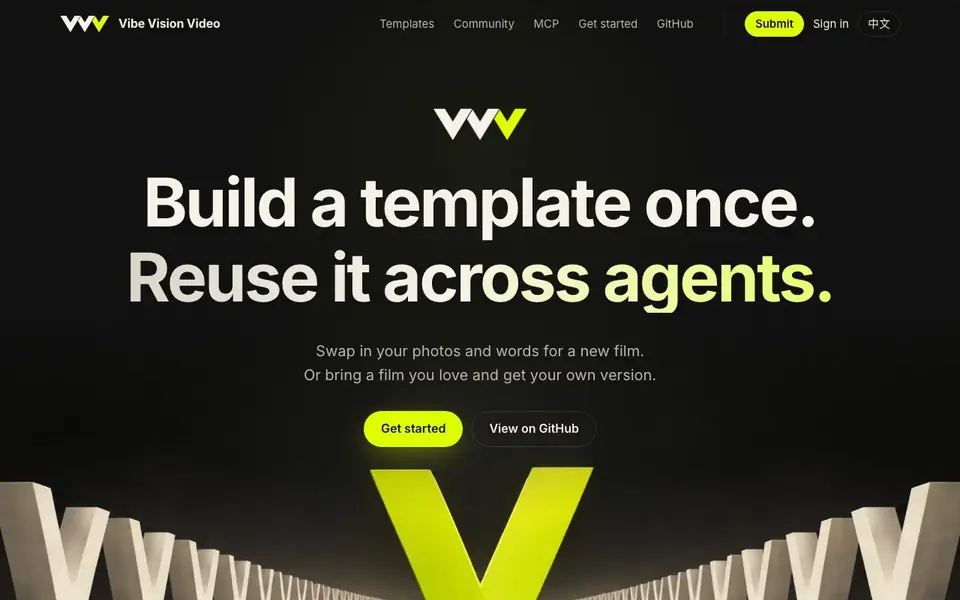
Vibe Vision Video is an open-source library of video templates designed for use with AI coding agents. You build a template once, then reuse it across agents like Claude Code, Codex, and WorkBuddy. The current library focuses on wedding films, with templates like Album, Comedy, Doodle, DV Story, and Starter.
You start by picking a template or providing a reference video. If you have a reference, the agent measures its structure, beats, and shots, then rebuilds it as an editable project with your photos, logo, copy, and music. Missing artwork is generated, and the result is checked against the reference.
The agent handles everything in conversation: picking the template, placing photos, writing copy, rendering, checking, and delivering. You watch a sample and request changes. It works where you already code, with one portable Agent Skill installable in Claude Code, Codex, Cursor, and 20+ other agents.
vvv features
- Template library: Includes five wedding-focused templates with editable source and render checks.
- Reference recreation: Studies a reference video and rebuilds it with your own photos, logo, copy, and music.
- Agent skill: One portable skill works across Claude Code, Codex, Cursor, and 20+ other coding agents.
- Image generation bridge: Claude Code can use Codex's image generation through a bundled bridge.
- Render checks: Verifies format, sound, still frames, and beat sync before delivering the final film.
What you can do with vvv
- Create a wedding film from a template with your own photos and names.
- Recreate a favorite video by providing a reference file and your attachments.
- Generate a short photo reel for social media in 16:9 or 9:16.
- Automate video production in your coding workflow with an agent skill.
How to get started with vvv
- Install the vvv skill in your coding agent (e.g., Claude Code plugin or npx skills add).
- Pick a template from the library or provide a reference video with your photos, logo, copy, and music.
- Let the agent measure, rebuild, render, and check the film; review the sample and request changes.
Tips for better results with vvv
- Start with the Starter template to learn the input contract before adapting a complex template like Album or DV Story to your own footage.
- Provide a clear reference video with distinct beats and shots so vvv can measure structure accurately and rebuild it with your photos and copy.
- Use vvv with an image-capable agent like Claude Code or Codex to generate missing artwork, and install the skill in your usual coding environment.
- Check the rendered sample against your reference for beat sync and still frames, then request changes in conversation until the film matches your intent.
vvv pricing
vvv’s homepage does not list prices. Check vibevision.video for current plans.
What to check before you rely on vvv
- Confirm the pricing and plan limits for vvv, as the website does not state any costs or subscription details.
- Verify that your coding agent supports the vvv skill, since it works with Claude Code, Codex, Cursor, and 20+ others but not all agents.
- Check the export formats and resolution options for the final film, as the site only mentions 16:9 and 9:16 without listing all output specs.
- Review the data and privacy terms for your reference video and photos, since the site says the reference is studied but does not detail storage or retention.
Who vvv is for
vvv suits video creators, developers and wedding filmmakers. If that is not you, the AI video generators below may fit better.
Similar tools compared with vvv
| Tool | What it is | Pricing |
|---|---|---|
| vvv | Reusable video templates for coding agents | See website |
| SiVideoGen | AI video generator with multiple models | Freemium |
| FreeSiTools | Free AI image prompt generator | Free |
| SiVideoAPI | Unified API for top AI video models | Freemium |
| Runway | AI video, image, and audio creation suite | Freemium |
vvv FAQ
What is Vibe Vision Video?
It's an open-source library of video templates and an agent skill. You build a template once and reuse it across coding agents like Claude Code and Codex to create new films.
How does recreating a reference video work?
You give your agent a local video file plus your photos, logo, copy, and music. The agent measures the reference's structure and beats, then rebuilds it as an editable project with your material, generating missing artwork.
Which coding agents are supported?
It's tested end to end in Claude Code and Codex, and works with WorkBuddy through skill import. Other agents like Cursor, Gemini CLI, and Copilot read the same skill folder but are untested.
Can I use it without a coding agent?
The website does not state a standalone interface. It's designed for use with coding agents, so you'd need one to run the skill.
What can Vibe Vision Video export, and which platforms does it run on?
Vibe Vision Video runs where you already code, so it works on any platform that supports coding agents like Claude Code, Codex, or Cursor. It renders video files, but the website does not specify export formats or direct sharing options. Check the GitHub repository or community pages for details on output files.
Does Vibe Vision Video have a free plan or require payment?
The website does not mention pricing or a free plan for Vibe Vision Video. Since it is open-source, you can likely use it without paying, but you may need your own coding agent subscriptions and image generation services. Visit the GitHub page or contact the maintainers for current pricing details.
Can Vibe Vision Video handle non-wedding videos, like product promos or event recaps?
Vibe Vision Video's current template library focuses on wedding films, but you can recreate any reference video by providing it to the agent. The agent measures the reference structure and rebuilds it with your material, so it can handle other video types. The website does not list non-wedding templates, but the recreation feature is not limited to weddings.


