
What is VoxTap?
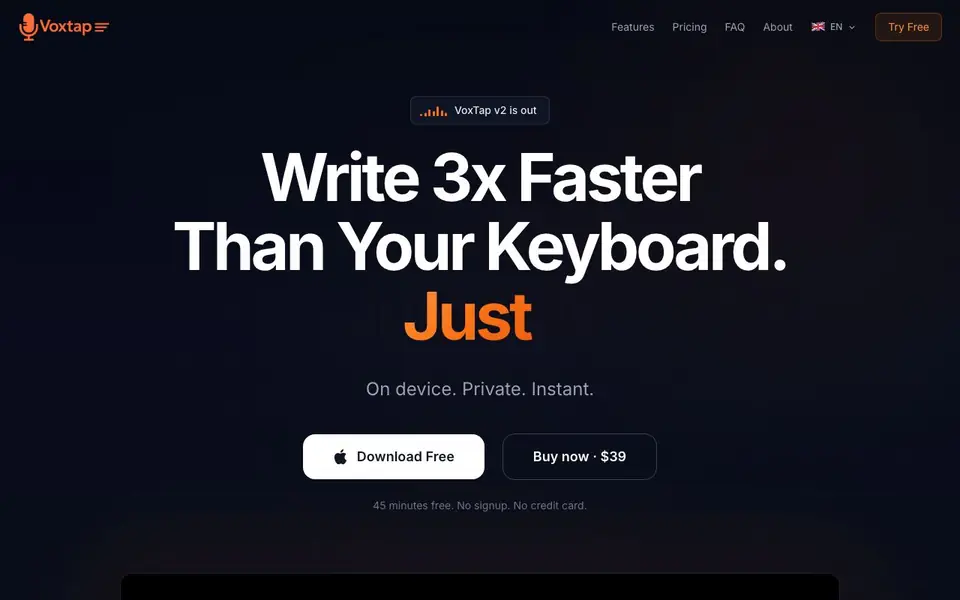
VoxTap is a Mac app that turns your speech into text at the cursor, system-wide. It works in any app with a text field, from code editors to Slack and Notion. The AI runs entirely on your device, so your voice never leaves your Mac. You get a global hotkey, instant transcription, and a searchable history of everything you've dictated.
Getting started is simple: download the app, press the hotkey, and start talking. There's no setup or model selection. The free version gives you 45 minutes of dictation without signing up. The paid version, $39 lifetime, unlocks all features and updates. VoxTap v2 adds a My Vocabulary feature that learns your specific terms, like brand names and project jargon, and corrects them in every transcription.
VoxTap suits developers, writers, and anyone who types a lot. It's especially useful for dictating detailed prompts to AI coding agents. The maker reports 90%+ accuracy from real users and supports English, German, French, and Ukrainian. It's built by one person, and support emails go directly to them.
VoxTap features
- Global hotkey: Press one key to start dictation anywhere on your Mac.
- On-device AI: Your voice is processed locally, never uploaded to a server.
- My Vocabulary: Teach it your terms once, and it corrects them in all transcriptions.
- Searchable history: Find any past transcription by keyword, date, or duration.
- Filler Word Filter: Optionally remove filler words like 'um' and 'uh' from your text.
What you can do with VoxTap
- Dictate code comments and documentation without touching the keyboard.
- Give detailed voice prompts to AI coding agents like Claude Code.
- Transcribe meeting notes directly into Notion or Slack.
- Write long documents or emails by speaking instead of typing.
How to get started with VoxTap
- Download VoxTap from the website and install it on your Mac.
- Press the global hotkey to start dictation in any app.
- Talk, and your words appear as text at the cursor; stop to finish.
Tips for better results with VoxTap
- Press the global hotkey in any app with a text field, then speak naturally. VoxTap transcribes at the cursor, so you can dictate into code editors, Slack, or Notion without switching windows.
- Use VoxTap's My Vocabulary feature to teach it your brand names, tech stack terms, and project jargon. It corrects these in every transcription, so you don't have to fix them manually each time.
- Dictate detailed prompts to AI coding agents like Claude Code. VoxTap captures full context, including error messages and line numbers, which helps the agent understand the issue on the first try.
- Enable the Filler Word Filter if you want clean text without 'um' or 'uh'. VoxTap also lets you recolor the overlay to match your workspace, so it stays unobtrusive while you work.
VoxTap pricing
VoxTap has a free way to start, with paid plans for heavier use. Check voxtap.app for current limits and prices.
What to check before you rely on VoxTap
- Check that your Mac meets the system requirements for on-device AI processing, since VoxTap runs entirely locally and doesn't upload your voice to any server.
- Verify the free 45-minute limit covers your typical dictation volume. The website doesn't state whether you can extend free usage without upgrading to the $39 lifetime plan.
- Confirm the languages you need are supported. VoxTap lists English, German, French, and Ukrainian, but the site doesn't specify if other languages are planned or available.
Who VoxTap is for
VoxTap suits developers, writers, productivity enthusiasts and Mac users. If that is not you, the AI transcription tools below may fit better.
Similar tools compared with VoxTap
| Tool | What it is | Pricing |
|---|---|---|
| VoxTap | Offline voice-to-text for Mac | Freemium |
| Otter.ai | AI meeting notetaker and transcription tool | Freemium |
| Fireflies.ai | AI meeting assistant for transcription and notes | Freemium |
| Fathom | AI notetaker for online meetings | Freemium |
| Turboscribe | Unlimited audio and video transcription | Freemium |
VoxTap FAQ
Is VoxTap really free?
VoxTap offers a free download with 45 minutes of dictation, no signup or credit card required. After that, you can buy a lifetime license for $39.
Does VoxTap work offline?
Yes, VoxTap runs 100% on-device. Your voice is processed locally on your Mac, so it works offline and your audio never leaves your computer.
Which languages does VoxTap support?
The website states that VoxTap is available in English, German, French, and Ukrainian. It does not list other languages.
Can I use VoxTap with coding tools?
Yes, VoxTap works in any app with a text cursor, including VS Code, Cursor, Claude Code, and terminal. It's designed for giving detailed voice prompts to AI agents.
Does VoxTap export my transcriptions to other apps?
VoxTap works system-wide, so you can dictate directly into any app with a text field, like Slack, Notion, or code editors. The website doesn't mention a separate export feature. For specifics, check the app's documentation or contact support.
What devices and platforms does VoxTap run on?
VoxTap is a Mac app, so it runs on macOS. The website doesn't mention Windows, Linux, or mobile versions. If you need it on another platform, check the official site or contact the developer for updates.
What does VoxTap's free plan include?
The free plan gives you 45 minutes of dictation without signing up or entering a credit card. It includes the global hotkey, on-device AI, and searchable history. Paid features like My Vocabulary and Filler Word Filter are part of the $39 lifetime plan.


