
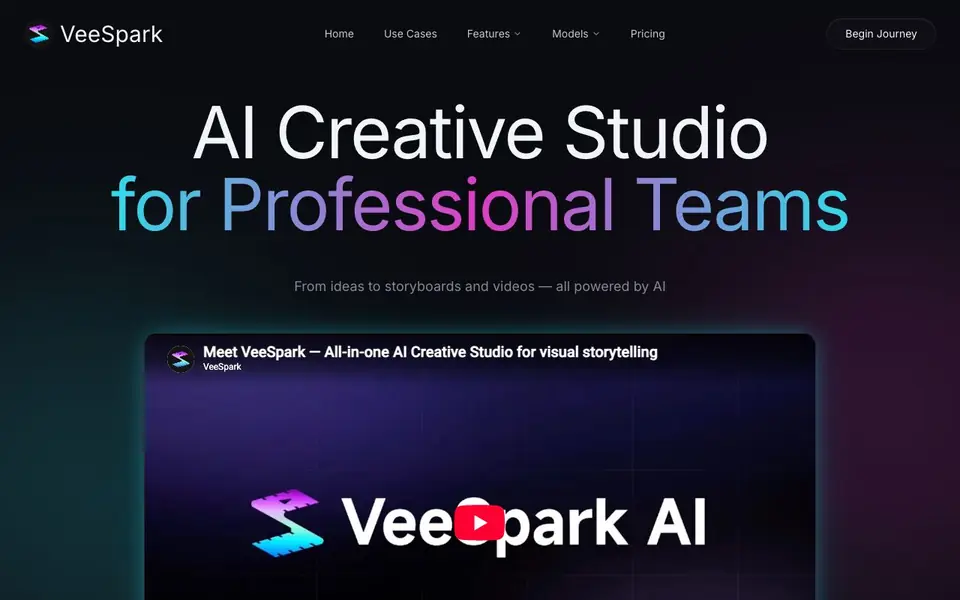
What is VeeSpark?
VeeSpark is an all-in-one AI creative studio built for professional teams. It helps you turn ideas into storyboards, videos, and animations without needing design skills. The platform combines several AI tools in one place, so you can move from a script to a finished visual piece quickly.
You start by entering text, and VeeSpark's AI scene generator creates dynamic scenes with consistent characters and cinematic flow. You can choose from multiple AI image models to match your creative style, generate high-quality videos, and edit or refine your storyboards. Character consistency keeps your story clear from beginning to end, which is useful for longer projects.
VeeSpark is suited for educators, marketers, and content creators. It offers specialized generators for commercial videos, animations, storyboards, movie pitch decks, social media content, and ad creative decks. The website does not state specific pricing details, so you would need to check their pricing page for that information.
VeeSpark features
- AI Image Generation: Choose from multiple AI image models to match your creative style.
- AI Video Generation: Generate consistent, high-quality AI videos effortlessly.
- AI Image Editing: Edit, refine, and collaborate on your storyboards with ease.
- Character Consistency: Keep your story consistent and clear from beginning to end.
- AI Storyboard Generation: Transform script ideas into AI-powered storyboards instantly with cinematic flow.
What you can do with VeeSpark
- Create compelling AI commercial content and animate product images into stunning scenes.
- Generate cinematic animations, Japanese anime, children's story books, and explainer videos.
- Turn raw ideas into cinematic storyboards in minutes with AI-powered script expansion.
- Turn film or business ideas into cinematic pitch decks with AI-generated storyboards.
How to get started with VeeSpark
- Go to VeeSpark's website and click 'Begin Journey' or 'Start Creating Now'.
- Enter your script or idea into the AI scene generator.
- Choose your preferred AI image model and generate your storyboard or video.
Tips for better results with VeeSpark
- Start with a detailed script or prompt, because VeeSpark's scene generator builds visuals from your text, so the more specific you are, the more accurate the storyboard and video output will be.
- Use VeeSpark's character consistency feature for longer projects by locking in your character descriptions early, which keeps your story visually coherent from the first scene to the last.
- Experiment with the multiple AI image models in VeeSpark to find the one that best matches your creative style, then stick with it across your project for a unified look.
- Refine your storyboards in VeeSpark's image editor before generating final videos, since editing and collaborating at the storyboard stage saves time and avoids redoing full video renders.
VeeSpark pricing
VeeSpark’s homepage does not list prices. Check veespark.com for current plans.
What to check before you rely on VeeSpark
- Check VeeSpark's pricing page directly, because the website does not list any plan costs, so you need to confirm what you would pay before committing to a workflow.
- Verify whether VeeSpark's outputs are copyright-safe for commercial use, since the FAQ mentions this topic but the website does not provide a clear answer.
- Confirm what export formats and resolution VeeSpark supports for videos and images, as the website does not state these details, which matters if you need specific files for delivery.
Who VeeSpark is for
VeeSpark suits educators, marketers, content creators and professional teams. If that is not you, the AI video generators below may fit better.
Similar tools compared with VeeSpark
| Tool | What it is | Pricing |
|---|---|---|
| VeeSpark | AI creative studio for storyboards and videos | See website |
| SiVideoGen | AI video generator with multiple models | Freemium |
| FreeSiTools | Free AI image prompt generator | Free |
| SiVideoAPI | Unified API for top AI video models | Freemium |
| Runway | AI video, image, and audio creation suite | Freemium |
VeeSpark FAQ
What is VeeSpark?
VeeSpark is an all-in-one AI creative studio for professional teams. It helps you create storyboards, videos, and animations from text, with features like character consistency and multiple AI models.
Are VeeSpark's outputs copyright-safe for commercial use?
The website mentions a FAQ question about copyright-safe outputs for commercial use, but it does not provide the answer on the homepage. You would need to check their FAQ section or contact support for details.
Can teams collaborate on VeeSpark?
Yes, VeeSpark is designed for professional teams. The AI Image Editing feature lets you edit, refine, and collaborate on storyboards with ease, which suggests team collaboration is supported.
How does VeeSpark generate storyboards and scripts?
You enter text, and the AI scene generator creates dynamic scenes with consistent characters and cinematic flow. It also offers AI-powered script expansion and frame-by-frame control for storyboards.
What can VeeSpark export or connect to?
The VeeSpark website does not mention specific export formats or integrations with other tools. To find out what you can export or connect, check the platform's documentation or contact their support team.
Does VeeSpark have a free plan?
The VeeSpark website does not state whether it offers a free plan. Pricing details are not listed on the site, so you would need to visit their pricing page or contact them directly to see what plans are available.
Can I use VeeSpark on a mobile device?
The VeeSpark website does not mention whether it is available on mobile devices or which platforms it supports. For information about device compatibility, check the site's FAQ or reach out to their support team.


