
What is TransGull?
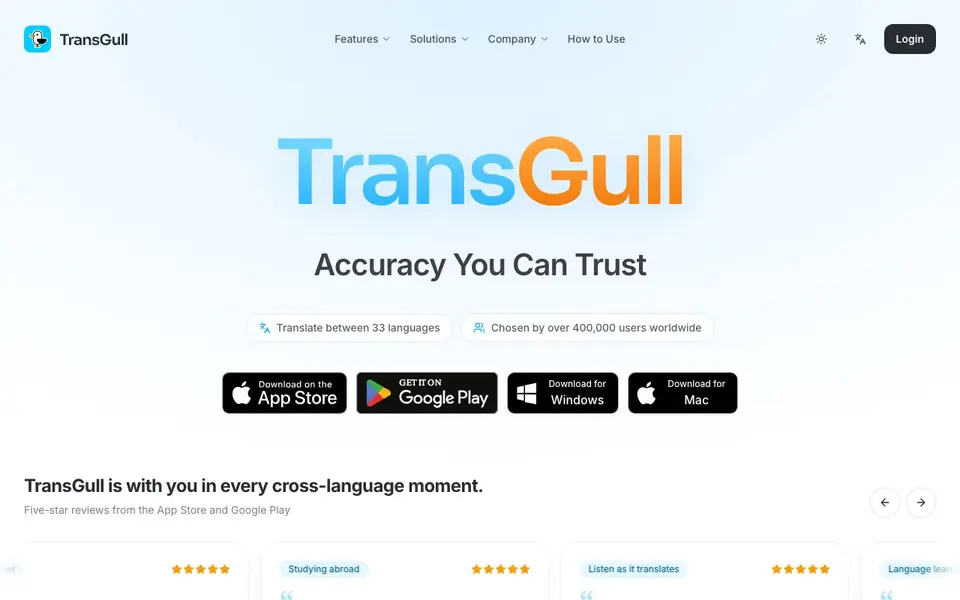
TransGull is an AI-powered translation tool designed to handle real-world cross-language moments. It translates between 33 languages and is used by over 400,000 people worldwide. The app focuses on accuracy and natural phrasing, especially for conversations, making it a practical companion for travel, study, and everyday communication.
You can use TransGull for voice translation during live conversations, with audio played through earphones so you don't need to read the screen. It also translates videos directly, producing subtitles that help with comprehension and language practice. For images, it processes screenshots or photos quickly, translating text within them. The app works on Windows and Mac, and you can download it from the App Store or Google Play.
TransGull suits travelers, international students, language learners, and fans following foreign content. Reviews highlight its accuracy in noisy environments, natural conversational phrases, and fast processing. The app uses a credit system, so you pay only for what you use rather than a monthly subscription. Support responds quickly to issues, and updates are frequent.
TransGull features
- Real-time conversation translation: Translates spoken dialogue between 33 languages with high accuracy, even in noisy settings.
- Audio output through earphones: Hear translations spoken aloud, so you don't have to keep looking at the screen.
- Direct video translation: Translates video content and generates subtitles, saving you from screenshot-by-screenshot work.
- Image translation: Processes text within images quickly, useful for signs, documents, or screenshots.
- Context-aware phrasing: Uses conversational expressions and understands context for more natural, fluent translations.
What you can do with TransGull
- Translate tour guide explanations in real time while traveling abroad.
- Understand university lectures and conversations when studying in a foreign country.
- Follow favorite idols' live streams or videos with real-time Spanish subtitles.
- Practice listening comprehension in a new language using translated video subtitles.
How to get started with TransGull
- Download TransGull for Windows or Mac from the website, or get it from the App Store or Google Play.
- Choose your source and target languages from the 33 supported options.
- Start a conversation, open a video, or upload an image to get instant translations with audio playback.
Tips for better results with TransGull
- Use TransGull with earphones for live conversations so you hear translations aloud and can keep eye contact, which works well even in noisy settings.
- For video content, let TransGull generate subtitles directly instead of translating screenshots, saving time and giving you text to review for language practice.
- Speak clearly into the microphone when using TransGull for voice translation, as accurate input improves the natural phrasing of the output in all 33 languages.
- When translating images, crop or zoom into the text region before processing so TransGull captures the wording quickly and reduces errors from background clutter.
TransGull pricing
TransGull is a paid product. Check transgull.com for current plans and whether a demo or trial is offered.
What to check before you rely on TransGull
- Check the credit system details on the TransGull website, since pricing is listed as paid but specific credit costs and purchase options are not stated there.
- Verify which of the 33 languages you need are supported for voice, video, and image translation, as the website lists languages but not per-feature coverage.
- Review the privacy policy for how your audio, video, and image data is handled, because the website does not clearly state data retention or sharing practices.
Who TransGull is for
TransGull suits travelers, international students, language learners and fans of foreign media. If that is not you, the AI translation tools below may fit better.
Similar tools compared with TransGull
| Tool | What it is | Pricing |
|---|---|---|
| TransGull | AI translation app for voice, video, and images | Paid |
| DeepL | AI translation platform for text, voice, and documents | Freemium |
| Wordtune | AI writing and paraphrasing assistant | Freemium |
| AI Manga Translator | AI manga and comic translator | Freemium |
| AI Manga Translator | AI manga and comic image translator | Freemium |
TransGull FAQ
What does TransGull do?
TransGull is an AI translation app that handles voice conversations, videos, and images. It translates between 33 languages in real time, with audio output so you can listen to translations through earphones.
How much does TransGull cost?
The website mentions a credit-based payment system, where you pay only for what you use, rather than a monthly subscription. Specific credit prices are not listed on the site, so check the app store for current rates.
Who is TransGull for?
It's built for travelers, international students, language learners, and people following foreign content like idol videos or tutorials. Reviews mention using it for tours, university, and watching videos in other languages.
Can I translate videos and images with TransGull?
Yes. TransGull translates videos directly and generates subtitles, and it also processes text within images. Users highlight that both work quickly and produce natural-sounding translations.
Does TransGull require an account to use?
TransGull's website does not mention whether an account is required. You can check the app's download page or contact support for confirmation. The app is available on Windows, Mac, the App Store, and Google Play, so you can start there.
What devices and platforms does TransGull support?
TransGull works on Windows and Mac computers, and you can download it from the App Store or Google Play for mobile devices. The website does not list other platforms, so if you need a specific device, check the official download links or contact support.
Can TransGull export translations or integrate with other apps?
TransGull's website does not mention any export options or integrations with other apps. It focuses on translating conversations, videos, and images directly within the app. For details on exporting or connecting to other tools, you would need to check the app's settings or contact support.


