

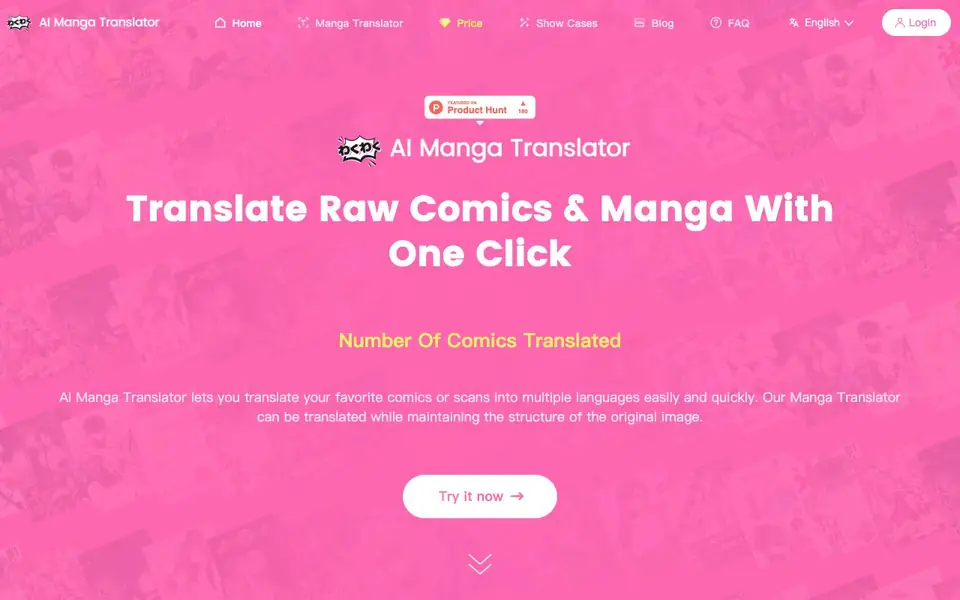
What is AI Manga Translator?
AI Manga Translator is an online tool that translates raw comics and manga images into multiple languages. It uses AI-powered text detection and translation to keep the original image structure intact. You can upload scans or screenshots and get translated versions quickly, without needing to manually edit text.
To use it, you open the tool, select your desired language, and click 'Translate'. The AI detects text in the image, translates it, and replaces it in place, preserving the artwork. It supports all languages available through Deepl and Google, and you can translate vertical text and images as well.
It's suitable for manga fans, translators, and anyone who wants to read comics in another language. The website mentions a free plan with 3 free translations per week, and paid plans for more translations. Note that translations cannot be modified after they are generated.
AI Manga Translator features
- One-click translation: Upload your manga image and translate it with a single click.
- Preserves original artwork: The tool maintains the image structure and layout during translation.
- Multiple language support: Works with all languages supported by Deepl and Google.
- Vertical text handling: Can translate vertical text and images commonly found in manga.
- Fast and accurate: AI-powered translation is quick and reliable for professional-grade results.
What you can do with AI Manga Translator
- Translate raw manga scans into your preferred language for personal reading.
- Convert comic images for sharing with international audiences.
- Read untranslated manga chapters by uploading screenshots.
- Translate vertical text in manga panels without manual editing.
How to get started with AI Manga Translator
- Open the AI Manga Translator website and log in or sign up.
- Upload your manga or comic image file.
- Select your desired language and click 'Translate' to get the translated image.
Tips for better results with AI Manga Translator
- Upload clean, high-resolution scans to AI Manga Translator so the text detection reads characters accurately and the translation stays aligned with the artwork.
- Use AI Manga Translator for vertical text panels, which it handles automatically, but crop out page borders or noise before uploading to avoid misreading.
- Test your target language on a single panel first to confirm the output quality, since translations cannot be edited after generation.
- Save your three free weekly translations for short pages or screenshots, and batch your work to stay within the free plan limits.
AI Manga Translator pricing
AI Manga Translator has a free way to start, with paid plans for heavier use. Check aimangatranslator.com for current limits and prices.
What to check before you rely on AI Manga Translator
- Check the pricing page for exact paid plan costs and translation credit amounts, since the website does not list specific prices on the main page.
- Verify whether the free plan resets weekly and whether unused translations carry over, as the site only states 3 free translations per user per week.
- Confirm the export format and whether you can download translated images in your original file type, as the website does not specify output formats.
Who AI Manga Translator is for
AI Manga Translator suits manga readers, comic translators, language learners and content creators. If that is not you, the AI translation tools below may fit better.
Similar tools compared with AI Manga Translator
| Tool | What it is | Pricing |
|---|---|---|
| AI Manga Translator | AI manga and comic image translator | Freemium |
| DeepL | AI translation platform for text, voice, and documents | Freemium |
| Wordtune | AI writing and paraphrasing assistant | Freemium |
| AI Manga Translator | AI manga and comic translator | Freemium |
| AI Subtitle Translator | AI subtitle translator for video files | Freemium |
AI Manga Translator FAQ
Can I use AI Manga Translator for free?
Yes, the website offers a free plan with 3 free translations per user per week. Each translation uses LLM tokens, so additional translations require a paid plan.
How do I translate raw manga?
Open the tool, select your desired language, and click 'Translate'. The AI detects text in the image, translates it, and replaces it while preserving the artwork.
Which languages are supported?
The tool supports all languages supported by Deepl and Google, which covers a wide range of languages for translation.
Can I modify a translation after it's done?
No, the website states that it is not possible to modify a translation. It uses Deepl Translation for high accuracy, but you cannot edit the output.
Does AI Manga Translator require an account to use?
AI Manga Translator offers a free plan with 3 translations per week, but the website does not specify whether you need to create an account to access that free plan. To check the current sign-up requirements, visit the pricing or login section on the official site.
What image formats can I upload to AI Manga Translator?
The website does not list specific image formats for AI Manga Translator. It mentions uploading scans or screenshots, but for exact file type support, check the tool's upload interface or contact support through the site.
Can I use AI Manga Translator on my phone or tablet?
AI Manga Translator is described as an online tool, so it likely works in a mobile browser, but the website does not explicitly confirm device support. To verify, try opening the site on your device or check the FAQ or help pages for more details.


