

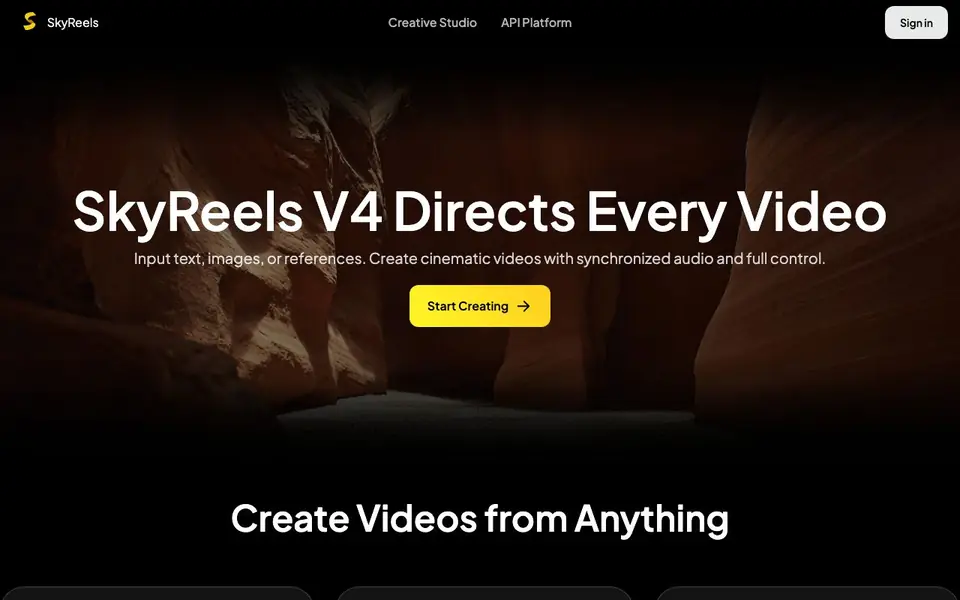
What is SkyReels?
SkyReels is an AI video creation studio that generates complete videos from your inputs. You can start with a text prompt, an image, or even multiple references like video clips and audio. The tool handles motion, camera movement, sound, and storytelling in one go, so you get a finished video rather than just raw footage.
You describe your idea or upload your media, and SkyReels produces a video with cinematic motion and included audio. For image inputs, it adds natural movement and smooth transitions. The Omni Reference mode lets you use image, video, and audio references together to keep characters consistent and maintain story continuity across scenes.
The platform is built for storytelling. It emphasizes directing rather than just generating, with features like audio-first generation, smarter shot transitions, and multimodal control. There is also an API platform for developers who want to integrate video generation into their own products. The website does not state pricing details, so you would need to check the API pricing page or sign in to see plan options.
SkyReels features
- Text to video: Describe an idea and get a cinematic video with motion, sound, and storytelling.
- Image to video: Turn a still image into a dynamic video with natural motion and camera control.
- Omni reference: Use image, video, and audio references to control characters and style.
- Audio included: Generate video and sound together instead of adding audio separately.
- Shot transitions: Create natural, cinematic sequences across multiple shots.
What you can do with SkyReels
- Create story-driven videos from a simple text description.
- Turn product images into animated promotional clips with sound.
- Keep characters consistent across scenes using reference videos and audio.
- Direct a full video sequence with multimodal inputs for precise control.
How to get started with SkyReels
- Go to the SkyReels website and choose between Creative Studio or API Platform.
- Select your input type: text, image, or Omni Reference with multiple media files.
- Generate your video and review the output, adjusting references or prompts as needed.
Tips for better results with SkyReels
- Start with a clear text prompt that describes the scene, action, and mood, since SkyReels generates motion, sound, and storytelling from your words alone.
- Use Omni Reference mode in SkyReels by uploading an image, video, and audio clip together to keep characters consistent and maintain story continuity across multiple scenes.
- For image inputs, describe the camera movement you want, such as a slow zoom or pan, so SkyReels adds natural motion and smooth transitions that match your direction.
- Generate audio and video together in SkyReels rather than adding sound later, so the soundtrack syncs with the visuals and the final clip feels complete.
- Experiment with different reference combinations in SkyReels, like a character image plus a voice clip, to see how multimodal inputs change the style and pacing of the output.
SkyReels pricing
SkyReels’s homepage does not list prices. Check skyreels.ai for current plans.
What to check before you rely on SkyReels
- Check the API pricing page or sign in to see plan costs, since the website does not state any pricing details for SkyReels.
- Verify whether your intended use case is covered by the Creative Studio or requires the API platform, as features may differ between them.
- Confirm the export formats and resolution options before relying on SkyReels for final delivery, because the website does not list these specifications.
- Review the service terms and privacy policy to understand data handling, since the site does not explain how your uploaded media is stored or used.
Who SkyReels is for
SkyReels suits filmmakers, content creators, marketers and developers. If that is not you, the AI video generators below may fit better.
Similar tools compared with SkyReels
| Tool | What it is | Pricing |
|---|---|---|
| SkyReels | AI video generator with audio and references | See website |
| SiVideoGen | AI video generator with multiple models | Freemium |
| FreeSiTools | Free AI image prompt generator | Free |
| SiVideoAPI | Unified API for top AI video models | Freemium |
| Runway | AI video, image, and audio creation suite | Freemium |
SkyReels FAQ
What can SkyReels create?
SkyReels creates videos from text prompts, images, or a combination of image, video, and audio references. The output includes motion, camera movement, and synchronized audio, so you get a complete cinematic video.
Does SkyReels include audio in videos?
Yes. SkyReels generates video and sound together rather than separately. This means the audio is synchronized with the visuals from the start, which is useful for storytelling and scene continuity.
Is SkyReels free to use?
The website does not state whether there is a free plan or trial. Pricing information is not shown on the homepage, so you would need to sign in or check the API pricing page for details.
Who is SkyReels for?
SkyReels suits storytellers, content creators, and filmmakers who want cinematic videos without complex editing. The API platform also serves developers who want to build video generation into their own applications.
What can SkyReels export or connect to?
The SkyReels website does not list specific export formats or external integrations beyond its API platform for developers. You can check the API documentation or sign in to the Creative Studio to see what output options are available for your generated videos.
Which devices or platforms does SkyReels run on?
SkyReels is a web-based platform, so you access it through a browser on any device with an internet connection. The website does not mention dedicated mobile apps or desktop software, so you would need to check the site or contact support for any platform-specific details.
Does SkyReels require an account to use it?
The SkyReels website shows a Sign in option and mentions signing in to see plan options, which suggests you need an account to create videos. The site does not state whether a free trial or guest access exists, so you would need to try signing up or check the pricing page for more details.


