

What is RenderLion?
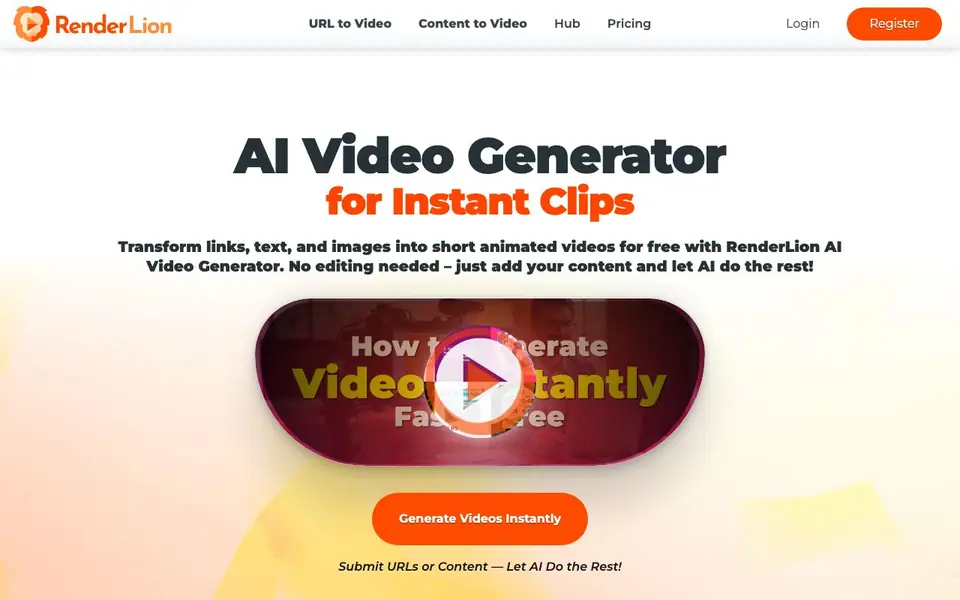
RenderLion is a free AI video generator that turns your text, images, or URLs into short animated videos. You don't need editing skills. Just submit your content, and the AI handles the rest, producing clips ready for social media, marketing, or presentations.
To use it, you submit your content—text, images, or a link. Then you customize with styles, effects, voiceovers, and music. The tool generates animated previews for you to choose from. After picking one, you render it in the size you need and download it instantly.
It suits marketers, content creators, business owners, and social media managers. You can add your logo, colors, and fonts to keep a consistent brand look. The site says it's free to use, and over 811,900 short videos have been generated so far.
RenderLion features
- Instant videos: Turn ideas into short videos in seconds, ideal for marketing or social posts.
- Pure simplicity: Upload content, pick a style, and let AI handle the editing for you.
- Brand focused: Add your logo, colors, and fonts to keep videos on-brand.
- Multi-format generator: Create square, portrait, or landscape videos for different platforms.
- Generate freely: Use the tool without cost, so you can experiment as much as you like.
What you can do with RenderLion
- Turn a blog post into an animated video for social media.
- Create product showcase clips from images and text.
- Make a job listing into a short animated announcement.
- Generate a branded video from your logo and brand assets.
How to get started with RenderLion
- Submit your content—text, images, or a URL—on the AI Video Generator tool.
- Customize your video with styles, effects, voiceovers, and music.
- Generate previews, choose one, render it in your preferred size, and download it.
Tips for better results with RenderLion
- Start with a clear, concise text description or a high-quality image to give RenderLion a strong foundation for generating your animated video.
- Experiment with different styles, effects, voiceovers, and music in RenderLion to see which combination best matches your brand and message.
- Use RenderLion's brand customization options to add your logo, colors, and fonts, ensuring every video you create maintains a consistent professional look.
- Generate multiple animated previews with RenderLion before rendering, so you can compare options and pick the one that best fits your platform and audience.
- checks
RenderLion pricing
RenderLion is free to use according to its website.
What to check before you rely on RenderLion
- Confirm whether RenderLion's free plan includes unlimited video generations or if there are hidden usage caps, since the website does not specify any limits.
- Check if RenderLion offers watermark-free downloads or if your exported videos include a RenderLion logo, as this detail is not stated on the site.
- Verify what export formats and resolution options RenderLion provides beyond the square, portrait, and landscape sizes, since the site does not list specific file types.
Who RenderLion is for
RenderLion suits marketers, content creators, business owners and social media managers. If that is not you, the AI video generators below may fit better.
Similar tools compared with RenderLion
| Tool | What it is | Pricing |
|---|---|---|
| RenderLion | AI video maker for instant clips | Free |
| SiVideoGen | AI video generator with multiple models | Freemium |
| FreeSiTools | Free AI image prompt generator | Free |
| SiVideoAPI | Unified API for top AI video models | Freemium |
| Runway | AI video, image, and audio creation suite | Freemium |
RenderLion FAQ
What is RenderLion AI Video Generator?
It's a free AI tool that turns text, images, URLs, and other content into short animated videos. You don't need editing skills—just input your content, and the AI creates the video for you.
Is RenderLion really free?
Yes, the website says the AI Video Generator is free to use. It mentions 'Generate Freely' and 'without cost,' so you can create videos without paying.
Who can use RenderLion?
Anyone, according to the site. It's for marketers making ads, content creators and influencers, businesses needing product videos or announcements, and social media managers wanting short animated clips.
What can I make with RenderLion?
You can turn social media posts, product showcases, announcements, news, blog posts, and even animated logos into videos. The tool supports text, images, and URLs as input.
Can RenderLion export videos in different aspect ratios for platforms like Instagram or YouTube?
Yes, RenderLion lets you generate square, portrait, or landscape videos, so you can match the format to platforms like Instagram, YouTube, or TikTok. You choose the size when rendering, and then download the video instantly. The website doesn't list specific export file types, so check the tool after logging in.
Does RenderLion require me to create an account before I can generate videos?
The RenderLion website has Login and Register buttons, which suggests you need an account to use the tool. The site doesn't explicitly state whether you can try it without signing up. To be sure, visit the site and look for a guest or trial option, or register to start generating.
What does the free plan on RenderLion include, and are there any limits on video length or number of videos?
RenderLion is labeled as free, and the site says you can generate videos without cost and experiment as much as you like. It doesn't mention any limits on video length or the number of videos you can create. For specific details on usage limits, check the Pricing page or your account dashboard after registering.


