

What is Reclaim?
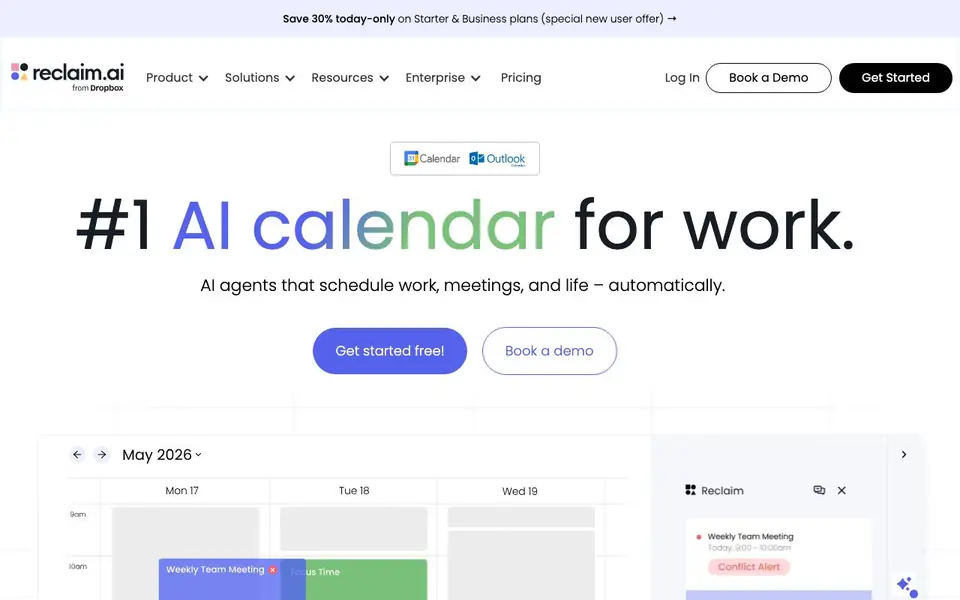
Reclaim is an AI calendar app that helps you and your team manage time better. It automatically schedules tasks, habits, meetings, and breaks, aiming to create more focus time and reduce wasted hours. The tool works with Google Calendar and Outlook Calendar, and it is trusted by over 600,000 users across 70,000 companies.
You start by connecting your calendar and setting your goals, like how much focus time you want each week. Reclaim then uses AI to defend that time, scheduling tasks by priority, flexing habits around your availability, and optimizing meetings. You can also use AI scheduling links to share your availability, and sync your calendar with Slack to reduce interruptions.
Reclaim suits individuals, teams, and enterprises. For teams, it offers shared policies, analytics dashboards, and company-wide initiatives to improve meeting culture. The website mentions a free plan to get started, with paid plans available for more features.
Reclaim features
- AI Focus Time: Set a weekly goal and Reclaim auto-defends blocks for deep work.
- AI Habits: Recurring events that flex and find time in your schedule automatically.
- AI Tasks: Sync and schedule tasks to your calendar by priority, without manual effort.
- AI Scheduling Links: Share your availability with AI to book meetings 524% more often.
- AI Smart Meetings: Flexibly schedule and optimize internal meetings to reduce conflicts.
What you can do with Reclaim
- Protect your focus time for deep work each week.
- Reduce meeting overload by letting AI optimize your schedule.
- Automate daily planning and buffer time between tasks.
- Track your team's meeting load and time loss with analytics.
How to get started with Reclaim
- Sign up for free on Reclaim's website and connect your Google or Outlook calendar.
- Set your focus time goals and add tasks or habits to your schedule.
- Let Reclaim's AI agents auto-schedule and adjust your calendar as priorities change.
Tips for better results with Reclaim
- Set a weekly focus time goal in Reclaim and let it defend those blocks automatically; adjust the goal as your priorities shift to keep deep work protected.
- Use Reclaim's AI Tasks to sync your to-do list and schedule tasks by priority, so important work lands on your calendar without manual dragging.
- Create AI Habits for recurring activities like exercise or admin time; Reclaim will flex them around your meetings instead of canceling them.
- Share your Reclaim scheduling link instead of a traditional booking tool, and let the AI propose times that match your availability and preferences.
Reclaim pricing
Reclaim has a free way to start, with paid plans for heavier use. Check reclaim.ai for current limits and prices.
What to check before you rely on Reclaim
- Check whether the free plan covers the features you need, like AI Tasks or Smart Meetings, since the website doesn't list limits for the free tier.
- Verify that Reclaim supports your calendar platform; it works with Google and Outlook, but the site doesn't mention other calendar services.
- Review the privacy policy for how your calendar data is used for analytics or ads, as the site uses cookies and doesn't state data handling details.
Who Reclaim is for
Reclaim suits individuals, teams, enterprises and engineering teams. If that is not you, the AI productivity tools below may fit better.
Similar tools compared with Reclaim
| Tool | What it is | Pricing |
|---|---|---|
| Reclaim | AI calendar for work and life | Freemium |
| Mem | AI chief of staff and workspace | See website |
| Otter.ai | AI meeting notetaker and transcription tool | Freemium |
| Motion | AI-powered productivity and project platform | Free trial |
| Superhuman | AI productivity suite for mail, docs, and more | See website |
Reclaim FAQ
Is Reclaim free to use?
Yes, Reclaim offers a free plan to get started. The website also mentions paid Starter and Business plans, with a special new user offer. For specific pricing details, check their pricing page.
What calendars does Reclaim work with?
Reclaim integrates with Google Calendar and Outlook Calendar. You can sync your tasks and block notifications on Slack as well. The website mentions connecting your existing calendar to get started.
Who is Reclaim for?
Reclaim is for individuals, teams, and enterprises. It helps engineers protect coding time, sales teams book deals sooner, and HR improve employee well-being. It's designed for anyone who wants to manage their time better.
Can Reclaim help reduce meetings?
Yes, Reclaim's AI can optimize meetings by flexibly scheduling internal meetings and detecting meeting overload. It also offers features like no-meeting days and buffer time to reduce interruptions.
What can Reclaim export or connect to besides Google Calendar and Outlook?
Reclaim connects to Google Calendar and Outlook Calendar, and it also syncs with Slack to update your status. The website does not mention other export or integration options, so check the Reclaim website or contact support for the latest list of available connections.
Which devices or platforms does Reclaim run on?
Reclaim is a web-based app, so you can access it from any device with a browser, like a computer, tablet, or phone. The website does not mention dedicated mobile apps, so check the Reclaim website or app stores to see if they offer native apps for iOS or Android.
What does the Reclaim free plan include?
Reclaim offers a free plan to get started, which lets you connect your calendar and use basic AI scheduling features. The website does not list the exact limits of the free plan, so check the Reclaim pricing page for details on what's included and what requires a paid plan.


