

What is Pullsy?
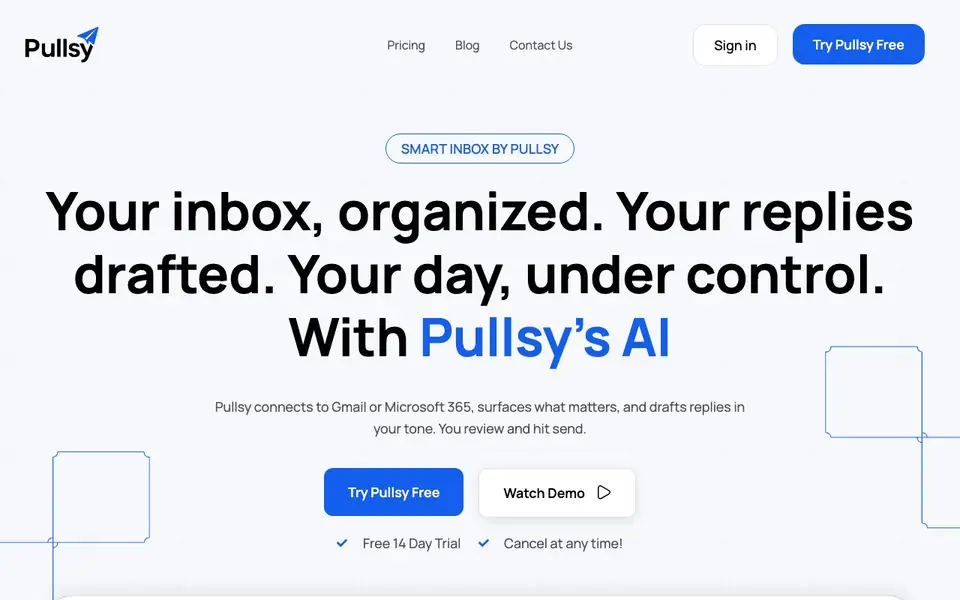
Pullsy is an AI email assistant that connects to your Gmail or Microsoft 365 account. It automatically labels and sorts your messages, highlights what matters most, and drafts replies in your voice. You review each suggestion and send with one click, saving time and reducing inbox stress.
Once you connect your accounts, Pullsy scans your inbox and identifies key items: questions that need answers, tasks to confirm or decline, scheduling needs, and requested documents. It then drafts context-aware responses with tone options like Professional, Friendly, or Quick. You can also chat with your inbox to search, filter, and understand emails faster.
The tool gives you a daily summary of new messages, top tasks, and upcoming meetings, so you start your day with clarity. Pullsy is Google OAuth verified, GDPR compliant, and has SOC Type 2 in process. It offers a free 14-day trial with no credit card required, and you can cancel anytime.
Pullsy features
- Smart labeling: Automatically sorts and labels your emails to reduce clutter.
- Context-aware replies: Drafts responses that address questions, tasks, and scheduling directly.
- Tone options: Choose Professional, Friendly, or Quick to match your style.
- Inbox highlights: Surfaces important messages so you never miss critical updates.
- Daily summary: Gives you an overview of new messages, tasks, and meetings each day.
What you can do with Pullsy
- Clear a backlog of unread emails in minutes with AI-drafted replies.
- Prepare for meetings by reviewing upcoming events and related emails.
- Respond to customer inquiries faster with one-click suggested replies.
- Stay on top of action items like document requests and scheduling needs.
How to get started with Pullsy
- Sign up for a free 14-day trial on Pullsy's website.
- Connect your Gmail or Microsoft 365 account.
- Let Pullsy organize your inbox and start reviewing its suggested replies.
Tips for better results with Pullsy
- Connect both your Gmail and Microsoft 365 accounts to Pullsy so it can scan all your messages and surface the most important ones for you.
- Before sending a draft, review Pullsy's suggested reply and adjust the tone to Professional, Friendly, or Quick to match your recipient.
- Use Pullsy's chat feature to ask questions about your inbox, like finding emails from a specific sender or summarizing a long thread.
- Check Pullsy's daily summary each morning to see new messages, top tasks, and upcoming meetings, then prioritize your actions from there.
Pullsy pricing
Pullsy offers a free trial before you pay. Check pullsy.com for current plans.
What to check before you rely on Pullsy
- Confirm whether the 14-day trial requires a credit card or auto-renews after it ends, since the website only says cancel anytime.
- Verify if Pullsy supports your email provider beyond Gmail and Microsoft 365, as the site does not list other platforms.
- Check what happens to your data after the trial or if you cancel, because the site does not state export or deletion options.
Who Pullsy is for
Pullsy suits professionals, busy managers and customer support teams. If that is not you, the AI productivity tools below may fit better.
Similar tools compared with Pullsy
| Tool | What it is | Pricing |
|---|---|---|
| Pullsy | AI email assistant for inbox management | Free trial |
| Mem | AI chief of staff and workspace | See website |
| Reclaim | AI calendar for work and life | Freemium |
| Otter.ai | AI meeting notetaker and transcription tool | Freemium |
| Motion | AI-powered productivity and project platform | Free trial |
Pullsy FAQ
What does Pullsy do?
Pullsy is an AI inbox manager that connects to Gmail, Outlook, and your calendar. It organizes messages, highlights important emails, and drafts replies in your tone so you can clear your inbox faster.
Is Pullsy safe to use?
Pullsy states it is Google OAuth verified and GDPR compliant, with SOC Type 2 in process. Your data security is a priority, but the site doesn't detail specific encryption or storage practices.
Do I need a credit card for the free trial?
No. Pullsy offers a free 14-day trial that does not require a credit card, and you can cancel at any time during the trial.
Can Pullsy draft replies for me?
Yes. Pullsy drafts context-aware replies that address questions, tasks, scheduling, and document requests. You can choose a tone—Professional, Friendly, or Quick—and send with one click.
Which email providers can I connect to Pullsy?
Pullsy connects to your Gmail or Microsoft 365 account. After you connect, it scans your inbox to label messages, highlight important ones, and draft replies. The website does not mention support for other email providers, so check Pullsy's site for any updates.
Does Pullsy have a mobile app?
Pullsy is described as an email assistant that works with your Gmail or Microsoft 365 account. The website does not mention a dedicated mobile app, so you may need to use it through a web browser. For the latest details on platforms, check the official Pullsy website.
Can I export data from Pullsy or integrate it with other tools?
Pullsy focuses on managing your inbox and drafting replies. The website does not mention export options or integrations beyond Gmail and Microsoft 365. For specific information about exporting or connecting to other apps, visit the Pullsy website or contact their support.


