

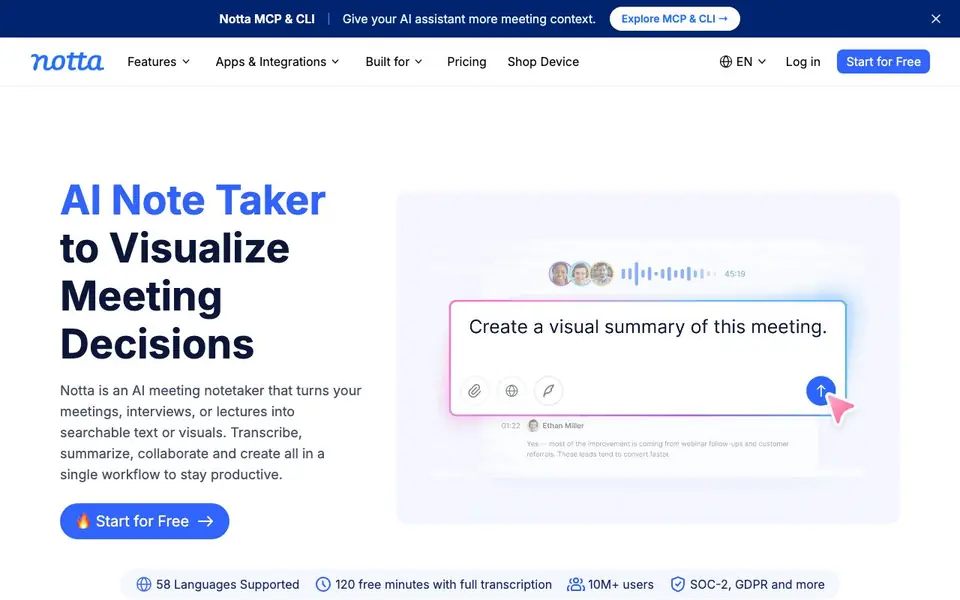
What is Notta?
Notta is an AI meeting note taker that records and transcribes conversations in 58 languages. It turns your meetings, interviews, or lectures into searchable text or visuals. You can transcribe, summarize, collaborate, and create all in one workflow.
You can take notes anywhere — in-person, online, or from uploaded files. Everything flows into one workspace for instant transcription and analysis. After recording, you can use Notta Brain to search across meetings, extract insights, and auto-generate deliverables like slides and infographics.
Notta suits executives, sales teams, consultants, researchers, and educators. It offers a free plan with 120 transcription minutes per month. Pro plans start at $8.17 per month billed annually. The site claims 98%+ accuracy and enterprise-grade security with SOC-2 and GDPR compliance.
Notta features
- 58 languages: Transcribe and translate meetings in 58 different languages.
- Notta Brain: Search across all your recordings to extract insights and generate deliverables.
- Presentation generation: Create ready-to-share PPT files from your meeting content.
- Infographic creation: Build structured visuals in about 5 seconds from your notes.
- Integrations: Export to Google Drive, Notion, Slack, Salesforce, and connect with Zoom, Teams, and Google Meet.
What you can do with Notta
- Record and transcribe in-person meetings for later review.
- Generate action plans from sales calls to follow up with customers.
- Turn client meetings into polished presentations and infographics.
- Analyze research interviews at scale to find key insights.
How to get started with Notta
- Sign up for a free account on Notta's website.
- Record a live meeting, join an online call, or upload an audio file.
- Review the transcript, ask Notta Brain for insights, and export or generate visuals.
Tips for better results with Notta
- Use Notta's 58-language support to transcribe meetings in multiple languages, then translate them to your preferred language for consistent review and analysis.
- Leverage Notta Brain to search across all your recordings for specific topics, extracting insights and generating deliverables like slides or infographics from the results.
- Upload pre-recorded audio or video files into Notta to transcribe interviews or lectures you didn't attend live, then summarize them for quick reference.
- After each meeting, use Notta to generate an action plan from the transcript, listing follow-up tasks and commitments to keep your team aligned.
Notta pricing
Notta has a free way to start, with paid plans for heavier use. Check notta.ai for current limits and prices.
What to check before you rely on Notta
- Verify your plan's transcription minute limits, as the free plan offers only 120 minutes per month and Pro pricing starts at $8.17 monthly billed annually.
- Confirm that Notta's integrations with your tools like Zoom, Teams, Google Meet, Slack, or Salesforce are set up correctly before relying on automatic meeting capture.
- Review Notta's data privacy and security policies, as the site claims SOC-2 and GDPR compliance but does not detail specific data retention or deletion options.
Who Notta is for
Notta suits executives, sales teams, consultants and researchers. If that is not you, the AI transcription tools below may fit better.
Similar tools compared with Notta
| Tool | What it is | Pricing |
|---|---|---|
| Notta | AI meeting note taker and transcriber | Freemium |
| Otter.ai | AI meeting notetaker and transcription tool | Freemium |
| Fireflies.ai | AI meeting assistant for transcription and notes | Freemium |
| Fathom | AI notetaker for online meetings | Freemium |
| Turboscribe | Unlimited audio and video transcription | Freemium |
Notta FAQ
Is Notta free to use?
Yes, there is a free plan that includes 120 transcription minutes per month. Paid Pro plans start at $8.17 per month when billed annually. You can start with a free trial without a credit card.
What languages does Notta support?
Notta supports transcription and translation in 58 languages. It currently generates content in English, Japanese, Chinese, Spanish, and German, among others.
How do I get started with Notta?
You just log in with your web browser and start recording. There is zero setup required. You can record, ask for insights, and create your first infographic within minutes.
Does Notta integrate with other tools?
Yes, Notta has native integrations with Zoom, Teams, and Google Meet. You can also export your notes to Google Drive, Notion, Slack, Salesforce, and more.
What can I export from Notta and where can I send my notes?
Notta lets you export your transcripts and deliverables to Google Drive, Notion, Slack, and Salesforce. You can also connect Notta to Zoom, Microsoft Teams, and Google Meet for automatic recording. For other export options, check the Notta website's integrations page.
Does Notta work on mobile devices or only in a web browser?
Notta is accessible through a web browser, as mentioned in a customer story. The website also mentions apps and integrations, but it doesn't specify which mobile platforms are supported. To see if there's a dedicated app for your phone, visit the Notta website's app section.
What does the free plan of Notta include besides 120 minutes?
The free plan gives you 120 transcription minutes per month with full transcription. It also includes support for all 58 languages and access to core features like Notta Brain for searching and generating deliverables. For a detailed breakdown of limits, check the pricing page on the Notta website.


