

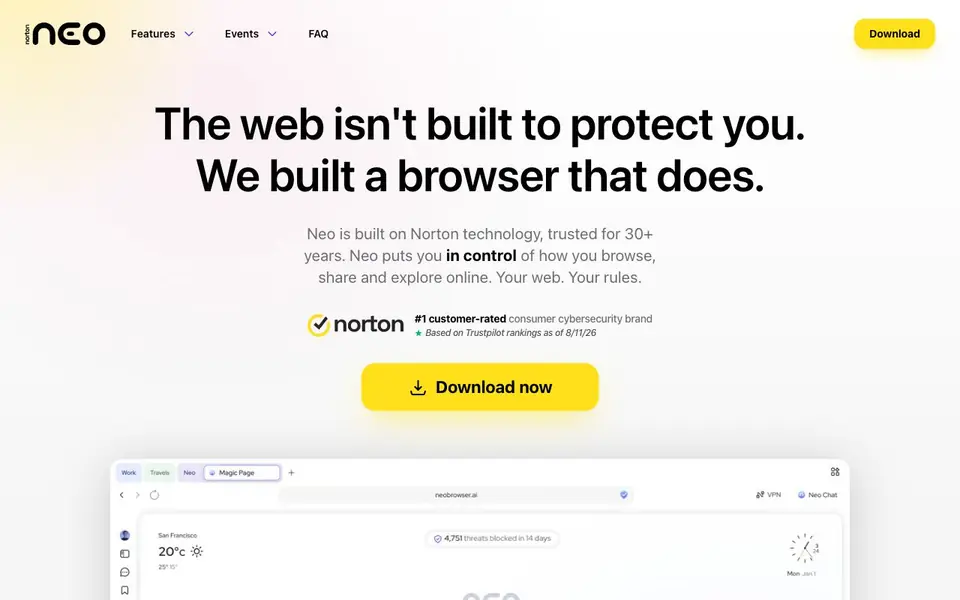
What is Norton Neo Browser?
Norton Neo is a desktop browser built on Norton's 30+ years of security technology. It focuses on giving you control over your online privacy and safety. The browser blocks phishing, malware, and fake shopping sites before they load, using industry-leading threat detection. It also includes an ad blocker that removes ads, cookie banners, and trackers from pages, videos, and social media.
You get a built-in VPN that can automatically turn on when you're on untrusted Wi-Fi or traveling. It encrypts your traffic and hides your real IP address, with a no-logs policy. The browser also disguises your device fingerprint to stop trackers from identifying you. A protection report shows you every tracking attempt, stored locally on your device.
Neo includes a private AI feature that never logs your chats. You can adjust privacy controls site-by-site or apply them everywhere. The browser is optimized for streaming, letting you change your virtual location to access content from around the world. It's designed for anyone who wants a cleaner, faster, and more private web experience without extra setup.
Norton Neo Browser features
- Threat detection: Blocks phishing, malware, and fake shopping sites before they reach you, using Norton technology.
- Ad blocker: Removes ads, cookie banners, and trackers from pages, videos, and social media for a cleaner web.
- Tracker blocking: Stops trackers and disguises your fingerprint so you can browse without being profiled.
- Built-in VPN: Encrypts your traffic and hides your IP, with automatic activation on untrusted Wi-Fi.
- Private AI: Runs AI that never logs your chats, keeping your conversations private.
What you can do with Norton Neo Browser
- Block ads and trackers while reading articles or watching videos.
- Stream content from other countries by changing your virtual location.
- Protect your data on public Wi-Fi with automatic VPN activation.
- Check what trackers attempted to follow you with the protection report.
How to get started with Norton Neo Browser
- Download Neo from the website and install it on your desktop.
- Open the browser; protection starts immediately with no setup required.
- Use the VPN, ad blocker, and private AI features as you browse.
Tips for better results with Norton Neo Browser
- Turn on the VPN manually before joining public Wi-Fi, even though Neo can auto-activate it, to ensure your traffic is encrypted from the first connection attempt.
- Use Neo's site-by-site privacy controls to allow trusted sites to see your real fingerprint while keeping trackers blocked everywhere else, balancing usability with protection.
- Check the protection report regularly in Neo to see which trackers it stopped, then adjust your privacy settings based on the patterns you notice.
- When streaming content from another country, change your virtual location in Neo's VPN settings before opening the site, and keep the VPN on for the entire session.
Norton Neo Browser pricing
Norton Neo Browser’s homepage does not list prices. Check neobrowser.ai for current plans.
What to check before you rely on Norton Neo Browser
- Verify whether Neo's built-in VPN has a data cap or speed limit, since the website does not state any usage limits for the included service.
- Confirm if the private AI feature requires an account or login to use, as the site does not mention any sign-up requirements for that tool.
- Check if Neo works on your operating system, because the website only describes it as a desktop browser without listing specific platform support.
Who Norton Neo Browser is for
Norton Neo Browser suits privacy-conscious users, frequent travelers, streaming fans and online shoppers. If that is not you, the AI productivity tools below may fit better.
Similar tools compared with Norton Neo Browser
| Tool | What it is | Pricing |
|---|---|---|
| Norton Neo Browser | Secure browser with built-in VPN and private AI | See website |
| Mem | AI chief of staff and workspace | See website |
| Reclaim | AI calendar for work and life | Freemium |
| Otter.ai | AI meeting notetaker and transcription tool | Freemium |
| Motion | AI-powered productivity and project platform | Free trial |
Norton Neo Browser FAQ
What does the private AI feature do?
Neo includes an AI that never logs your chats. This means your conversations with the AI stay private and aren't stored on their system. You can use it for questions or help while browsing, knowing your data isn't being saved.
Is Norton Neo free to use?
The website doesn't state pricing details. You can download the browser, but it doesn't mention whether it's free, freemium, or paid. Check the download page or FAQ on the site for current pricing information.
How does the VPN work automatically?
Neo can switch on the VPN automatically when you're on untrusted Wi-Fi or traveling abroad. It encrypts your traffic and hides your real IP. You can also control it manually, so the choice is always yours.
Who is Norton Neo best for?
It's for anyone who wants safer, more private browsing. That includes people concerned about trackers, travelers using public Wi-Fi, streamers wanting to access content from other regions, and online shoppers who want to avoid fake sites.
Does Norton Neo Browser work on Windows, macOS, Linux, or mobile devices?
Norton Neo Browser is a desktop browser, so it runs on desktop operating systems. The website does not specify which ones, nor does it mention any mobile version. For the exact list of supported systems, check the download section on the official Norton Neo website.
Can Norton Neo Browser export my bookmarks, passwords, or browsing history from another browser?
Norton Neo Browser does not mention any import or export features for bookmarks, passwords, or history on its website. If you need to move data from another browser, you would typically use that browser's export function, but Neo's compatibility is not confirmed. Check the official site for updates.
What does the free plan of Norton Neo Browser include, and are there paid upgrades?
The Norton Neo Browser website does not detail a free plan or any paid tiers. It presents the browser as a single product with all features like VPN, ad blocker, and private AI included. For pricing specifics, visit the official download or FAQ page on the Norton Neo site.


