

What is Miro?
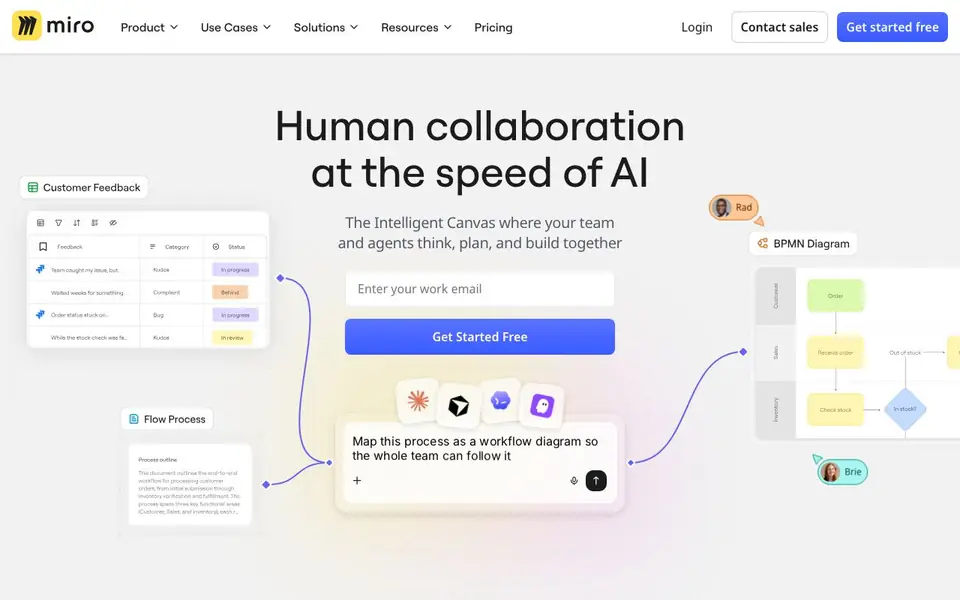
Miro is an intelligent canvas where your team and AI agents think, plan, and build together. It combines whiteboarding, diagramming, and project planning in one infinite multiplayer space. You can pull research from tools like Claude or NotebookLM, map processes, and flow insights back into roadmaps or specs.
Start by creating a free account and inviting your team. Use templates for brainstorming, mind maps, or flowcharts, or ask Miro AI to turn text into diagrams. You can also connect 250+ apps and use Blueprints to automate repeatable workflows.
Miro suits product managers, designers, engineers, and operations teams. Over 100 million people use it. The site claims faster time to market and shorter planning processes, but specific numbers are marketing claims. Enterprise security features include ISO 27001 and SOC 2 compliance.
Miro features
- Intelligent Canvas: An infinite multiplayer canvas where your team and AI agents collaborate in real time.
- AI Workflows: Automate steps like mapping processes or summarizing research directly in your workspace.
- Formats: Move from ideas to structured plans using Docs, Tables, Slides, Diagrams, and more.
- Blueprints: Automate key processes to keep workflows scalable, repeatable, and efficient.
- Integrations: Connect with 250+ apps to keep your team aligned in one secure workspace.
What you can do with Miro
- Map a customer journey as a visual diagram for your whole team.
- Turn research notes into a shared roadmap for product planning.
- Run a design workshop with sticky notes and live voting.
- Create wireframes or prototypes for a new app interface.
How to get started with Miro
- Sign up for a free account on Miro's website.
- Pick a template or start with a blank canvas and invite your team.
- Use Miro AI to generate diagrams or automate workflows, then connect your apps.
Tips for better results with Miro
- Start with a template like a mind map or flowchart, then ask Miro AI to expand it into a diagram. This saves setup time and gives you a structured starting point.
- Pull research outputs from Claude or NotebookLM directly into Miro, then use Miro AI to summarize and surface key points. This keeps your planning grounded in your actual data.
- Use Miro's Blueprints to automate repeatable workflows, such as mapping a process or summarizing notes. Set one up once, then reuse it to keep your team consistent.
- Invite your team to collaborate in real time on the same canvas. Use sticky notes and live voting during workshops to capture everyone's input, then let Miro AI organize the results into a roadmap.
Miro pricing
Miro has a free way to start, with paid plans for heavier use. Check miro.com for current limits and prices.
What to check before you rely on Miro
- Check whether the free plan includes all the features you need, like AI workflows and Blueprints, since the website lists them but doesn't specify what's free versus paid.
- Verify if your team's data is protected under Miro's enterprise security features, such as ISO 27001 and SOC 2, especially if you handle sensitive information.
- Confirm that Miro supports the export formats you need, like PDF or image files, for sharing diagrams with stakeholders who don't use the tool.
Who Miro is for
Miro suits product managers, designers, engineers and operations teams. If that is not you, the AI productivity tools below may fit better.
Similar tools compared with Miro
| Tool | What it is | Pricing |
|---|---|---|
| Miro | AI-powered visual collaboration platform | Freemium |
| Mem | AI chief of staff and workspace | See website |
| Reclaim | AI calendar for work and life | Freemium |
| Otter.ai | AI meeting notetaker and transcription tool | Freemium |
| Motion | AI-powered productivity and project platform | Free trial |
Miro FAQ
What does Miro AI do?
Miro AI helps you speed up teamwork. You can turn text into diagrams, summarize research, and automate workflows. It works across the canvas so your whole team can see and edit the results together.
Is Miro free?
Miro has a free plan. The website says you can get started free. Paid plans exist for businesses and enterprises, with additional features like security controls and advanced admin tools.
Who is Miro for?
Miro is for teams that plan, design, and build together. It's used by product managers, designers, engineers, and operations teams. The site also mentions solutions for industries like retail, finance, and education.
Can I connect Miro to other tools?
Yes, Miro connects with over 250 apps and integrations. You can pull research from tools like Claude or NotebookLM, and flow insights back into roadmaps or specs. The site also mentions an MCP server for developers.
Does Miro have a desktop app or is it only web-based?
Miro offers downloadable apps for desktop and mobile devices, in addition to its web version. You can find the download links on the Miro website under the 'Download Apps' section. This lets you work on your boards from different devices, though the specific platforms are listed there.
What can Miro export to, like PDF or PowerPoint?
Miro supports exporting your boards and content to various formats, including PDF and image files, and you can also export to formats like CSV for tables. The exact list of export options is available in Miro's Help Center, which you can check for the most current details on what you can export.
Is Miro's free plan enough for a small team?
Miro's free plan lets you create unlimited boards and invite team members, making it a good starting point for small teams. It includes core features like whiteboarding and basic templates, but some advanced features like AI workflows and certain integrations require a paid plan. You can compare plans on the Miro pricing page to see what fits your needs.


