

What is MindMap AI?
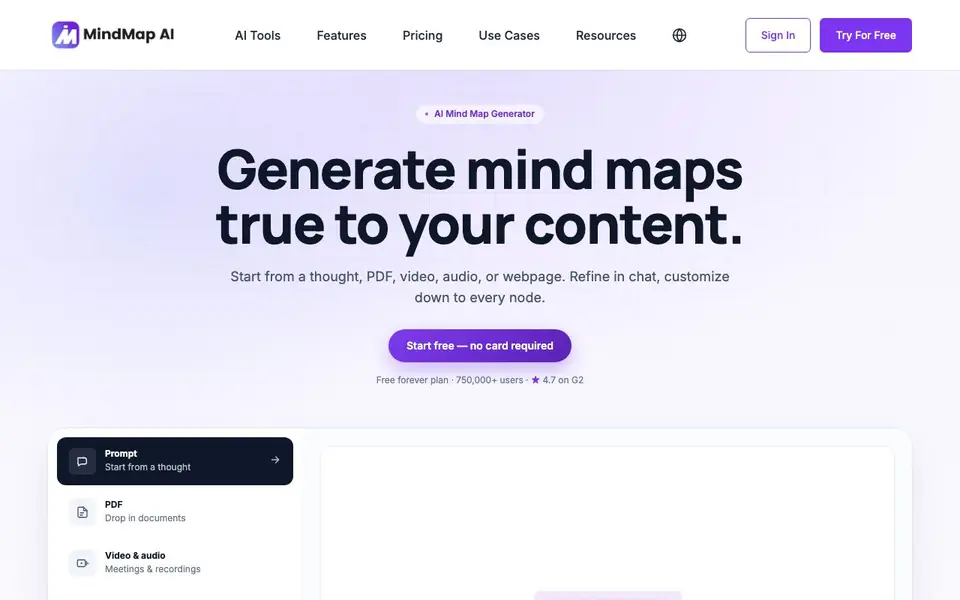
MindMap AI is an AI mind map generator that builds maps from your own content, not generic templates. You start with a rough idea, a document, a video, audio, a meeting recording, or a webpage. The AI turns it into a living map in seconds, grounded in what you provided.
You can then refine the map in two ways. Chat with the map to expand branches, reorganize sections, or explain concepts, and the map updates in place. Or edit by hand, dragging and reordering nodes, with undo and history always available. Both methods stay in sync, so you can switch freely.
The tool supports 29+ languages, including right-to-left scripts like Arabic and Hebrew. It offers one-click idea expansion, summarization of sections, and AI or manual themes and colors. A free forever plan is available, and the site notes 750,000+ users and a 4.7 G2 rating.
MindMap AI features
- Content-grounded maps: Generates mind maps based on your PDFs, videos, audio, or webpages, not generic templates.
- Chat with your map: Ask AI to expand, reorganize, or explain any branch, with updates happening in place.
- Manual editing: Drag, reorder, and refine nodes by hand, with undo and history always available.
- Multi-language support: Create and edit in 29+ languages, including RTL scripts like Arabic and Hebrew.
- Style controls: Apply themes and colors automatically with AI or adjust them manually to fit your preference.
What you can do with MindMap AI
- Turn a rough idea into a structured mind map in seconds.
- Summarize a long PDF or video into a visual map.
- Reorganize a meeting recording into clear action points.
- Explain a complex concept by chatting with your map.
How to get started with MindMap AI
- Start by typing a thought, uploading a PDF, or pasting a webpage link.
- Let the AI generate a mind map from your content.
- Refine it by chatting with the map or editing nodes by hand.
Tips for better results with MindMap AI
- Feed MindMap AI a specific document or recording instead of a vague prompt, so the map reflects your actual content rather than generic branches.
- Use the chat feature in MindMap AI to ask it to reorganize a section or explain a concept, and watch the map update in place as you refine it.
- Switch between manual dragging and AI chat freely, since both stay in sync, letting you fine-tune nodes by hand after the AI builds the initial structure.
- Try MindMap AI in one of the 29+ supported languages, including right-to-left scripts, to see if it handles your specific terminology and phrasing accurately.
MindMap AI pricing
MindMap AI has a free way to start, with paid plans for heavier use. Check mindmapai.app for current limits and prices.
What to check before you rely on MindMap AI
- Check what the free forever plan actually includes, since the website labels it freemium but does not list specific limits on maps, branches, or AI usage.
- Verify whether your uploaded PDFs, videos, or recordings are stored or used for training, as the site does not state its data retention or privacy policy.
- Confirm which export formats are available for your finished maps, because the website does not mention PDF, image, or other output options.
Who MindMap AI is for
MindMap AI suits students, researchers, project managers and content creators. If that is not you, the AI productivity tools below may fit better.
Similar tools compared with MindMap AI
| Tool | What it is | Pricing |
|---|---|---|
| MindMap AI | AI mind map generator with free editing | Freemium |
| Mem | AI chief of staff and workspace | See website |
| Reclaim | AI calendar for work and life | Freemium |
| Otter.ai | AI meeting notetaker and transcription tool | Freemium |
| Motion | AI-powered productivity and project platform | Free trial |
MindMap AI FAQ
Is MindMap AI free to use?
Yes, there is a free forever plan, and you can start without a credit card. The site also mentions paid plans, so it follows a freemium model.
What types of content can I turn into a mind map?
You can start from a thought, PDF, video, audio, meeting recording, or webpage. The AI grounds the map in your specific content.
Can I edit the mind map manually?
Yes. You can drag, reorder, and refine nodes by hand, and the tool keeps undo and history. Manual edits stay in sync with AI changes.
Does MindMap AI support languages other than English?
Yes, it supports 29+ languages, including right-to-left scripts like Arabic and Hebrew. You can create and edit maps in any of these languages.
Can MindMap AI export my mind map to other formats or tools?
The MindMap AI website does not mention specific export formats or integrations with other tools. To find out what export options are available, check the app's help center or contact support directly.
Does MindMap AI work on mobile devices or as a desktop app?
MindMap AI offers a Chrome extension and apps for iOS and Android, according to the website. It also works in your browser. There is no mention of a dedicated desktop app for Windows or Mac.
What does the free plan of MindMap AI include?
The MindMap AI website states there is a free forever plan and you can start without a credit card. It does not list specific limits on maps, features, or usage for the free plan. For details, check the pricing page or help center.


