

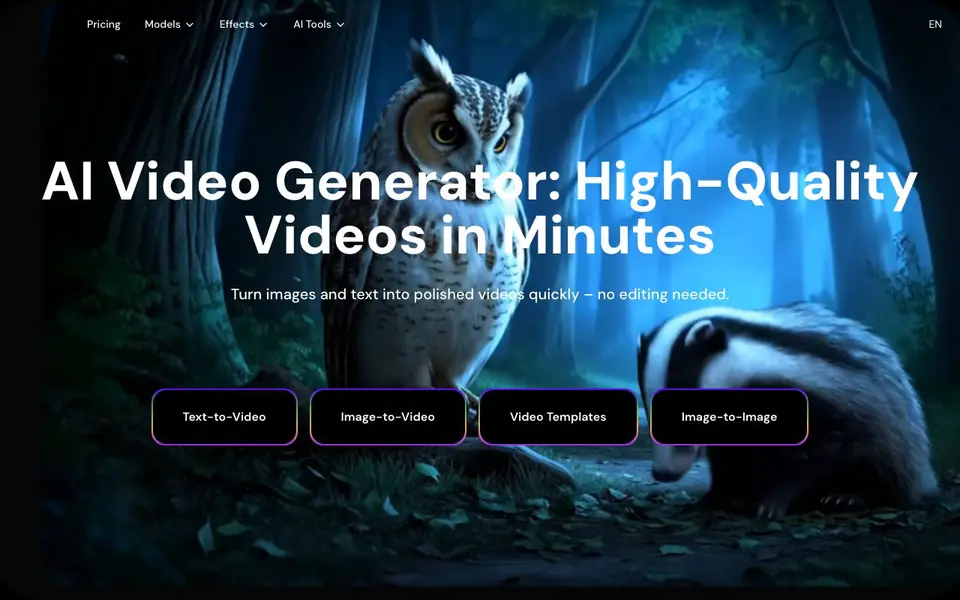
What is Image-to-Video Maker?
Image-to-Video Maker is an online platform that creates videos from text, images, or existing clips. You describe an idea in plain language, and the AI drafts a video complete with dialogue, effects, and ambient sound. It supports multiple AI models like Veo 3, Kling 2.1, and Hailuo 02, so you can pick the one that fits your project.
To get started, you upload an image or type a prompt, choose a model or effect, and generate. The platform also offers video upscaling to 2K or 4K, plus hundreds of trending templates and effects such as AI Twerk Video Maker, Muscle Video Maker, and Old Photo Animation Maker. No technical skills or editing experience are needed.
This tool suits content creators, marketers, and business owners who want quick, professional-looking videos for social media or marketing. The website highlights features like cinematic 4K output, smooth motion, and fast generation. Pricing details are not stated on the site, so you would need to check their pricing page for costs.
Image-to-Video Maker features
- Text-to-Video: Describe your idea and get a 4K video with dialogue, effects, and sound.
- Image-to-Video: Upload a static image and animate it into a dynamic video clip.
- Video Upscaling: Enhance any video to 2K or 4K resolution with sharper details and colors.
- Video Templates: Choose from hundreds of AI-powered effects and templates for trending formats.
- Multiple AI Models: Access models like Veo 3, Kling 2.1, and Hailuo 02 in one place.
What you can do with Image-to-Video Maker
- Create marketing videos from product images in minutes.
- Turn old photos into animated clips for nostalgia content.
- Generate social media videos with trending effects like AI Twerk or Muscle.
- Upscale low-resolution footage for YouTube or film projects.
How to get started with Image-to-Video Maker
- Go to the website and choose Text-to-Video or Image-to-Video.
- Type your prompt or upload an image, then select a model or effect.
- Generate your video and download or upscale it to 4K if needed.
Tips for better results with Image-to-Video Maker
- Start with a clear, detailed prompt that describes the subject, motion, and mood, since Image-to-Video Maker uses your words to generate the video draft.
- Choose the AI model that matches your project, like Veo 3 for cinematic motion or Kling 2.1 for different styles, to get the look you want from Image-to-Video Maker.
- Upload a high-resolution image when using image-to-video, because the tool animates the static image, and better input quality leads to smoother, sharper output.
- Use the upscaling feature after generating a draft to boost resolution to 2K or 4K, which improves detail and color for final exports.
Image-to-Video Maker pricing
Image-to-Video Maker’s homepage does not list prices. Check imagetovideomaker.com for current plans.
What to check before you rely on Image-to-Video Maker
- Check the pricing page for credit costs and plan limits, since the website does not state pricing details for Image-to-Video Maker.
- Verify which output formats and resolution options are available for export, as the site does not list supported file types or download options.
- Review the privacy policy for data handling and storage of your uploaded images and generated videos, since this is not mentioned on the site.
Who Image-to-Video Maker is for
Image-to-Video Maker suits content creators, marketers, business owners and social media managers. If that is not you, the AI video generators below may fit better.
Similar tools compared with Image-to-Video Maker
| Tool | What it is | Pricing |
|---|---|---|
| Image-to-Video Maker | AI video generator from text and images | See website |
| SiVideoGen | AI video generator with multiple models | Freemium |
| FreeSiTools | Free AI image prompt generator | Free |
| SiVideoAPI | Unified API for top AI video models | Freemium |
| Runway | AI video, image, and audio creation suite | Freemium |
Image-to-Video Maker FAQ
What can I create with Image-to-Video Maker?
You can create videos from text prompts, images, or video clips. The platform also offers templates for trending effects like AI Twerk, Muscle, and Old Photo Animation, plus video upscaling to 4K.
Do I need video editing skills to use it?
No. The website says there is no learning curve and no technical skills required. You simply upload or type a prompt, and the AI generates the video for you.
Which AI models does it support?
The site mentions support for Veo 3, Kling 2.1, Hailuo 02, Wan 2.7, and Nano Banana Pro. You can choose the model that best fits your project.
Is there a free plan or pricing details?
The website does not state pricing or free plans. To know costs, check the Pricing page on their site for current options.
Can I use Image-to-Video Maker on my phone or tablet?
Image-to-Video Maker is an online platform, so you can access it through a web browser on any device with internet, including phones and tablets. The website does not mention dedicated mobile apps, so check the site for any specific device requirements or app availability.
What video formats or resolutions can I export from Image-to-Video Maker?
Image-to-Video Maker can generate videos in up to 4K resolution, and it also offers upscaling to 2K or 4K. The website does not list specific export file formats, so you would need to check the platform or its documentation for details on available formats.
Does Image-to-Video Maker require me to create an account before using it?
The website does not explicitly state whether an account is required to use Image-to-Video Maker. Since it is an online service, you may need to sign up to save or export your videos. Check the site's sign-up or pricing page for the exact requirements.


