

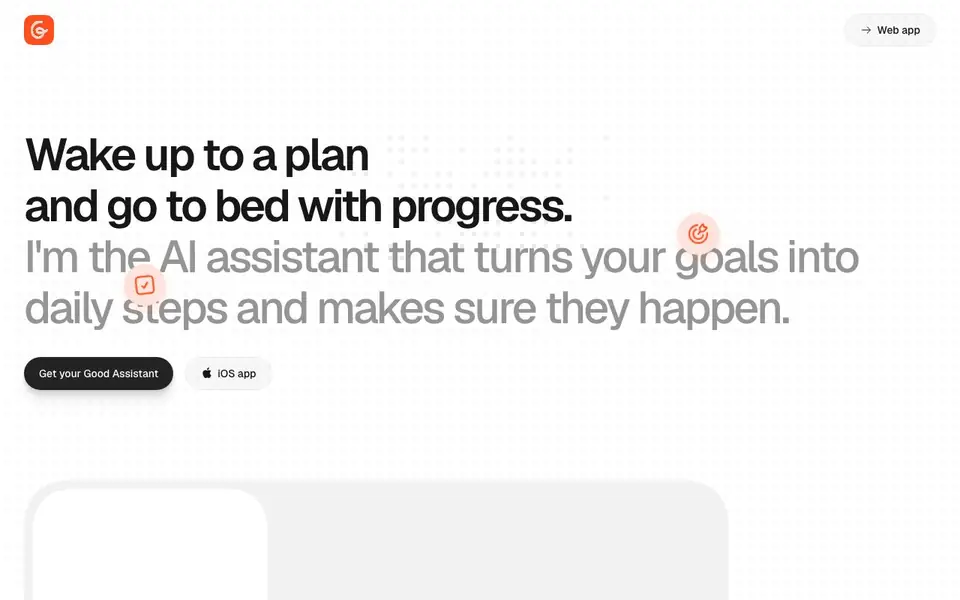
What is Good Assistant?
Good Assistant is an AI companion that helps you turn long-term goals into manageable daily actions. It plans your day each morning, suggests what to do now and what can wait, and keeps your tasks from piling up. You can also create a visual timeline for each goal, collect related notes, and get reminders to stay on track.
You interact with it through chat. Ask it to research something, and the findings land in a note you can keep building on. You can also schedule tasks like checking something in a month or searching for job openings weekly. It will do these on time and message you with results. The assistant reads your calendar, browses the web, and uses its own computer to help you.
The tool is designed for people who struggle with consistency. It positions itself as better than a to-do app or a weekly coach because it stays with you daily. It learns about you, tracks your progress, and aims to keep your motivation high. Pricing is $29 per month with a 7-day free trial and no payment required upfront.
Good Assistant features
- Daily planning: Each morning it suggests what to do today and what can wait.
- Goal timelines: Visual progress tracking for each goal with related notes.
- Scheduled tasks: Set reminders for future checks or recurring searches.
- Research notes: Ask it to research topics and findings are saved as notes.
- Proactive chat: It sends messages when it has something helpful to share.
What you can do with Good Assistant
- Plan your day every morning with AI suggestions.
- Track progress on long-term goals like learning a skill.
- Schedule weekly searches for dream job openings.
- Keep notes on research topics you want to explore.
How to get started with Good Assistant
- Start a 7-day free trial on the website without payment.
- Open the web app or iOS app and chat with the assistant.
- Set your goals and let it plan your daily tasks and reminders.
Tips for better results with Good Assistant
- Start each morning by opening Good Assistant and reviewing its suggested plan, then adjust priorities so the day’s tasks match your actual deadlines and energy.
- Use Good Assistant’s scheduled tasks for recurring checks, like weekly job searches, and let it message you results instead of relying on your own reminders.
- Ask Good Assistant to research topics you care about, then build on the saved notes over time, turning scattered findings into a useful reference for your goals.
- Create a visual timeline for each long-term goal in Good Assistant, and update it weekly to see progress and catch tasks that are slipping before they pile up.
Good Assistant pricing
Good Assistant offers a free trial before you pay. Check good-assistant.ai for current plans.
What to check before you rely on Good Assistant
- Check whether the 7-day free trial requires a payment method later, since the website says no payment now but does not state what happens after the trial.
- Verify if Good Assistant works on your platforms, as the site mentions an iOS app but does not list Android, Windows, or Mac support.
- Review the privacy policy before adding calendar and web browsing access, since the tool reads your calendar and uses its own computer, but the site does not detail data handling.
Who Good Assistant is for
Good Assistant suits individuals, goal setters, busy professionals and students. If that is not you, the AI productivity tools below may fit better.
Similar tools compared with Good Assistant
| Tool | What it is | Pricing |
|---|---|---|
| Good Assistant | AI companion for goals and daily planning | Free trial |
| Mem | AI chief of staff and workspace | See website |
| Reclaim | AI calendar for work and life | Freemium |
| Otter.ai | AI meeting notetaker and transcription tool | Freemium |
| Motion | AI-powered productivity and project platform | Free trial |
Good Assistant FAQ
What does Good Assistant do?
It turns your goals into daily steps. Each morning it plans your day, tracks progress on goals, and sends reminders. You can also chat with it, ask for research, and schedule recurring tasks.
How much does it cost?
It costs $29 per month. There is a 7-day free trial that requires no payment upfront. The website does not mention a free plan beyond the trial.
Who is Good Assistant for?
It is for anyone who wants to make steady progress on personal or professional goals, like learning a new skill, building financial security, or moving to a new country. It suits people who find to-do apps or weekly coaching insufficient.
Can it access my calendar and the web?
Yes, the website says it can read your calendar, browse the web, and use its own computer to help you. It also sends you messages when it has something useful to say.
Does Good Assistant have an iOS app?
Yes, the Good Assistant website mentions an iOS app. You can use the web app and the iOS app to interact with your assistant. The website does not mention other platforms like Android or desktop apps, so check the official site for the latest platform availability.
What can Good Assistant export or connect to?
The Good Assistant website mentions it can read your calendar and browse the web, but it does not specify any export options or integrations with other apps. For details on what you can export or connect, check the app's settings or contact support through the website.
Does Good Assistant require an account to use?
Yes, to use Good Assistant you need to start a free trial, which likely requires creating an account. The website does not explicitly state account requirements, but since it offers a 7-day free trial with no payment upfront, you will need to sign up to begin. Check the sign-up page for specifics.


