

What is Elai.io?
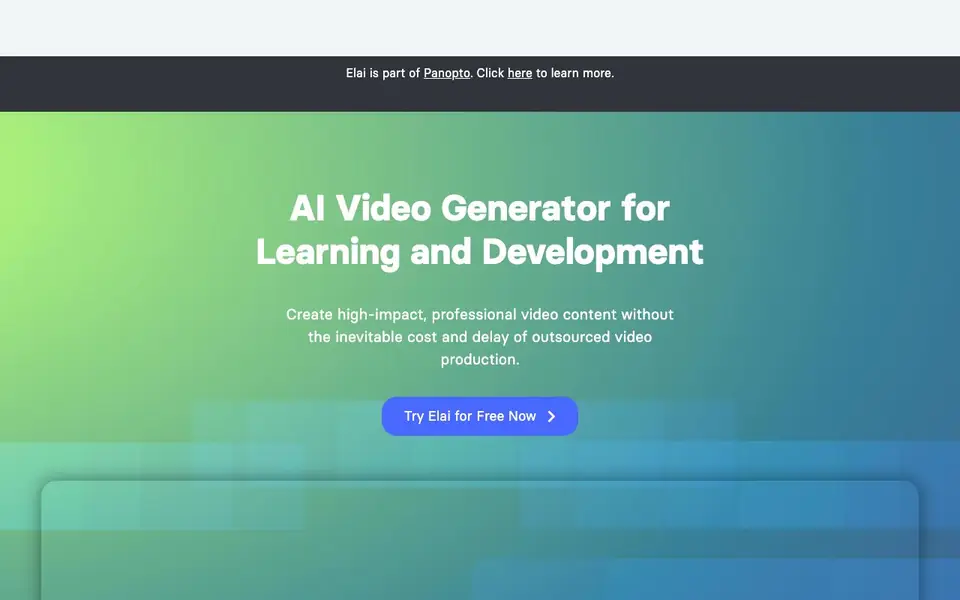
Elai.io is an AI video generator built for learning and development teams. It turns text scripts, blog posts, and PowerPoint files into narrated videos with realistic AI avatars. You can create videos at scale without the cost and delay of outsourced production.
You start by picking an avatar from 80+ options or creating your own. Then you type your script, choose a template, and the avatar narrates it. You can clone your voice into 28 languages, translate videos into 75+ languages, and add interactive elements like quizzes or avatar dialogs.
Elai is part of Panopto and trusted by thousands of organizations. It suits training teams, marketers, and anyone who needs quick, professional video content. The website mentions a free trial and enterprise options, but does not detail specific pricing plans.
Elai.io features
- Multilingual voice cloning: Clone your voice into 28 languages and have avatars narrate your scripts.
- Automated translations: Translate your videos into more than 75 languages with one click.
- AI storyboard: Craft a script and course outline, then turn it into a video in a few clicks.
- Article-to-video converter: Paste a blog link and get a narrated video from the article.
- PPTX-to-video: Upload a PowerPoint file and transform it into interactive video slides.
What you can do with Elai.io
- Create training videos for employee onboarding and development.
- Turn blog posts into narrated videos for your website or social media.
- Produce personalized video campaigns for marketing and lead generation.
- Build scenario-based learning videos with two avatars in a dialog.
How to get started with Elai.io
- Sign up for a free trial on Elai.io's website.
- Choose an AI avatar or create your own custom avatar.
- Type your script, pick a template, and generate your video.
Tips for better results with Elai.io
- Start with a short, clear script and pick a template that matches your content type, then preview the avatar narration before exporting to catch pacing issues early.
- Use Elai.io's article-to-video converter by pasting a blog link, then edit the generated script to tighten sentences and remove fluff for a more natural narration.
- When cloning your voice for multilingual videos, record a clean sample with no background noise, and test one short clip in each language before committing to a full project.
- For interactive training videos, add quizzes or avatar dialogs after the main script is finalized, and review the flow once to ensure the interactive elements align with the narration.
Elai.io pricing
Elai.io has a free way to start, with paid plans for heavier use. Check elai.io for current limits and prices.
What to check before you rely on Elai.io
- Confirm whether the free trial includes full video exports or only watermarked previews, since the website does not state trial limitations.
- Check if your desired avatar and voice cloning features are available on the plan you intend to use, as pricing details are not listed.
- Verify that exported videos support the formats and resolutions your platform needs, since the website does not specify output options.
Who Elai.io is for
Elai.io suits learning and development teams, marketers, HR professionals and corporate trainers. If that is not you, the AI video generators below may fit better.
Similar tools compared with Elai.io
| Tool | What it is | Pricing |
|---|---|---|
| Elai.io | AI video generator for learning and development | Freemium |
| SiVideoGen | AI video generator with multiple models | Freemium |
| FreeSiTools | Free AI image prompt generator | Free |
| SiVideoAPI | Unified API for top AI video models | Freemium |
| Runway | AI video, image, and audio creation suite | Freemium |
Elai.io FAQ
What can I create with Elai.io?
You can create training videos, narrated blog posts, PowerPoint presentations, and personalized video campaigns. The tool supports text-to-video, article-to-video, and PPTX-to-video conversion.
Does Elai.io offer a free plan?
The website says you can start creating for free and offers a free trial. It does not specify if there is a permanent free plan with limited features.
Who is Elai.io for?
It is designed for learning and development professionals, marketers, and teams that need to produce video content at scale. The site highlights training videos and enterprise use.
Can I use my own voice and avatar?
Yes. You can create a custom avatar of a company representative and clone your voice into 28 languages. The avatar will narrate your scripts using your voice.
What file formats can I upload to Elai.io for video creation?
Elai.io lets you upload PowerPoint files to transform them into interactive video slides. You can also paste a blog post link to convert an article into a narrated video. The website does not mention support for other file types like PDFs or Word documents, so check the platform for the full list.
Does Elai.io work on mobile devices or only on desktop?
Elai.io is a browser-based tool, so you can access it from any device with an internet connection, including smartphones and tablets. The website does not specify dedicated mobile apps, but the platform is designed to work straight from your browser.
What does the free plan on Elai.io include?
Elai.io offers a free trial, but the website does not detail what it includes, such as video length limits or access to all avatars. For specifics on the free trial's features, you would need to sign up or contact their sales team directly.


