

What is Clipto.AI?
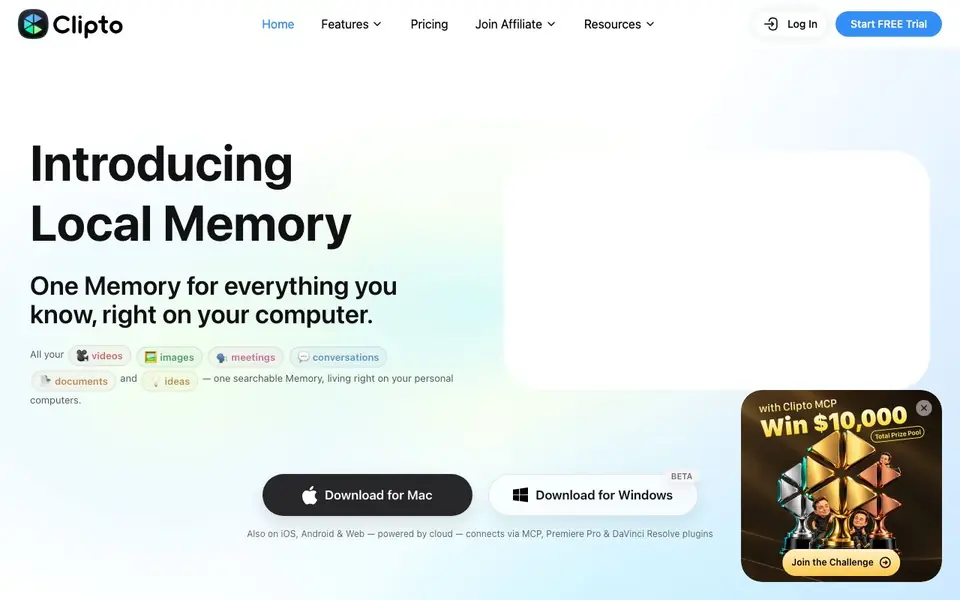
Clipto is a desktop app that builds a searchable memory from your videos, images, meetings, voice memos, documents, and bookmarks. It runs locally on your Mac or Windows PC, so your files stay on your device. The app transcribes and auto-tags your media, then connects related people, projects, and ideas into one evolving memory.
You start by capturing files or letting Clipto watch folders. It processes everything on-device, creating transcripts, scene tags, and summaries. You can then search by what's on screen or spoken, not just filenames. Results link back to exact timestamps, so you can jump to the precise moment in a video or call.
Clipto works with AI assistants like Claude, ChatGPT, and Cursor through MCP, letting you ask questions that draw on your memory. Plugins for Premiere Pro and DaVinci Resolve help editors find source clips. It suits creators, analysts, students, product teams, researchers, and journalists. the website says it requires an Apple silicon Mac with 16GB+ memory or a Windows PC with 12GB+ RAM.
Clipto.AI features
- Local-first processing: Your videos and documents stay on your device while AI builds your searchable memory.
- Scene auto-tagging: Videos are tagged by scene, subject, and shot type so you can find clips by content.
- Exact timestamp search: Search results link to precise moments in your media, ready to cut or review.
- AI assistant integration: Connect your memory to Claude, ChatGPT, or Cursor via MCP for traceable answers.
- Editing plugins: Premiere Pro and DaVinci Resolve plugins let you locate source clips directly in your workflow.
What you can do with Clipto.AI
- Search years of footage by what's on screen, not filenames.
- Find every customer mention of a topic across past calls and interviews.
- Summarize meetings and voice memos into reusable context.
- Trace research evidence back to exact timestamps in source files.
How to get started with Clipto.AI
- Download Clipto for Mac or Windows from the website.
- Start a free trial and let the app index your local media folders.
- Search your memory or connect it to an AI assistant like Claude.
Tips for better results with Clipto.AI
- Start by letting Clipto watch your most-used folders so new files are processed automatically, then tag and organize them as they arrive for faster retrieval later.
- Use Clipto's exact timestamp search to jump straight to the moment in a video or call, and verify each result matches the spoken or on-screen content before relying on it.
- Connect Clipto to Claude, ChatGPT, or Cursor via MCP to ask questions that draw on your memory, and always check the cited timestamps to confirm the answer's source.
- For editing projects, use the Premiere Pro or DaVinci Resolve plugin to locate source clips directly in your workflow, then export or cut from the original file to keep quality intact.
Clipto.AI pricing
Clipto.AI offers a free trial before you pay. Check clipto.com for current plans.
What to check before you rely on Clipto.AI
- Verify your hardware meets the stated requirements: Apple silicon Mac with 16GB+ memory or Windows PC with 12GB+ RAM, since the website does not list other system specs.
- Check whether the free trial has limits on file count, storage, or processing time, as the website does not state any trial restrictions or what happens after it ends.
- Confirm how cloud features on iOS, Android, and Web handle your data, since the website says local-first but does not explain what data leaves your device or how it's protected.
Who Clipto.AI is for
Clipto.AI suits video creators, researchers, product teams and students. If that is not you, the AI transcription tools below may fit better.
Similar tools compared with Clipto.AI
| Tool | What it is | Pricing |
|---|---|---|
| Clipto.AI | Local AI memory for your media | Free trial |
| Otter.ai | AI meeting notetaker and transcription tool | Freemium |
| Fireflies.ai | AI meeting assistant for transcription and notes | Freemium |
| Fathom | AI notetaker for online meetings | Freemium |
| Turboscribe | Unlimited audio and video transcription | Freemium |
Clipto.AI FAQ
Does Clipto work on my computer?
Clipto runs locally on Apple silicon Macs (M1+) with 16GB+ memory and Windows PCs with 12GB+ RAM. iPhone, Android, and web versions are cloud-powered instead.
Is there a free plan?
The website offers a free trial, but it does not state whether a free plan exists after the trial ends. Check the pricing page for current details.
What types of files can I add to my memory?
You can add videos, images, meetings, voice memos, documents like PDFs and slides, and bookmarks. The app transcribes and organizes all of them into one searchable memory.
Can I use Clipto with other AI tools?
Yes, Clipto connects to Claude, ChatGPT, and Cursor through MCP. You can ask those assistants questions that draw on your local memory, with answers traceable to sources.
Does Clipto.AI export my search results or memory to other apps?
The Clipto.AI website does not mention exporting search results or memory to other apps. It focuses on searching and reusing content within the app, like jumping to exact timestamps or connecting via MCP to AI assistants. For export details, check the app's settings or contact support.
Can Clipto.AI run on an Intel Mac or a Windows PC with less than 12GB RAM?
Clipto.AI requires an Apple silicon Mac (M1+) with 16GB+ memory or a Windows PC with 12GB+ RAM, as stated on the website. It does not mention support for Intel Macs or lower RAM. If your device doesn't meet these specs, the app may not run smoothly or at all.
What does the Clipto.AI free trial include, and is a credit card required?
The Clipto.AI website mentions a free trial but does not specify its duration, features, or whether a credit card is needed. To find out, check the pricing page or start the trial from the app. The site also lists iOS, Android, and web versions, but their trial terms may differ.


