

What is Cerebro - AI-Powered Knowledge Management?
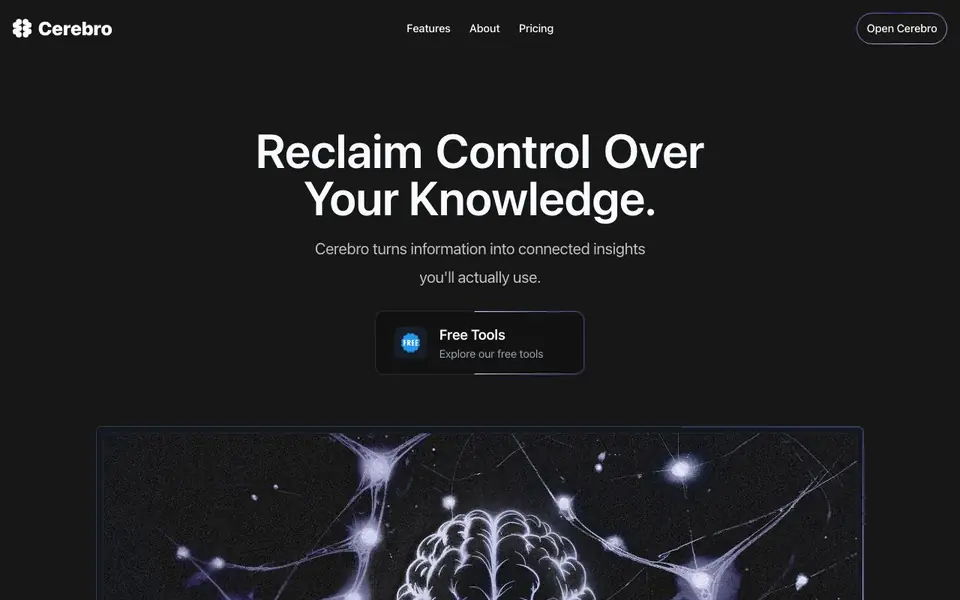
Cerebro is a knowledge management tool that helps you capture and organize information from videos, articles, and documents. You paste a link or upload a file, and Cerebro turns it into searchable knowledge. Its AI assistant, Nova, analyzes your content, extracts key points, and highlights what matters most.
You start by adding content—share a link or upload articles and PDFs. Cerebro processes it automatically. Then you ask questions in plain English, like "What did that video say about marketing strategy?" and get precise answers with exact sources. The tool also shows hidden connections between your ideas, building a knowledge network as you add more content.
Cerebro suits students, teachers, professionals, and anyone overwhelmed by information. It helps you find what you need in seconds, focus on action, and process more content without missing insights. The website mentions a built-in PARA method for organizing materials and a notebook for writing and organizing thoughts.
Cerebro - AI-Powered Knowledge Management features
- Content capture: Paste a link or upload a PDF to turn it into searchable knowledge in seconds.
- Natural language Q&A: Ask questions in plain English and get precise answers with exact sources.
- Automatic key point extraction: Cerebro finds important parts of your content and highlights them for you.
- Knowledge network: See patterns and hidden connections across all your content as it grows.
- Nova summaries: Get AI-generated summaries that give you exactly what you need from your content.
What you can do with Cerebro - AI-Powered Knowledge Management
- Ask questions about a long podcast episode to find a specific insight.
- Upload research papers and lecture notes to organize and retrieve information quickly.
- Turn videos and articles into actionable notes for your work or studies.
- Build a searchable knowledge base from your reading and watching habits.
How to get started with Cerebro - AI-Powered Knowledge Management
- Go to the Cerebro website and click "Open Cerebro" to start.
- Add content by pasting a link or uploading articles and PDFs.
- Ask questions about your content in plain English and get instant answers with sources.
Tips for better results with Cerebro - AI-Powered Knowledge Management
- Paste a link or upload a PDF first, then ask specific questions about that content to get precise answers with exact sources from Cerebro.
- Use Cerebro to upload research papers and lecture notes, then ask questions in plain English to retrieve key points without rewatching or rereading.
- Add multiple related videos and articles to build a knowledge network, then ask cross-content questions to uncover hidden connections between ideas.
- After adding a long video, ask Cerebro for a summary of key points, then follow up with targeted questions to verify specific details you need.
- checks
Cerebro - AI-Powered Knowledge Management pricing
Cerebro - AI-Powered Knowledge Management’s homepage does not list prices. Check heycerebro.com for current plans.
What to check before you rely on Cerebro - AI-Powered Knowledge Management
- Check if your plan includes enough storage or upload limits for the number of videos, articles, and PDFs you plan to add, since the website does not list limits.
- Verify whether Cerebro supports the file formats you use most, like PDFs or specific video links, as the website does not specify all supported types.
- Confirm how your uploaded content is stored and whether it remains private, since the website does not state data privacy or retention policies.
Who Cerebro - AI-Powered Knowledge Management is for
Cerebro - AI-Powered Knowledge Management suits students, teachers, professionals and researchers. If that is not you, the AI productivity tools below may fit better.
Similar tools compared with Cerebro - AI-Powered Knowledge Management
| Tool | What it is | Pricing |
|---|---|---|
| Cerebro - AI-Powered Knowledge Management | AI knowledge management and Q&A tool | See website |
| Mem | AI chief of staff and workspace | See website |
| Reclaim | AI calendar for work and life | Freemium |
| Otter.ai | AI meeting notetaker and transcription tool | Freemium |
| Motion | AI-powered productivity and project platform | Free trial |
Cerebro - AI-Powered Knowledge Management FAQ
What types of content can I add to Cerebro?
You can add videos, articles, and documents. Just paste a link or upload a PDF, and Cerebro turns it into searchable knowledge.
How does Cerebro answer my questions?
You ask in plain English, like "What did that video say about marketing strategy?" Cerebro's AI, Nova, analyzes your content and gives precise answers with exact sources.
Is Cerebro free to use?
The website does not state pricing details. Check the Pricing page on Cerebro's website for current plans and any free options.
Who is Cerebro best for?
Cerebro suits students, teachers, professionals, and anyone who consumes lots of videos, articles, or books and needs to find key insights quickly.
Can Cerebro export my notes or knowledge base to other apps?
The Cerebro website does not mention any export options or integrations with other apps. To find out if exporting is available, check the pricing page or contact Cerebro support directly. You can also look for an export button inside your Cerebro workspace after adding content.
Does Cerebro work on mobile devices or only on desktop?
The Cerebro website does not specify which devices or platforms it supports. It likely works through a web browser, so you can try accessing it from your phone or tablet. For a definitive answer, check the website's FAQ or reach out to the Cerebro team.
What does the free plan of Cerebro include?
The Cerebro website does not detail what the free plan includes. It mentions a pricing page, but the label is unknown. To learn about free plan limits, visit the pricing page or sign up and see what features are available without payment. You can also contact Cerebro for specifics.


