

What is AiAssistWorks?
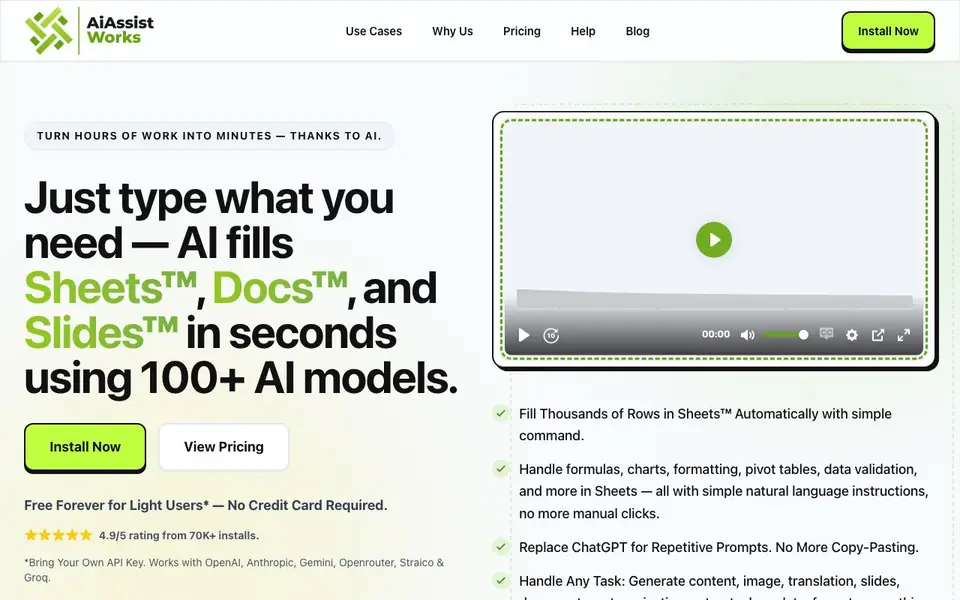
AiAssistWorks is a Google Workspace add-on that brings AI directly into Sheets, Docs, and Slides. You type what you need in plain language, and the tool fills in the results for you. It supports over 100 AI models from providers like OpenAI, Anthropic, Gemini, Groq, Openrouter, and Straico, so you can pick the best one for each task.
To get started, you install the add-on and bring your own API key. Then you describe a task, such as filling thousands of rows, creating formulas, building pivot tables, or generating charts. The tool processes your request in bulk, handling up to 100,000 rows without hitting rate limits. It also works for writing, rewriting, and translating text in Docs, and for generating full slide decks in Slides.
The tool suits anyone who works heavily with Google Workspace, including marketers, e-commerce teams, and data analysts. It is free forever for light users, with paid plans starting at $3 per month. The website notes that batch processing can save you about 50% on API costs compared to running tasks one by one.
AiAssistWorks features
- Bulk fill: Fill thousands of rows in Sheets automatically with a single command.
- Natural language tasks: Describe formulas, formatting, pivot tables, and charts without coding.
- 100+ AI models: Choose from providers like OpenAI, Anthropic, Gemini, Groq, and more.
- Smart batching: Process large workloads efficiently and cut API costs by about half.
- AI images: Generate visuals directly inside Docs, Slides, or Sheets without switching tools.
What you can do with AiAssistWorks
- Categorize products in bulk across thousands of spreadsheet rows.
- Generate article titles or social media content for e-commerce items.
- Create full slide decks for pitch decks or reports in seconds.
- Write, rewrite, or translate text directly in Google Docs.
How to get started with AiAssistWorks
- Install the AiAssistWorks add-on from the Google Workspace marketplace.
- Add your own API key from a provider like OpenAI or Gemini.
- Type a task in plain language in Sheets, Docs, or Slides and let AI fill in the results.
Tips for better results with AiAssistWorks
- Start with a small sample of rows to test your prompt before running a bulk fill across thousands of rows in AiAssistWorks, so you can catch errors early and avoid wasted API calls.
- Save your frequently used prompts in AiAssistWorks to reuse them for similar tasks, which speeds up your workflow and keeps results consistent across different sheets or documents.
- Choose the specific AI model from the 100+ options in AiAssistWorks that best matches your task, such as a faster model for simple fills and a more powerful one for complex writing or analysis.
- Break large jobs into smaller batches when using AiAssistWorks, even though it handles 100,000 rows, to monitor output quality and adjust your instructions mid-task if needed.
AiAssistWorks pricing
AiAssistWorks has a free way to start, with paid plans for heavier use. Check aiassistworks.com for current limits and prices.
What to check before you rely on AiAssistWorks
- Check that you have your own API key from a supported provider like OpenAI or Anthropic before installing AiAssistWorks, since the free tier requires you to bring your own key.
- Verify the pricing details on the website, as it lists plans starting at $3 per month but does not state what limits apply to the free forever tier beyond light usage.
- Confirm that your data is handled according to your privacy expectations, since AiAssistWorks processes your spreadsheet content through third-party AI providers and the website does not detail data retention policies.
Who AiAssistWorks is for
AiAssistWorks suits marketers, e-commerce teams, data analysts and Google Workspace users. If that is not you, the AI productivity tools below may fit better.
Similar tools compared with AiAssistWorks
| Tool | What it is | Pricing |
|---|---|---|
| AiAssistWorks | AI add-on for Google Workspace | Freemium |
| Mem | AI chief of staff and workspace | See website |
| Reclaim | AI calendar for work and life | Freemium |
| Otter.ai | AI meeting notetaker and transcription tool | Freemium |
| Motion | AI-powered productivity and project platform | Free trial |
AiAssistWorks FAQ
Is AiAssistWorks free to use?
Yes, it is free forever for light users and requires no credit card to start. You do need to bring your own API key. Paid plans start at $3 per month for heavier usage.
Which AI models does it support?
It works with over 100 AI models from seven providers, including OpenAI, Anthropic, Gemini, Groq, Openrouter, and Straico. You can pick the best model for each task.
Can it handle large datasets in Google Sheets?
Yes, it can process up to 100,000 rows without hitting rate limits. Its smart batching engine handles large workloads in one go, which also reduces API costs.
Do I need to know formulas or coding to use it?
No. You type what you want in plain language, and the AI handles formulas, formatting, pivot tables, charts, and more. There are no AI formulas like =GPT() to learn.
What devices or platforms does AiAssistWorks run on?
AiAssistWorks is a Google Workspace add-on, so it runs directly inside Google Sheets, Docs, and Slides in your browser. It does not have a standalone mobile app or desktop program. You can use it on any device where you can access Google Workspace through a web browser.
Does AiAssistWorks require an account or API key to start using it?
Yes, AiAssistWorks requires you to bring your own API key from a supported provider like OpenAI, Anthropic, or Gemini. You also need a Google account to install the add-on. The free plan is available without a credit card, but you must have your own API key to use the tool.
Can AiAssistWorks generate images, and where do those images appear?
Yes, AiAssistWorks can generate AI images directly inside Google Docs, Slides, or Sheets. The website lists AI images as a feature, so you can create visuals without switching to another tool. The images are inserted into your document, presentation, or spreadsheet where you are working.


