

What is AI Ease?
AI Ease is an online studio where you can generate videos and images with advanced AI models. It brings popular models like Veo 3.1, Sora 2, and Nano Banana Pro into one place, so you don't need to switch platforms. You can turn ideas into engaging videos from text, images, or effects in minutes.
To start, you pick a model or a trending template. You type your idea or upload a photo. The AI then creates your video or image. You can also apply viral video effects to ordinary photos and videos to make share-ready content. The platform is designed for creators and teams, and it works right in your browser.
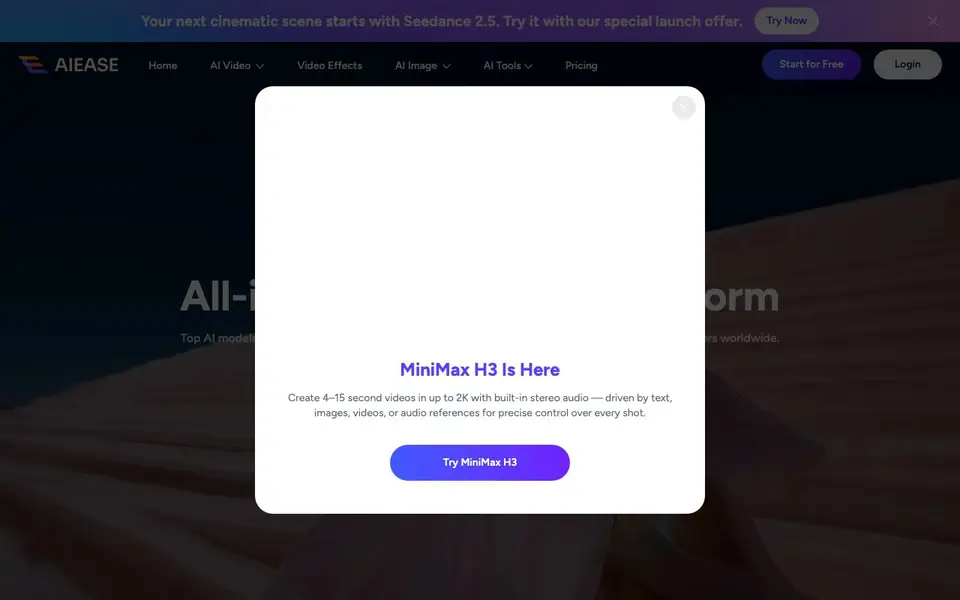
AI Ease suits beginners because no video or design skills are needed. It also helps marketers, storytellers, and social media creators who want professional-looking content fast. The site mentions a special launch offer for Seedance 2.5 and a free tier to begin. Specific pricing details are not listed on the homepage.
AI Ease features
- Multi-model access: Use popular AI video and image models like Veo 3.1 and Sora 2 in one place.
- Text to video: Turn your written ideas into engaging videos in minutes with AI.
- Image to video: Upload a photo and animate it into a video scene.
- Viral video effects: Apply fun, trending effects to photos and videos for share-ready content.
- AI image generation: Create high-quality images from text prompts, from illustrations to realistic visuals.
What you can do with AI Ease
- Generate a cinematic video from a text prompt for storytelling.
- Turn a product photo into an animated marketing video.
- Apply a viral effect to a portrait for social media.
- Create realistic images for design mockups or product visuals.
How to get started with AI Ease
- Go to the AI Ease website and click Start for Free.
- Choose a video or image tool, or pick a trending template.
- Enter your prompt or upload a photo, then let the AI create your content.
Tips for better results with AI Ease
- Pick a specific model in AI Ease based on your goal, like Veo 3.1 for cinematic video or Nano Banana Pro for text-heavy images, to match the output to your task.
- Write detailed prompts for AI Ease that describe motion, lighting, and scene consistency, especially for video, since vague ideas produce generic results.
- Use AI Ease's trending templates as starting points, then tweak your own prompt or photo to remix styles and speed up your creative process.
- Test AI Ease with a short clip or simple image first to learn how each model handles your content, before committing time to a longer project.
AI Ease pricing
AI Ease has a free way to start, with paid plans for heavier use. Check aiease.ai for current limits and prices.
What to check before you rely on AI Ease
- Check whether AI Ease's free tier includes watermarks or limits on video length and resolution, since the homepage does not state these details.
- Verify if AI Ease offers export formats like MP4 or PNG and whether downloads are full quality, as this information is not listed on the site.
- Review AI Ease's data privacy policy to see how your uploaded photos and prompts are stored or used, because the homepage does not mention it.
Who AI Ease is for
AI Ease suits creators, marketers, teams and social media users. If that is not you, the AI video generators below may fit better.
Similar tools compared with AI Ease
| Tool | What it is | Pricing |
|---|---|---|
| AI Ease | All-in-one AI video and image creation platform | Freemium |
| SiVideoGen | AI video generator with multiple models | Freemium |
| FreeSiTools | Free AI image prompt generator | Free |
| SiVideoAPI | Unified API for top AI video models | Freemium |
| Runway | AI video, image, and audio creation suite | Freemium |
AI Ease FAQ
What can I create with AI Ease?
You can create videos from text or images, generate images from prompts, and apply video effects to photos and clips. The platform supports popular models like Veo 3.1, Sora 2, and Nano Banana Pro.
Is AI Ease free to use?
The website shows a Start for Free button and mentions a special launch offer for Seedance 2.5. It does not state whether there is a paid plan or how many free credits you get.
Do I need video editing skills to use it?
No. The site says no skills are required. You type an idea or upload a photo, and the AI generates the video or image for you.
What AI models are available?
AI Ease lists models like Nano Banana Pro, Veo 3.1, Sora 2, Seedream 4.5, Kling 2.6 Pro, Hailuo 2.3, and Wan 2.5. You can access them all in one place without switching platforms.
Does AI Ease work on mobile devices or only on desktop?
AI Ease works right in your browser, so you can use it on any device with a modern web browser, including phones and tablets. The website does not list dedicated mobile apps, but you can access the platform directly from your device's browser. For the best experience, check the site for any system requirements.
What can I export from AI Ease, and can I download my videos or images?
AI Ease lets you create videos and images, and you can download your final creations to your device. The website does not list specific export formats or file types, but you can save your generated content for sharing or further editing. For detailed export options, check the platform after you start creating.
Does AI Ease require an account to start using it?
AI Ease offers a free tier to begin, and you can start creating right away. The website mentions 'Start for Free' and 'Login' options, which suggests you may need to create an account to save your projects and access all features. For exact account requirements, check the sign-up flow on the site.


