
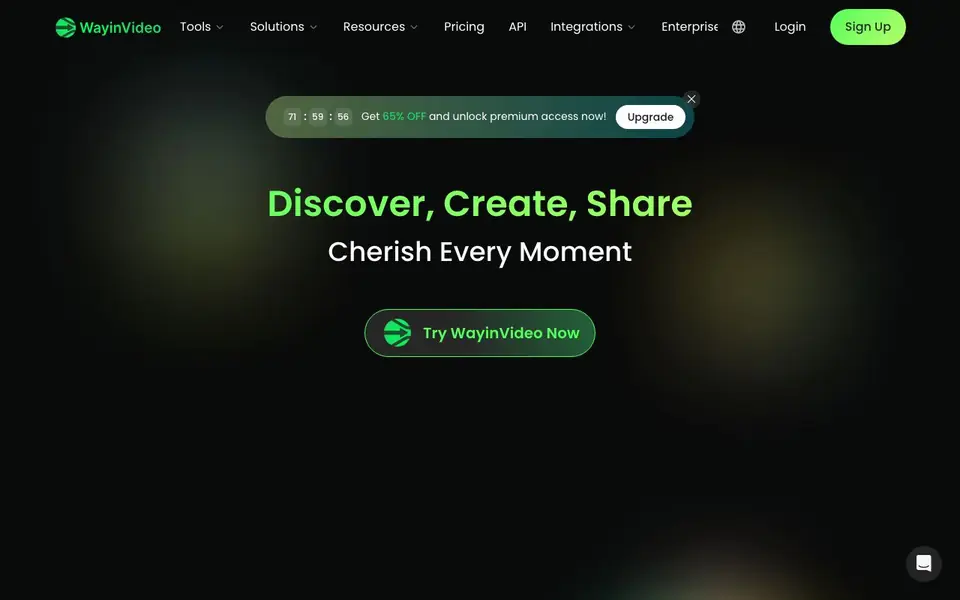
What is WayinVideo?
WayinVideo is an online AI video platform that helps you work with video faster. It can turn long recordings into short, share-ready clips, summarize hours of footage into a quick overview, and transcribe speech into text. You can also add animated captions, reframe videos for different platforms, and search inside a video by typing a keyword or question.
You start by uploading a video or linking one from a platform. The AI then analyzes the content, detecting highlights, speaker changes, and pacing. From there, you can generate clips, summaries, transcripts, or captions in a few clicks. The platform supports many languages for summaries and subtitles, and it offers an API so you can build these features into your own workflows.
WayinVideo suits content creators, marketers, podcasters, streamers, and students. It includes free daily credits for transcription, and paid plans unlock more features. The website mentions integrations like a Chrome extension, desktop app, and Obsidian plugin, plus tools for specific platforms like YouTube, TikTok, and Twitch.
WayinVideo features
- AI Clip Maker: Automatically detects highlights and speaker changes to create short clips from long videos.
- Video Summarizer: Generates a one-paragraph overview and timestamped outline of key moments in seconds.
- Video Transcription: Produces accurate transcripts with punctuation, timestamps, and speaker labels.
- AI Reframe: Tracks faces and objects to keep subjects centered when resizing to different aspect ratios.
- AI Video Search: Lets you type a keyword or question to jump to the exact moment in a video.
- Caption Generator: Creates animated subtitles and callout cards in multiple languages for social videos.
What you can do with WayinVideo
- Turn a long podcast episode into multiple short clips for social media.
- Summarize a lecture video to quickly review key points before an exam.
- Transcribe an interview to get a timestamped, speaker-labeled text file.
- Reframe a landscape video to vertical format for TikTok or Reels.
- Search a recorded meeting for a specific topic without scrubbing the timeline.
How to get started with WayinVideo
- Sign up for a free account on WayinVideo's website.
- Upload a video or paste a link from a supported platform.
- Choose a tool like Clip Maker, Summarizer, or Transcript Generator.
- Review the AI output and export your clips, captions, or text.
Tips for better results with WayinVideo
- Upload a clean, well-lit video with clear audio so WayinVideo can detect highlights and speaker changes more accurately for your clips and summaries.
- Use WayinVideo's AI video search to type a specific keyword or question, then jump to that exact moment before generating a clip or transcript.
- Reframe your video for each platform separately in WayinVideo, since the AI tracks faces and objects to keep subjects centered in vertical or square formats.
- Check your free daily credits in WayinVideo before processing long videos, then plan your transcription or summarization tasks to stay within the limit.
WayinVideo pricing
WayinVideo has a free way to start, with paid plans for heavier use. Check wayin.ai for current limits and prices.
What to check before you rely on WayinVideo
- Confirm whether the free daily credits cover all features you need, since the website lists credits for transcription but does not specify limits for other tools.
- Verify that WayinVideo supports the video length and file size you plan to upload, as the website does not state maximum durations or sizes.
- Review the export formats for transcripts, captions, and clips on the pricing or help pages, because the website does not list all available output options.
Who WayinVideo is for
WayinVideo suits content creators, marketers, podcasters and students. If that is not you, the AI video editors below may fit better.
Similar tools compared with WayinVideo
| Tool | What it is | Pricing |
|---|---|---|
| WayinVideo | AI video editor, clipper, and summarizer | Freemium |
| SiVideoGen | AI video generator with multiple models | Freemium |
| Descript | AI video and audio text-based editor | Freemium |
| InVideo | Agentic AI video editor and maker | Freemium |
| VEED | AI video creation and editing platform | See website |
WayinVideo FAQ
What is WayinVideo?
WayinVideo is an online AI video platform that helps you clip, summarize, transcribe, caption, and reframe videos. It's designed for content creators, marketers, and students who want to work with video faster.
How does AI Clipping work?
The AI clip maker analyzes your video to detect highlights, speaker changes, and pacing. It then automatically creates short, share-ready clips from those moments, which you can export for platforms like YouTube, TikTok, and Instagram.
Is WayinVideo free?
WayinVideo offers free daily credits for transcription, and you can try the platform for free. Paid plans provide more features and remove limits. The website mentions a 65% discount for premium access, but exact pricing details are on their pricing page.
What can I do with the API?
The API lets you integrate WayinVideo's features—like AI clipping, transcription, summarization, and video search—into your own automation workflows. You can process videos programmatically without opening a browser.
Does WayinVideo work on mobile devices or only on desktop?
WayinVideo is an online platform, so you can use it through a web browser on most devices. The website mentions a desktop app and a Chrome extension, but it does not specify a dedicated mobile app. Check the Help Center or the integrations page for the latest device support details.
What file formats can WayinVideo export or download after processing?
WayinVideo lets you export videos with captions, reframed clips, and transcripts. The website does not list specific export file formats like MP4 or SRT. For exact export options, check the Help Center or try a free upload to see what download formats are available.
Can WayinVideo connect to my cloud storage or social media accounts directly?
WayinVideo offers integrations for YouTube, TikTok, Twitch, and other platforms, plus a Chrome extension, desktop app, and Obsidian plugin. The website does not mention direct cloud storage connections like Google Drive or Dropbox. For a full list, visit the integrations page on wayin.ai.


