
What is Wave.video?
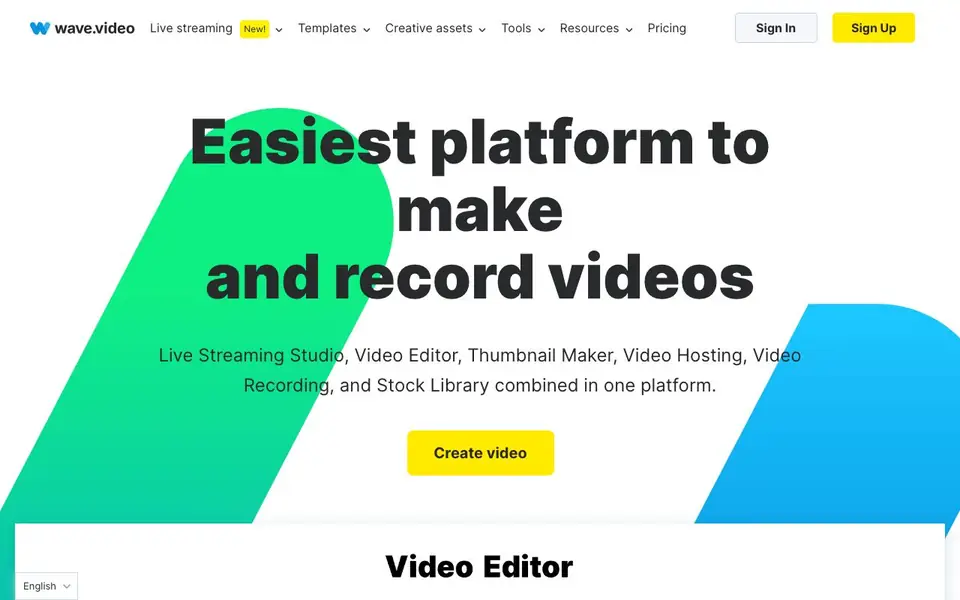
Wave.video is an all-in-one online video platform that combines a video editor, live streaming studio, video recorder, thumbnail maker, video hosting, and a stock library. You can create professional-looking videos for social media, ads, and more. The platform is designed for creators of all levels, from beginners to experienced marketers.
You start by creating a blank video, uploading footage, recording yourself, or generating a video from text or a blog post. Then you can resize and trim clips, combine videos, add text animations, stickers, and transitions. You can also add auto-generated captions or custom subtitles. For live streaming, you can multistream to multiple channels simultaneously, invite guests, and customize your broadcast with branded overlays.
Wave.video also offers secure video hosting with customizable players, video landing pages, and analytics. The built-in stock library provides videos, images, and audio tracks from top providers. It suits social media managers, content creators, and businesses that want to produce and distribute video content efficiently. The website mentions a free sign-up and a free trial, but detailed pricing plans are not specified on the homepage.
Wave.video features
- Online video editor: Resize, trim, combine clips, and add text animations, stickers, and transitions.
- Live streaming studio: Multistream to multiple channels simultaneously with customizable layouts and no coding.
- Video recorder: Record videos with custom layouts, scene planning, and the ability to invite guests.
- Thumbnail maker: Remove backgrounds, apply layouts, and add titles to create attention-grabbing thumbnails.
- Video hosting: Upload videos, create landing pages, embed players, and track analytics securely.
What you can do with Wave.video
- Create social media videos for Instagram, YouTube, and Facebook with templates and editing tools.
- Multistream live events or pre-recorded videos to multiple channels at once.
- Record podcasts or live shows with guest invitations and custom scene layouts.
- Host videos on your website with a branded player and track viewer analytics.
How to get started with Wave.video
- Sign up for free on the Wave.video website.
- Choose to create a blank video, upload footage, record yourself, or generate from text.
- Edit with the online editor, add captions, then host or multistream your video.
Tips for better results with Wave.video
- Start with a template or generate from text to speed up your workflow, then customize with your own footage and brand elements for a polished result.
- Use Wave.video's multistreaming feature to broadcast to multiple channels at once, saving time and expanding your live audience reach.
- Add auto-generated captions and custom subtitles to your videos in Wave.video to improve accessibility and engagement for viewers watching without sound.
- Leverage the built-in stock library for videos, images, and music to avoid sourcing assets externally, keeping your project within one platform.
Wave.video pricing
Wave.video has a free way to start, with paid plans for heavier use. Check wave.video for current limits and prices.
What to check before you rely on Wave.video
- Verify the free plan's limits on video length, resolution, or storage, as the website does not specify these details on the homepage.
- Check if your required export formats and resolutions are available in the free tier, since the site does not list them clearly.
- Review Wave.video's data privacy policy for handling your uploaded videos and live streams, especially if you work with sensitive content.
Who Wave.video is for
Wave.video suits content creators, social media marketers, businesses and live streamers. If that is not you, the AI video editors below may fit better.
Similar tools compared with Wave.video
| Tool | What it is | Pricing |
|---|---|---|
| Wave.video | All-in-one online video platform | Freemium |
| SiVideoGen | AI video generator with multiple models | Freemium |
| Descript | AI video and audio text-based editor | Freemium |
| InVideo | Agentic AI video editor and maker | Freemium |
| VEED | AI video creation and editing platform | See website |
Wave.video FAQ
What can I do with Wave.video?
You can edit videos, record yourself, live stream to multiple channels, make thumbnails, host videos, and access a stock library. It's an all-in-one platform for creating and distributing video content.
Is Wave.video free to use?
The website says you can sign up free and try it now for free, but it doesn't specify if there's a paid plan. Check the pricing page for detailed plan options.
Who is Wave.video for?
It's for creators of all levels, including social media managers, marketers, and businesses. You can use it to make videos for Instagram, YouTube, ads, and more.
Can I use Wave.video for live streaming?
Yes, it has a live streaming studio that lets you multistream to multiple channels, invite guests, and customize your broadcast with branded overlays.
Can I use Wave.video on my phone or tablet?
Wave.video is an online platform, so you can access it through a web browser on most devices, including phones and tablets. The website does not mention dedicated mobile apps, so for the best experience, check if the browser version works well on your device.
What does the free plan of Wave.video include?
Wave.video offers a free sign-up, but the website does not detail exactly what the free plan includes. You can start creating videos and use some tools for free, but for specifics on limits like video length, exports, or storage, you would need to check the pricing page or contact support.
Does Wave.video let me export videos in high resolution or different formats?
Wave.video is an online video editor that lets you create and export videos, but the website does not specify which export resolutions or file formats are available. For details on export options, you should look at the pricing page or the knowledge base.


