
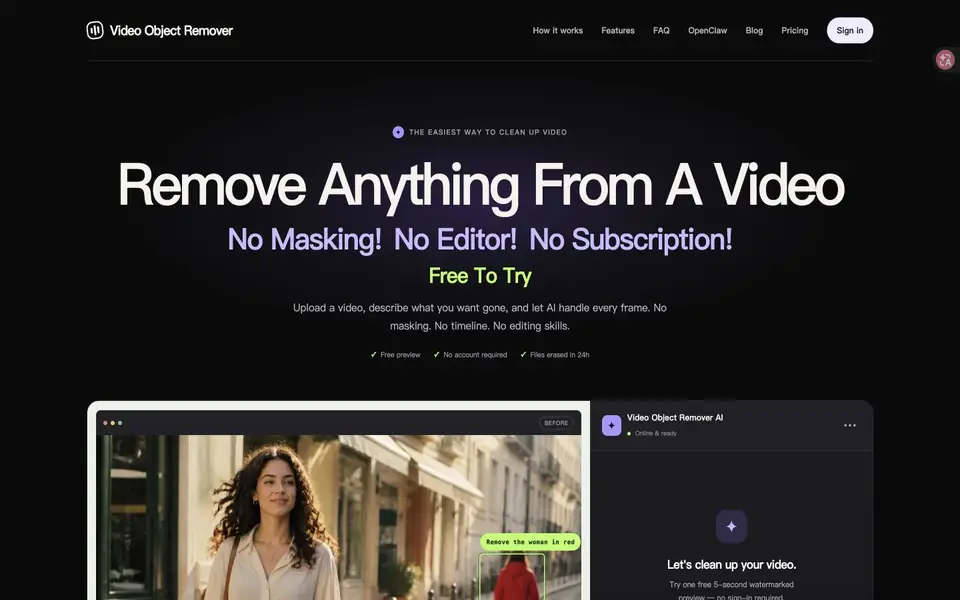
What is Video Object Remover?
Video Object Remover accepts a video and a description of the object to remove. Its AI fills the affected area without requiring a hand-drawn mask. The website supports common formats including MP4, MOV and WebM.
A free watermarked preview is limited to five seconds. Full processing is paid and has duration and upload limits. Review the output for changes around the removed object, especially when the camera or background moves.
Video Object Remover features
- Text-directed object removal
- Automatic background reconstruction
- Short watermarked preview
What you can do with Video Object Remover
- Clean up a distracting object
- Prepare a short edited clip
How to get started with Video Object Remover
- Upload footage
- Describe the object to remove
- Review the preview before full processing
Video Object Remover pricing
Video Object Remover offers a free trial before you pay. Check videoobjectremover.com for current plans.
Who Video Object Remover is for
Video Object Remover suits Video creators and Editors. If that is not you, the AI video editors below may fit better.
Similar tools compared with Video Object Remover
| Tool | What it is | Pricing |
|---|---|---|
| Video Object Remover | Remove unwanted objects from video | Free trial |
| SiVideoGen | AI video generator with multiple models | Freemium |
| Descript | AI video and audio text-based editor | Freemium |
| InVideo | Agentic AI video editor and maker | Freemium |
| VEED | AI video creation and editing platform | See website |
Video Object Remover FAQ
Is the full video free?
No. The free offering is a short watermarked preview; full processing is paid.


