

What is Vanna.AI?
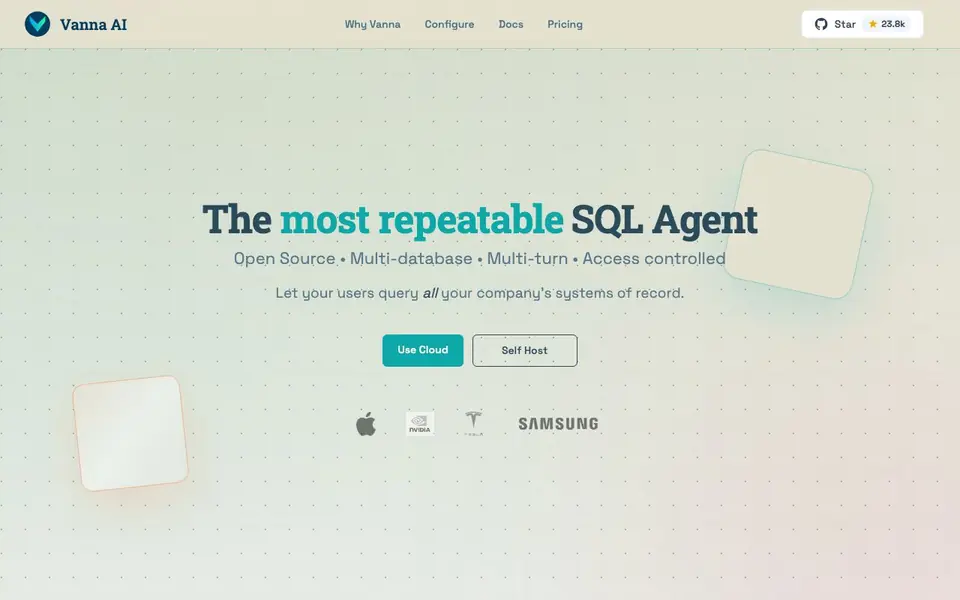
Vanna is an open-source framework that turns natural language questions into SQL queries. It works with many LLM providers and databases, so you can connect your existing stack. The tool helps people who are not SQL experts get insights from company data without writing complex queries.
You start by choosing your LLM provider and database, then get copy-paste configuration code. Vanna generates SQL from your questions, runs it against your data, and returns answers. It supports multi-turn conversations, so you can refine your questions and dig deeper into results.
Vanna suits teams that want to make data accessible across their organization. The optional hosted admin features add access control, observability, agent memory, audit logs, and data retention. You can self-host or use Vanna Cloud, and there is no vendor lock-in since it is open source.
Vanna.AI features
- Natural language to SQL: Ask questions in plain English and get SQL queries generated automatically.
- Multi-database support: Works with SQLite, PostgreSQL, MySQL, Snowflake, BigQuery, and more.
- Access control: Admin features let you control who can see which data in your systems.
- Observability: Real-time metrics and distributed tracing help you monitor query performance.
- Agent memory: Hosted vector database stores learnings to improve future query accuracy.
What you can do with Vanna.AI
- Let marketing staff pull campaign metrics without writing SQL.
- Enable finance teams to query transaction data for daily reports.
- Help support agents find customer history quickly in natural language.
- Allow executives to ask business questions and get instant answers.
How to get started with Vanna.AI
- Choose your LLM provider and database from the options on the website.
- Copy the generated configuration code and set up Vanna in your environment.
- Start asking questions in natural language and refine them in multi-turn chats.
Tips for better results with Vanna.AI
- Start with a simple, specific question about one table, then refine it in follow-up turns. Vanna learns from corrections, so phrase questions as if you were asking a colleague.
- Train Vanna on your schema by providing sample queries and documentation during setup. The more examples you give it, the better it maps your business terms to actual columns and tables.
- Test Vanna on a read-only copy of your database first. This lets you verify generated SQL against known results without risking production data or slowing down live systems.
- Use the multi-turn conversation to break complex requests into smaller steps. Ask for a summary first, then drill into details, and Vanna will build on the context instead of starting over.
Vanna.AI pricing
Vanna.AI has a free way to start, with paid plans for heavier use. Check vanna.ai for current limits and prices.
What to check before you rely on Vanna.AI
- Check the pricing page for hosted admin features like access control and audit logs, since the site does not list prices for these optional services.
- Verify which LLM providers and database versions your stack uses, because Vanna supports many but the site does not state compatibility for every combination.
- Confirm your data privacy requirements before using Vanna Cloud, as the site does not detail where data is stored or how it is handled in hosted mode.
Who Vanna.AI is for
Vanna.AI suits data analysts, product managers, business teams and developers. If that is not you, the AI data analysis tools below may fit better.
Similar tools compared with Vanna.AI
| Tool | What it is | Pricing |
|---|---|---|
| Vanna.AI | Open-source AI SQL agent | Freemium |
| Julius AI | AI workspace for data and content | See website |
| Rows | AI-powered spreadsheet and data analyst | See website |
| Clay | AI platform for go-to-market workflows | Freemium |
| Semrush Copilot | SEO and AI search visibility platform | Freemium |
Vanna.AI FAQ
What does Vanna do?
Vanna converts natural language questions into SQL queries so you can get answers from your databases without writing SQL yourself. It supports multiple databases and LLM providers, and it is open source.
Is Vanna free to use?
Vanna is open source, so you can self-host it for free. There are also paid options like Vanna Cloud and Enterprise with hosted admin features. The website does not list specific prices, so check the pricing page for details.
Who is Vanna for?
Vanna is for anyone in an organization who wants to query data, regardless of SQL expertise. It is especially useful for product managers, business teams, and developers who want to make data accessible to more people.
Which databases and LLMs does Vanna support?
Vanna works with LLM providers like Anthropic, OpenAI, Gemini, and Ollama. It supports databases including SQLite, PostgreSQL, MySQL, Snowflake, and BigQuery, with an option for other databases.
Does Vanna.AI require you to create an account to use the open-source version?
The Vanna.AI website does not mention whether an account is required for the open-source version. For the hosted Vanna Cloud or Enterprise options, you would likely need an account, but the site doesn't specify. Check the Quickstart or documentation for setup details.
Can Vanna.AI export the SQL queries it generates or connect to other tools like BI platforms?
Vanna.AI generates SQL queries from your natural language questions, and you can run them against your database. The website does not mention exporting queries or direct integrations with BI tools. It focuses on generating and running SQL within your existing stack. Check the docs for any export or integration options.
What does the free plan of Vanna.AI include, and are there limits on usage?
Vanna.AI is open source, so the core framework is free to self-host. The website does not specify limits on the open-source version. For hosted admin features like access control and observability, you need to check the pricing page, as those are optional and may have costs.


