

What is Dot?
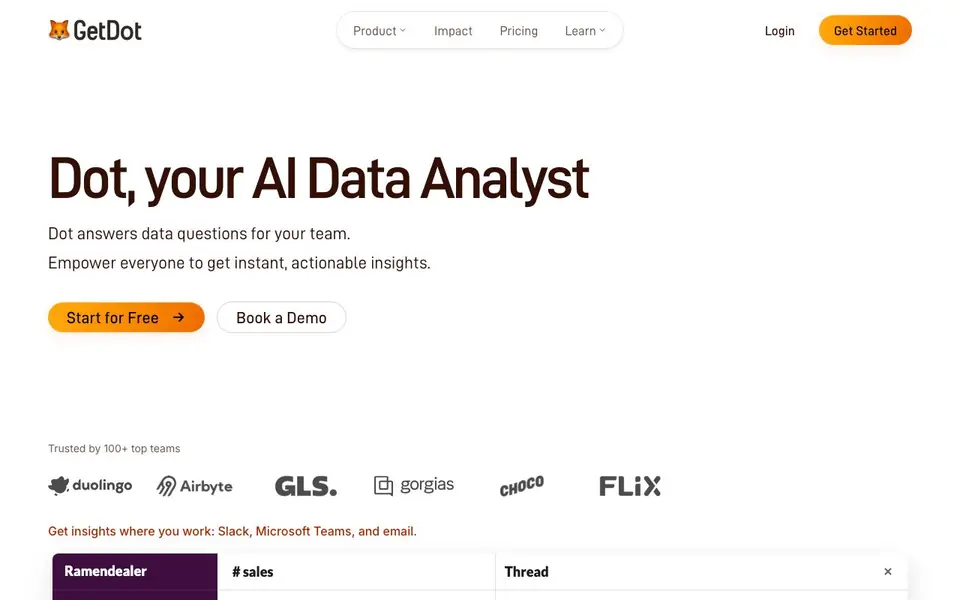
Dot is an AI data analyst that lets you ask questions about your data in plain English. It finds the right tables, writes SQL, and generates charts automatically. You can use it in Slack, Microsoft Teams, or email, so your whole team can get insights without hunting through dashboards.
You start by connecting your data sources like Snowflake, BigQuery, or dbt. Then you ask a question, and Dot does the rest. For deeper work, you can run multi-dimensional analyses with drill-downs, or set up automated reports that deliver executive-ready PowerPoint decks on a schedule. A Context Agent pulls definitions and metrics from your systems to keep everything consistent.
Dot is built for teams that want faster, more accessible data. It includes security features like SSO, RBAC, and row-level security, and is SOC 2 audited and GDPR ready. The website mentions impact studies from companies like Duolingo and Choco, but does not list specific pricing tiers beyond a free start option.
Dot features
- Natural language chat: Ask questions in plain English and get answers with charts automatically.
- Deep analysis: Run multi-dimensional investigations with drill-downs and full methodology for complex questions.
- Automated reports: Schedule executive-ready PowerPoint reports delivered on a recurring basis.
- Context Agent: Pull definitions and metrics from your data systems to keep context governed and consistent.
- Security controls: Use SSO, RBAC, and row-level security with SOC 2 and GDPR compliance.
What you can do with Dot
- Ask about revenue by region and get an instant chart in Slack.
- Compare quarterly pipeline performance without writing SQL.
- Generate a weekly revenue report for your team meeting automatically.
- Investigate churn rate by segment with multi-dimensional drill-downs.
How to get started with Dot
- Sign up for free on Dot's website.
- Connect your data sources like Snowflake or BigQuery with no-code integrations.
- Ask a question in chat or set up automated reports to get started.
Tips for better results with Dot
- Start with simple, specific questions like 'revenue by region for Q3' to help Dot locate the right tables and generate accurate charts quickly.
- Use Dot in Slack or Teams by tagging it directly in your conversation, so answers and charts appear where your team already works.
- Set up automated PowerPoint reports for recurring metrics like weekly revenue, and review the methodology once to confirm the data aligns with your definitions.
- Leverage the Context Agent to sync definitions from Snowflake or dbt before asking complex questions, which reduces naming conflicts and improves answer consistency.
Dot pricing
Dot has a free way to start, with paid plans for heavier use. Check getdot.ai for current limits and prices.
What to check before you rely on Dot
- Check whether your free plan includes all data source connectors like Snowflake and BigQuery, since the website does not list specific limits for the free tier.
- Verify if the free plan supports Slack, Teams, and email integrations, as the site mentions these but does not state which are available without payment.
- Confirm your data privacy requirements against the zero-retention claim on LLM providers, and review audit logs to ensure they meet your compliance needs.
Who Dot is for
Dot suits data teams, business analysts, executives and operations staff. If that is not you, the AI data analysis tools below may fit better.
Similar tools compared with Dot
| Tool | What it is | Pricing |
|---|---|---|
| Dot | AI data analyst for your team | Freemium |
| Julius AI | AI workspace for data and content | See website |
| Rows | AI-powered spreadsheet and data analyst | See website |
| Clay | AI platform for go-to-market workflows | Freemium |
| Semrush Copilot | SEO and AI search visibility platform | Freemium |
Dot FAQ
What does Dot do?
Dot is an AI data analyst that answers questions about your data in plain English. It finds the right tables, writes SQL, and generates charts. You can use it in Slack, Microsoft Teams, or email.
Is Dot free to use?
Dot offers a free start option, but the website does not detail specific plan limits or pricing. You can book a demo to learn more about paid options.
Who is Dot for?
Dot is designed for data teams and also for non-technical employees. It helps people across your organization get insights without needing to build queries or hunt through dashboards.
What data sources can I connect?
Dot connects to tools like Snowflake, BigQuery, dbt, and Slack. The website says you can use no-code integrations or Dot's API, but it does not list every integration.
Does Dot require an account to use?
Yes, you need to create an account to use Dot. The website shows a 'Get Started' button and a 'Login' option, which implies you must sign up. After logging in, you can connect your data sources and start asking questions in Slack, Microsoft Teams, or email.
What platforms does Dot run on?
Dot works where your team already communicates: Slack, Microsoft Teams, and email. You interact with Dot through these channels, so you don't need to open a separate dashboard. The website doesn't mention a standalone mobile app or desktop application, so check their site for any updates.
What does Dot's free plan include?
The website says you can 'Start for Free' and labels Dot as freemium, but it doesn't list specific limits for the free plan. It likely gives you basic access to ask questions and get charts, but for full features like deep analysis or automated reports, you may need to upgrade. Check the pricing page for details.


