
What is Repostit Clips?
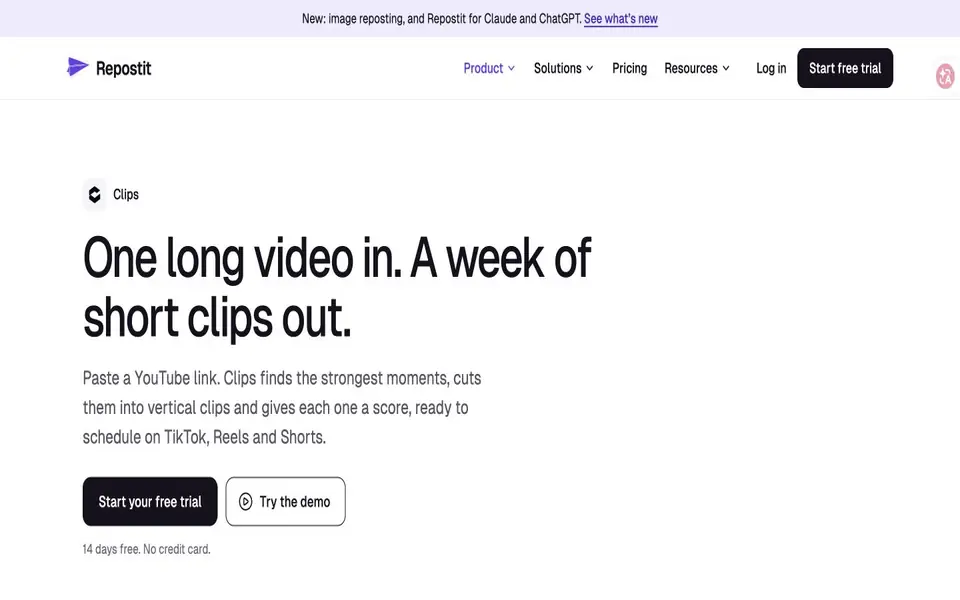
Repostit Clips uses AI to identify candidate highlights in long YouTube videos and prepare short vertical clips. Creators can review a score for each clip, adjust its start and end points manually, then download or schedule selected clips. The clipping service has its own minute-based plans within Repostit.
Repostit Clips features
- Automatic highlight selection with clip scores
- Manual start and end adjustments
- Vertical 1080 × 1920 exports without an added watermark
- Calendar scheduling to connected social accounts
What you can do with Repostit Clips
- Repurpose podcast episodes
- Select interview highlights
- Prepare short clips from webinars
How to get started with Repostit Clips
- Add a YouTube link to a video you own.
- Choose automatic extraction or select moments manually.
- Review and download or schedule the clips you want to keep.
Repostit Clips pricing
Every account receives 10 videos or 100 minutes free, whichever comes first. Clips has separate paid plans. Annual-billing equivalents are $8.25/month for 300 minutes, $16.58 for 700 minutes and $41.58 for 1,500 minutes.
Who Repostit Clips is for
Repostit Clips suits Video creators, Podcasters and Social media managers. If that is not you, the AI video editors below may fit better.
Similar tools compared with Repostit Clips
| Tool | What it is | Pricing |
|---|---|---|
| Repostit Clips | Find and schedule highlights from long YouTube videos | Free trial |
| SiVideoGen | AI video generator with multiple models | Freemium |
| Descript | AI video and audio text-based editor | Freemium |
| InVideo | Agentic AI video editor and maker | Freemium |
| VEED | AI video creation and editing platform | See website |
Repostit Clips FAQ
How much can I try for free?
The allowance is 10 videos or 100 minutes, whichever comes first. Further processing uses a separate Clips plan.
How long are processed videos available?
The official help guide states 30 days. Download or schedule clips you want to retain.
Can I choose the cuts myself?
Yes. The manual editor lets you choose or adjust start and end points.


