

What is Plask Motion?
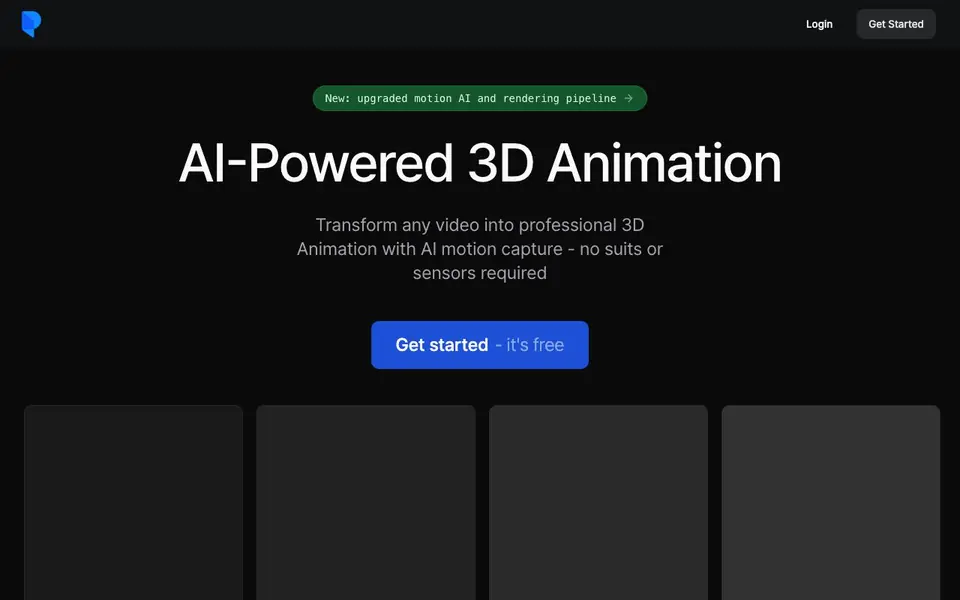
Plask Motion is an AI-powered tool that extracts motion data from ordinary videos and applies it to 3D characters. You upload any video—from smartphone footage to online clips—and the AI captures the body movements with high accuracy. This lets you create professional-looking 3D animations without wearing motion capture suits or using sensors.
To use it, you start by uploading a video. The AI instantly extracts the motion data. Then you import your own 3D character, such as MMD or VRM models, and apply the captured motion. You can adjust lighting and camera angles with a few clicks, add cinematic effects like motion blur and depth-of-field, and finally render a high-quality video or export the animation to tools like Unreal, Unity, Maya, or Blender.
Plask is designed for both beginners and professionals. It's free to start, and the website highlights its accuracy and ease of use. Users have used it for game development, dance animations, and virtual content. The main limitation is that it focuses on humanoid motion from a single camera, so complex multi-person or non-human captures aren't mentioned.
Plask Motion features
- AI motion capture: Extracts precise body movement data from any single-camera video automatically.
- Model animation: Import MMD or VRM characters and apply the captured motion with blinking and physics support.
- Cinematic controls: Adjust lighting and camera with a few clicks, plus add motion blur and depth-of-field.
- Versatile export: Render high-quality videos or export 3D assets to Unreal, Unity, Maya, and Blender.
- Fast workflow: Produce studio-quality 3D animations in minutes, from video upload to final render.
What you can do with Plask Motion
- Create 3D animations from your own dance or action videos for social media.
- Animate game characters for indie game development without expensive equipment.
- Generate virtual content for films or YouTube using webcam footage.
- Convert existing video clips into MMD or VRM animations for fan projects.
How to get started with Plask Motion
- Sign up and get started on the Plask website—it's free to begin.
- Upload a video of a person performing movements; the AI extracts the motion data.
- Import your 3D character, apply the motion, adjust camera and effects, then render or export.
Tips for better results with Plask Motion
- Upload a video with clear, full-body visibility and good lighting so Plask Motion can extract accurate motion data from the single camera source.
- Use Plask Motion with a simple humanoid movement first, like a basic walk or wave, to learn how the AI handles body tracking before trying complex actions.
- Import your own MMD or VRM character into Plask Motion and check the blinking and physics settings, since these are supported and can make the animation look more natural.
- Export your finished animation from Plask Motion to Unreal, Unity, Maya, or Blender to keep working in your usual pipeline, and test the compatibility with your project version.
- Adjust lighting and camera angles in Plask Motion before rendering, and add effects like motion blur or depth-of-field to get a more polished final video.
Plask Motion pricing
Plask Motion has a free way to start, with paid plans for heavier use. Check plask.ai for current limits and prices.
What to check before you rely on Plask Motion
- Check the free plan limits on Plask Motion, since the website says it is free to start but does not state specific upload or export restrictions.
- Verify that your video has only one person and clear humanoid motion, because Plask Motion focuses on single-camera humanoid capture and does not mention multi-person or non-human support.
- Review the export formats and software compatibility for Plask Motion, as the site lists Unreal, Unity, Maya, and Blender but does not specify file types or version requirements.
Who Plask Motion is for
Plask Motion suits 3D animators, indie game developers, content creators and VR/AR enthusiasts. If that is not you, the AI 3D and game tools below may fit better.
Similar tools compared with Plask Motion
| Tool | What it is | Pricing |
|---|---|---|
| Plask Motion | AI motion capture and 3D animation tool | Freemium |
| SiGameGen | AI game builder from one sentence | Freemium |
| Scenario | AI platform for creative asset generation | See website |
| Spline | Browser-based 3D design with AI | Freemium |
| Rosebud | AI game maker with prompts | See website |
Plask Motion FAQ
What does Plask Motion do?
It uses AI to capture human motion from regular videos and applies that motion to 3D characters. You don't need special suits or sensors—just a video from your phone or webcam.
Is Plask Motion free?
Yes, the website says 'Get started - it's free.' There's no mention of paid plans, so you can start using it at no cost.
Who is Plask Motion for?
It's for both beginners and professionals. Indie game developers, 3D animators, and content creators use it to make animations quickly. The site says it's 'loved by both professionals and beginners.'
What can I export from Plask Motion?
You can export 3D animations to industry-standard tools like Unreal, Unity, Maya, and Blender. You can also render high-quality videos directly from the tool.
What devices or platforms does Plask Motion run on?
Plask Motion is a web-based service, so you can use it in a browser on any device with an internet connection, such as a desktop, laptop, or tablet. The website does not mention dedicated mobile apps or offline software, so check the site for the latest platform details.
Does Plask Motion require an account to use?
Yes, you need to create an account to use Plask Motion, as the website shows a login option and a 'Get Started' button. The free plan lets you start without paying, but you must sign up. For specific account requirements, refer to the sign-up page.
What does the free plan of Plask Motion include?
Plask Motion is free to start, and the website highlights that you can get started for free. It does not list the exact limits of the free plan, such as the number of exports or video length. To see what the free plan includes, check the pricing or plans section on the website.


