

What is Cascadeur?
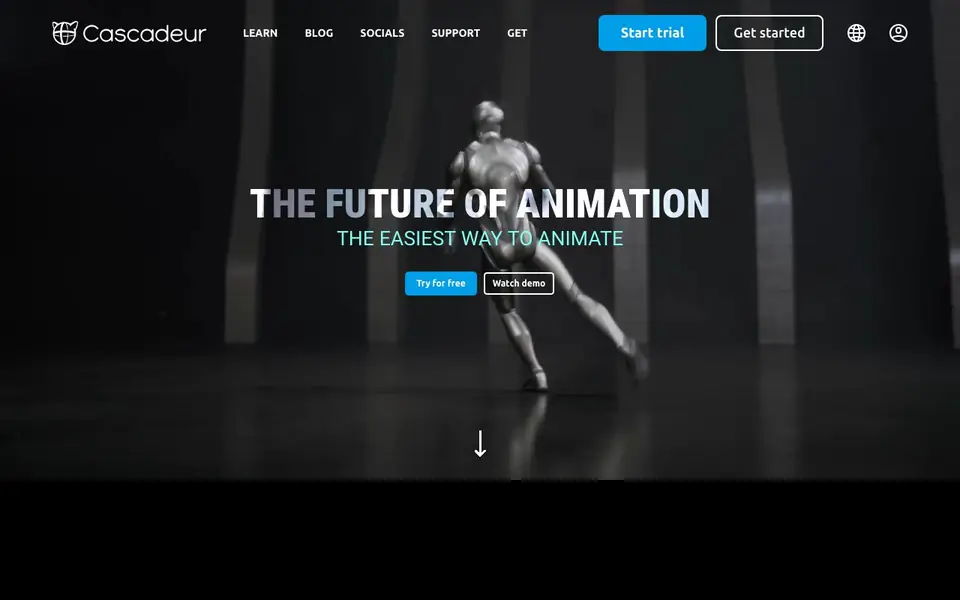
Cascadeur is a 3D animation software built for character animation, mocap cleanup, AI motion generation, and editing. It focuses on making the animation process easier, whether you are starting from scratch or fixing existing motion data. The tool is designed for both beginners and professionals who want faster, cleaner results.
You can start by placing keyframes, and Cascadeur's AI interpolation instantly generates the motion between them. You can also generate different types of animation, such as running, jumping, combat, acrobatics, and idles. For motion capture work, you can use the markerless mocap tools to clean up data, prevent feet sliding, knee pops, and geometry penetration, and fix poses with AutoPosing.
Cascadeur includes a UE Live Link feature, so you can stream animation directly to Unreal Engine and see changes update in real time. It suits game developers, animators, and previz artists. The website mentions success with Shadow Fight 4: Arena, where combat animations were created in Cascadeur.
Cascadeur features
- AI interpolation: Instantly generates motion between your keyframes to speed up animation.
- AI motion generation: Creates animations like running, jumping, combat, acrobatics, and idles.
- Mocap cleanup tools: Fixes motion capture data, preventing feet sliding, knee pops, and geometry penetration.
- AutoPosing and AutoPhysics: Helps fix poses and add weight to animations for more realistic motion.
- UE Live Link: Streams animation to Unreal Engine with real-time updates.
What you can do with Cascadeur
- Clean up motion capture data to fix sliding feet and knee pops.
- Generate combat or acrobatic animations for game characters.
- Prototype character movements quickly for previz or game design.
- Edit existing animations using layers for fine control.
How to get started with Cascadeur
- Download Cascadeur from the website and start a free trial.
- Import or create your character rig and place keyframes.
- Use AI tools to generate or refine motion, then export or stream to Unreal Engine.
Tips for better results with Cascadeur
- Start with rough keyframes and let Cascadeur's AI interpolation fill the gaps, then refine the result. This saves time and gives you a solid base to polish.
- Use Cascadeur's markerless mocap cleanup tools on your capture data to fix feet sliding and knee pops before you edit. Clean data makes your final animation more reliable.
- Try generating combat or acrobatic motion with Cascadeur's AI motion generation, then adjust the poses manually. You get a fast starting point without animating from zero.
- Stream your Cascadeur animation to Unreal Engine with UE Live Link and check the timing in your actual game environment. Real-time feedback helps you catch issues early.
Cascadeur pricing
Cascadeur offers a free trial before you pay. Check cascadeur.com for current plans.
What to check before you rely on Cascadeur
- Check whether the trial version limits export formats or watermarks your animations. The website does not state these details, so confirm before using it for client work.
- Verify if the trial includes all features like UE Live Link and AutoPhysics, or if some are locked. The site does not specify trial restrictions, so test them yourself.
- Review the privacy policy for how your uploaded motion capture data is handled. The website does not list data retention or usage terms, so contact support if unsure.
Who Cascadeur is for
Cascadeur suits game developers, 3D animators and previz artists. If that is not you, the AI 3D and game tools below may fit better.
Similar tools compared with Cascadeur
| Tool | What it is | Pricing |
|---|---|---|
| Cascadeur | AI-assisted 3D character animation software | Free trial |
| SiGameGen | AI game builder from one sentence | Freemium |
| Scenario | AI platform for creative asset generation | See website |
| Spline | Browser-based 3D design with AI | Freemium |
| Rosebud | AI game maker with prompts | See website |
Cascadeur FAQ
What is Cascadeur used for?
Cascadeur is for 3D character animation, including keyframe animation, AI motion generation, and mocap cleanup. You can create animations from scratch or fix existing motion capture data.
Is Cascadeur free?
The website offers a free trial and a 'Try for free' option, but it does not clearly state if there is a permanent free plan. Check the pricing or download page for details.
Who is Cascadeur for?
It is aimed at animators, game developers, and previz artists. The tool is designed to be easy to use, so it can suit both beginners and professionals.
Can I use Cascadeur with Unreal Engine?
Yes, Cascadeur has a UE Live Link feature. You can stream animation directly to Unreal Engine, and any changes you make will update in real time.
What platforms or devices can I run Cascadeur on?
The Cascadeur website does not list specific operating systems or hardware requirements. To find out if Cascadeur runs on your device, check the official documentation or system requirements page on cascadeur.com, or contact their support team for clarification.
Does Cascadeur require an account to use?
The Cascadeur website does not mention whether an account is required to use the software. To get a clear answer, check the sign-up or trial process on cascadeur.com, or review the terms and conditions linked at the bottom of the site for account-related details.
Can Cascadeur export animations to formats other than Unreal Engine?
The Cascadeur website specifically mentions UE Live Link for streaming to Unreal Engine, but it does not list other export formats or integrations. For a full list of supported export options, check the documentation or support section on cascadeur.com, or contact their team directly.


