

What is guidde?
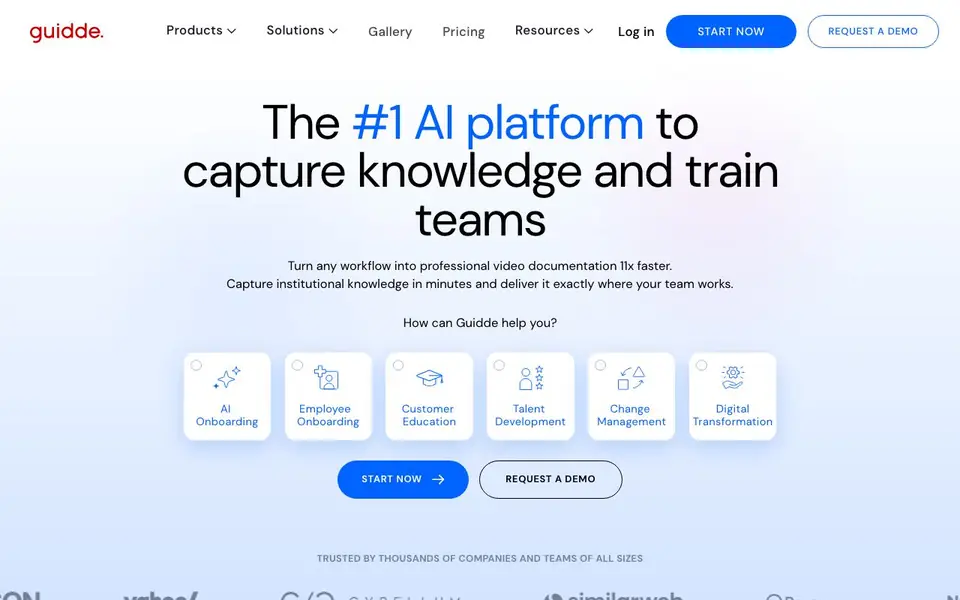
Guidde is an AI platform that helps you create video documentation and training materials. It captures your screen as you work and turns the recording into a structured, step-by-step video guide. The AI adds voiceover, captions, and highlights automatically, so you don't need editing or design skills.
To use it, you record your workflow with Magic Capture. Guidde then converts the recording into a script and generates a professional video. You can edit the result with the advanced editor and share it directly in the tools your team uses. It supports auto-translation into 50+ languages, which helps global teams.
Guidde is built for onboarding, customer education, support, and SOPs. It claims to reduce video creation time by 11x and is trusted by companies of all sizes. It offers enterprise-grade security, including HIPAA-aligned workflows to prevent PHI capture. The website does not state pricing details, so you'll need to check their pricing page.
guidde features
- Magic Capture: Records your screen and turns the workflow into a video guide automatically.
- AI-Powered Storyboarding: Converts recorded workflows into structured step-by-step narrative scripts.
- AI-Generated Voiceover: Adds a natural voiceover to your videos without recording your own audio.
- Advanced Editor: Lets you fine-tune your video with captions, highlights, and other edits.
- Smart Sharing: Embeds video guidance directly into the apps your team uses to reduce context switching.
What you can do with guidde
- Create onboarding videos for new hires in minutes.
- Produce customer education guides that reduce support tickets.
- Document SOPs and processes for consistent team training.
- Build product demos to showcase features to prospects.
How to get started with guidde
- Sign up for Guidde and install the Magic Capture browser extension.
- Record your workflow as you perform the steps you want to document.
- Let the AI generate the script, voiceover, and captions, then share the finished video.
Tips for better results with guidde
- Record your workflow with Magic Capture in one clean pass, narrating as you go, so Guidde has clear audio and steps to turn into a structured script and voiceover.
- Use Guidde's advanced editor after generation to trim pauses, adjust captions, and reorder steps, ensuring the final video matches your exact process before sharing.
- For global teams, record once and use Guidde's auto-translation into 50+ languages, then review the translated script in the editor to catch any context-specific phrasing issues.
- When creating SOPs or onboarding videos, break long workflows into shorter segments, as Guidde handles step-by-step narratives better when each recording focuses on a single task.
guidde pricing
guidde’s homepage does not list prices. Check guidde.com for current plans.
What to check before you rely on guidde
- Check the pricing page directly, as the website does not state any plan costs, limits, or free trial details, so you cannot assume affordability or usage caps.
- Verify data handling and security features, especially if you record sensitive workflows, since the site mentions HIPAA-aligned options but does not detail all privacy policies.
- Confirm which apps your team uses are supported for smart sharing, as the website lists embedding capabilities but does not specify all integrations or export formats.
Who guidde is for
guidde suits L&D teams, customer support teams, product managers and HR teams. If that is not you, the AI video editors below may fit better.
Similar tools compared with guidde
| Tool | What it is | Pricing |
|---|---|---|
| guidde | AI video documentation and training platform | See website |
| SiVideoGen | AI video generator with multiple models | Freemium |
| Descript | AI video and audio text-based editor | Freemium |
| InVideo | Agentic AI video editor and maker | Freemium |
| VEED | AI video creation and editing platform | See website |
guidde FAQ
What does Guidde do?
Guidde turns your screen recordings into professional step-by-step video guides. It adds AI-generated voiceover, captions, and highlights automatically, so you can document workflows without editing skills.
Is Guidde free?
The website does not state pricing details. You can check the Pricing page on their site to see current plans and whether a free option is available.
Who is Guidde for?
It's for teams that need to train people or share knowledge, like L&D, customer support, HR, and product teams. It helps with onboarding, customer education, and documenting processes.
Can Guidde translate videos into other languages?
Yes, the website says you can create content once and auto-translate it into 50+ languages, which helps support international teams.
What can Guidde export or connect to?
Guidde lets you share videos directly in the tools your team uses, like embedding guidance into apps to reduce context switching. The website does not list specific export formats or integrations, so check Guidde's feature pages or contact support for details on what it connects to.
Does Guidde run on Windows, Mac, or both?
Guidde is a web-based platform, so you can likely use it in any browser on Windows or Mac. The website does not specify operating system requirements, so check Guidde's system requirements or help center to confirm compatibility with your device.
What does Guidde's free plan include?
Guidde offers a free plan, but the website does not detail what it includes. To know the limits on videos, features, or storage, visit Guidde's pricing page or sign up to see what you get with the free tier.


