

What is Gling?
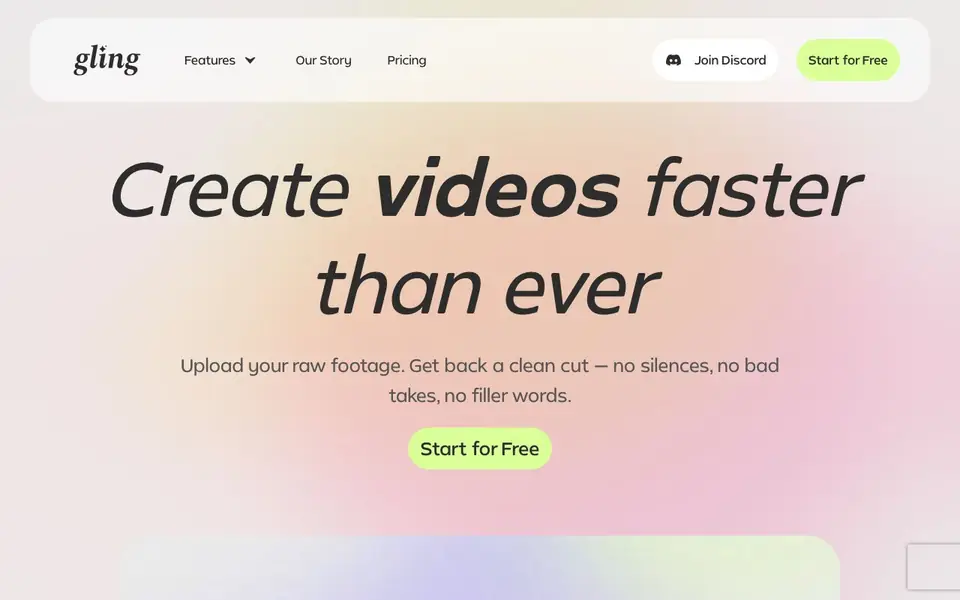
Gling is an AI video editing tool built for YouTube creators. It takes your raw recording and automatically removes the parts you would normally cut by hand: silences, bad takes, and filler words. It also cleans up background noise and can add captions, so your final video looks polished without hours of manual work.
You start by uploading your raw video or audio file. Gling transcribes it, finds the weak spots, and cuts them automatically. You then review the AI-edited timeline and refine it by adjusting text or removing clips. When you are happy, you export the clean timeline to Final Cut, DaVinci, or Premiere, or download it as MP4 or MP3 with SRT captions.
Gling suits YouTubers who want to speed up editing and keep creative control. It also helps with YouTube success by generating titles, chapters, and next-video ideas. The website mentions features like auto framing and noise removal but does not state specific limits or pricing details beyond a free start option.
Gling features
- Bad take removal: Automatically cuts out mistakes and unusable clips from your raw footage.
- Silence and filler word removal: Removes pauses and words like "um" to tighten your video.
- AI text-based trimmer: Lets you edit your video by adjusting the transcript text.
- Auto captions and subtitles: Generates captions for your video and exports them as SRT files.
- YouTube title generator: Suggests titles and chapters that may perform well on YouTube.
What you can do with Gling
- Cut silences and bad takes from a vlog or tutorial recording.
- Generate captions and subtitles for a YouTube video automatically.
- Create chapters and a title for a new YouTube upload.
- Remove background noise from a podcast or interview clip.
How to get started with Gling
- Upload your raw video or audio file to Gling.
- Review the AI-edited timeline and refine it by adjusting text or removing clips.
- Export your clean timeline to Final Cut, DaVinci, or Premiere, or download as MP4/MP3 with SRT captions.
Tips for better results with Gling
- Upload your rawest footage possible so Gling can identify and cut silences, bad takes, and filler words accurately from the start.
- Review the AI-edited timeline in Gling by adjusting the transcript text or removing clips to keep creative control before exporting.
- Use Gling's title and chapter generator after editing to get suggestions that may improve your YouTube video's performance.
- Export your final timeline from Gling to Final Cut, DaVinci, or Premiere for further polish, or download MP4/MP3 with SRT captions.
Gling pricing
Gling has a free way to start, with paid plans for heavier use. Check gling.ai for current limits and prices.
What to check before you rely on Gling
- Check whether your free plan includes enough video length or export options, since the website does not state specific limits.
- Verify if Gling supports the exact file formats and platforms you use, as the site only mentions video and audio files.
- Review Gling's privacy policy to understand how your uploaded raw recordings are stored or used before sharing sensitive content.
Who Gling is for
Gling suits YouTube creators, video editors, podcasters and content marketers. If that is not you, the AI video editors below may fit better.
Similar tools compared with Gling
| Tool | What it is | Pricing |
|---|---|---|
| Gling | AI video editor for YouTube creators | Freemium |
| SiVideoGen | AI video generator with multiple models | Freemium |
| Descript | AI video and audio text-based editor | Freemium |
| InVideo | Agentic AI video editor and maker | Freemium |
| VEED | AI video creation and editing platform | See website |
Gling FAQ
What does Gling do with my raw footage?
Gling transcribes your recording, finds bad takes, silences, and filler words, and cuts them automatically. You get a clean edit you can review and refine before exporting.
Is Gling free to use?
The website says "Start for Free," which suggests a free plan or trial. It does not state whether there is a paid plan or what the free limits are, so check the pricing page for details.
Who is Gling for?
Gling is designed for YouTube creators who want to save time on editing. It also works for anyone editing video or audio who wants to remove silences, bad takes, and noise quickly.
Can I export my edited video to other editing software?
Yes. You can export your clean timeline to Final Cut, DaVinci, or Premiere, or download the video as MP4 or MP3 with captions in SRT format.
Does Gling run on Windows, Mac, or as a web app?
Gling is available as a desktop download, and the website also mentions a free online video editor. This suggests you can use it in a browser or as a desktop app, but the site does not specify which operating systems are supported. Check the download page or contact support for details.
What does Gling's free plan include?
Gling offers a free start option, but the website does not list specific limits for the free plan, such as how many videos you can process or export quality. To know what the free plan includes, visit the pricing page or start for free and see the terms.
Can I use Gling for podcast editing or only YouTube videos?
Gling is built for YouTube creators, but it works with video and audio files, and it can remove background noise. That makes it suitable for podcast or interview clips, as the website says removing noise from audio. However, the website focuses on YouTube features, so check if podcast-specific workflows are supported.


