

What is Fabi.ai?
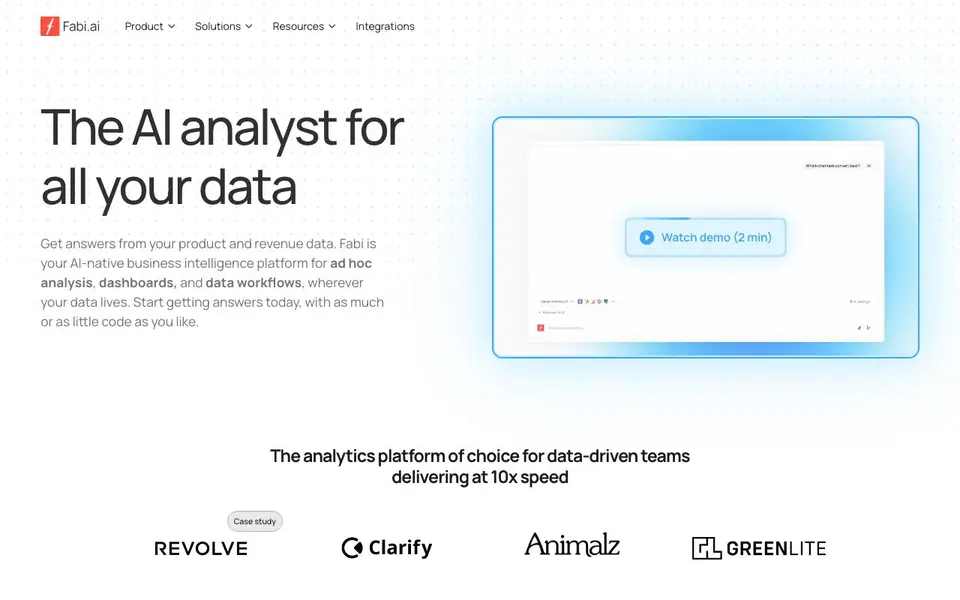
Fabi.ai is an AI-powered data analysis platform that combines SQL, Python, and AI automation to give you faster insights. It acts like an AI analyst for your data, letting you ask questions and get answers, generate dashboards, and build data workflows. You can connect it to spreadsheets, data warehouses, and applications, so your data doesn't need to move.
You start by connecting your data sources, such as Google Sheets, a CRM, or a data warehouse. Then you can use natural language prompts, SQL, Python, or no-code options to explore and analyze. The AI Analyst Agent helps you run exploratory analysis, while the dashboard builder creates customized views as fast as you can type. You can also set up scheduled runs to deliver insights to your team via Slack, email, or spreadsheets.
Fabi.ai suits data teams and non-technical users alike. Marketing and data teams can use it for ad hoc analysis, self-service analytics, and real-time collaboration. It includes AI Python notebooks, a data analyst MCP server for integrating with your favorite LLM, and GitHub version control. The website mentions pre-built templates for marketing, CRM, website traffic, and Google Sheets dashboards, but it does not state pricing details.
Fabi.ai features
- AI Analyst Agent: Explore data 10x faster and uncover new insights with AI-assisted analysis.
- Dashboard generation: Build fully customized dashboards as quickly as you can type.
- Workflow connectors: Automatically deliver insights to Slack, email, and spreadsheets.
- Scheduled runs: Send insights to your whole team on a regular cadence.
- AI Python notebooks: Use next-generation notebooks with AI-native features and reactive cells.
What you can do with Fabi.ai
- Connect Fabi to your CRM and generate a complete marketing pipeline dashboard.
- Analyze ad spend and performance across platforms to find optimization opportunities.
- Turn Google Sheets data into interactive dashboards with AI-generated charts and insights.
- Set up automated data workflows that deliver personalized insights to your team regularly.
How to get started with Fabi.ai
- Connect your data sources, like spreadsheets, data warehouses, or applications.
- Use prompts, SQL, Python, or no-code options to ask questions and explore your data.
- Generate dashboards or set up scheduled workflows to share insights with your team.
Tips for better results with Fabi.ai
- Start by connecting Fabi.ai to your primary data source, like Google Sheets or a warehouse, then ask a specific business question to see how the AI Analyst Agent structures its response.
- Use Fabi.ai's pre-built templates for marketing or CRM dashboards to quickly see what's possible, then customize the metrics to match your own definitions and goals.
- Combine natural language prompts with SQL or Python in Fabi.ai when you need more control, and test the same query in both modes to verify results.
- Set up scheduled runs in Fabi.ai to deliver insights to Slack or email, but first confirm the cadence matches how often your data actually updates to avoid stale reports.
Fabi.ai pricing
Fabi.ai’s homepage does not list prices. Check fabi.ai for current plans.
What to check before you rely on Fabi.ai
- Check whether Fabi.ai's website lists a free trial or demo access, since pricing is not stated and you may need to contact sales to test the platform.
- Verify which data connectors Fabi.ai supports for your specific warehouse or CRM, because the site lists integrations generally but not every possible system.
- Confirm how Fabi.ai handles data privacy and security for your organization, as the website does not detail compliance certifications or data residency options.
Who Fabi.ai is for
Fabi.ai suits data analysts, marketing teams, product managers and data scientists. If that is not you, the AI data analysis tools below may fit better.
Similar tools compared with Fabi.ai
| Tool | What it is | Pricing |
|---|---|---|
| Fabi.ai | AI-native business intelligence platform | See website |
| Julius AI | AI workspace for data and content | See website |
| Rows | AI-powered spreadsheet and data analyst | See website |
| Clay | AI platform for go-to-market workflows | Freemium |
| Semrush Copilot | SEO and AI search visibility platform | Freemium |
Fabi.ai FAQ
What can I do with Fabi.ai?
You can get instant answers from your product and revenue data, generate dashboards, and build automated data workflows. It supports ad hoc analysis, self-service analytics, and real-time collaboration.
Do I need to know SQL or Python to use it?
No. Fabi.ai lets you mix SQL, Python, and no-code options. You can use natural language prompts and pre-built templates, so non-technical users can also get insights.
What data sources can I connect?
Fabi.ai connects to spreadsheets, data warehouses, and applications. The website mentions Google Sheets, CRM, marketing, and website analytics as examples, but it does not list every integration.
Is there a free plan?
The website does not state pricing or a free plan. You would need to check Fabi.ai's site or contact them for details on plans and costs.
Can Fabi.ai export my dashboards or reports to other formats?
The Fabi.ai website mentions workflow connectors that deliver insights to Slack, email, and spreadsheets, but it does not specify exporting dashboards to PDF, CSV, or other file formats. To confirm what export options are available, check the Fabi.ai documentation or contact their support team directly.
Does Fabi.ai run on mobile devices or only on desktop?
The Fabi.ai website does not mention specific device support or a mobile app. It describes a web-based platform for data analysis, dashboards, and workflows. For the most accurate information about device compatibility, visit the Fabi.ai website or reach out to their team for clarification.
What does the free plan of Fabi.ai include?
The Fabi.ai website does not provide details about a free plan, including any limitations or features included. It mentions the platform's capabilities but not pricing or plan specifics. To learn about free plan options, check the Fabi.ai pricing page or contact their sales team for accurate information.


