

What is DeepMotion?
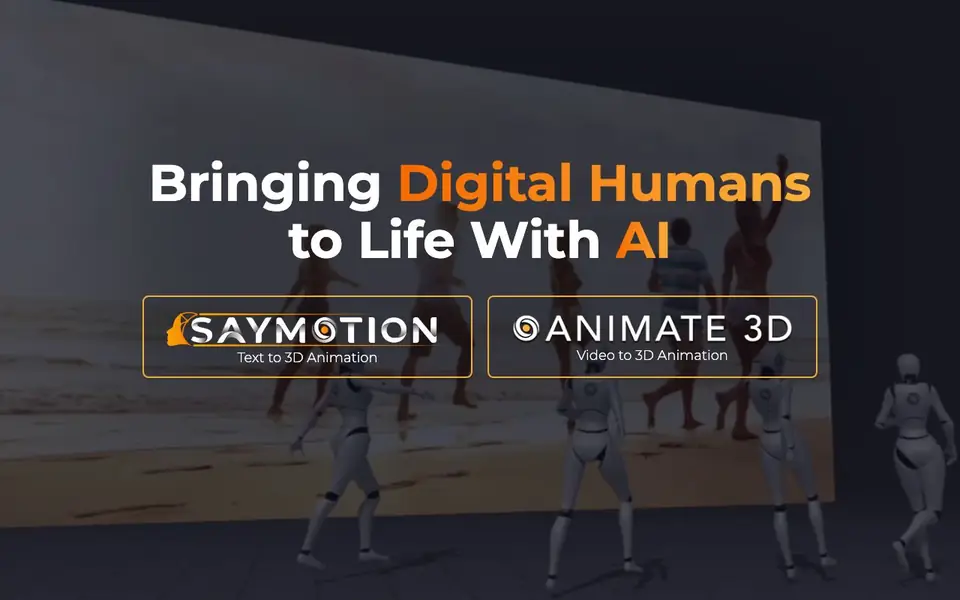
DeepMotion is a platform for creating 3D animations from video or text. It uses AI to capture motion and track bodies in real time, all through a web browser. You can generate 3D animations in seconds without needing complex software or manual keyframing.
You start by uploading a video of a person moving, or by typing a description of the motion you want. The AI then processes the input and produces a 3D animation that you can use in your projects. For developers, the Animate 3D API lets you integrate this motion capture into your own applications, speeding up your workflow.
The platform is built for creators, developers, and studios who want to add digital human motion to their work. It also includes a community showcase where you can see examples of what others have made. The website mentions a mission to make digital human motion creation accessible to everyone, but it does not list specific pricing details on the main page.
DeepMotion features
- Video to 3D animation: Upload a video and get a 3D animation of the motion in seconds.
- Text to 3D animation: Type a description of a movement and generate a matching 3D animation.
- Real-time body tracking: Track human movement live through your web browser.
- Animate 3D API: Integrate motion capture into your own apps and development workflow.
- Browser-based: Create animations directly in a web browser without extra software.
What you can do with DeepMotion
- Create 3D character animations from your own video recordings.
- Generate animated figure skaters or other sports motions from text prompts.
- Integrate motion capture into your game or app using the API.
- Explore community-made animations for inspiration and ideas.
How to get started with DeepMotion
- Sign up for a DeepMotion account on their website.
- Upload a video or type a text prompt describing the motion you want.
- Let the AI process the input, then view and use your generated 3D animation.
Tips for better results with DeepMotion
- Upload a video with clear, full-body movement and good lighting to improve DeepMotion's motion capture accuracy, especially for complex actions like sports or dance.
- When using text prompts for DeepMotion, describe the motion in specific terms such as 'slow walk with arms swinging' rather than vague phrases to get a more precise animation.
- Test DeepMotion's real-time body tracking in your browser with a simple movement first, then adjust your distance and camera angle to ensure the tracking stays stable before recording longer sequences.
- For developers, integrate DeepMotion's Animate 3D API into a small test project first to understand its response format and error handling, which will speed up your main workflow.
- checks
DeepMotion pricing
DeepMotion’s homepage does not list prices. Check deepmotion.com for current plans.
What to check before you rely on DeepMotion
- Check DeepMotion's pricing page before committing, as the main site does not list costs, so you need to verify plan limits and whether a free tier exists.
- Review DeepMotion's privacy policy to see how your uploaded videos are stored and used, since the site does not state data retention or deletion practices.
- Confirm the export formats DeepMotion supports for your animations, as the website does not list file types, which affects whether the output works in your software.
Who DeepMotion is for
DeepMotion suits 3D animators, game developers, content creators and studios. If that is not you, the AI 3D and game tools below may fit better.
Similar tools compared with DeepMotion
| Tool | What it is | Pricing |
|---|---|---|
| DeepMotion | AI motion capture and 3D animation | See website |
| SiGameGen | AI game builder from one sentence | Freemium |
| Scenario | AI platform for creative asset generation | See website |
| Spline | Browser-based 3D design with AI | Freemium |
| Rosebud | AI game maker with prompts | See website |
DeepMotion FAQ
What does DeepMotion do?
DeepMotion turns video or text into 3D animations using AI. You can upload a video of a person moving, or type a description, and it generates a 3D animation of that motion. It also offers real-time body tracking through your browser.
Is DeepMotion free to use?
The website does not state pricing details on the main page. It has a 'Pricing' link in the footer, so you can check there for specific plans and costs. The main page focuses on features and community examples.
Who is DeepMotion for?
DeepMotion is for creators, developers, and studios who want to add digital human motion to their projects. It's useful for 3D animators, game developers, and content creators. The API is designed for developers who want to integrate motion capture into their own apps.
Can I use DeepMotion without coding?
Yes, the main tools like video-to-3D and text-to-3D animation are browser-based and don't require coding. You just upload or type and get an animation. The API is for developers who want to build with it, but it's optional.
What file formats can DeepMotion export or connect to?
DeepMotion's website does not list specific export formats or integrations on its main pages. To find out what formats or connections are available, check the Animate 3D documentation or contact their support team directly.
Does DeepMotion run on mobile devices or only desktop browsers?
DeepMotion works in a web browser, so you can use it on any device with a compatible browser, including tablets and phones. The website does not specify any device restrictions, so for the best experience, use a recent browser on a device with a good internet connection.
What does DeepMotion's free plan include?
DeepMotion's website does not detail what its free plan includes. The main page mentions a sign-up option, but pricing and plan features are not listed there. To learn about the free plan's limits, check the Pricing page or contact their sales team.


