
What is Camtasia?
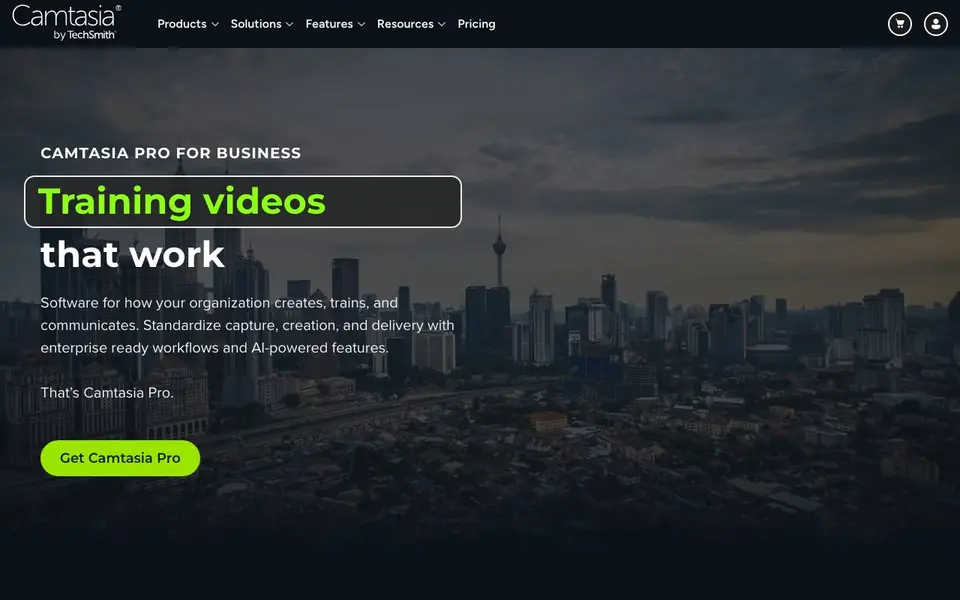
Camtasia is a screen recorder and video editor built for creating training videos, tutorials, and how-to guides. It combines advanced screen capture with professional editing tools and AI-powered features. The product suite includes Camtasia Editor, Snagit, Audiate, Assets, and Screencast Pro, so you can capture, edit, publish, and review content in one place.
You start by recording your screen, camera, and audio as separate layers. Then you edit in the Camtasia Editor, where you can trim, annotate, and add effects. With Camtasia Audiate, you can edit your video by editing the transcript, generate AI scripts, voices, and avatars, and localize voiceovers into seven languages. You can also turn process click-throughs into step-by-step guides automatically with Snagit.
Camtasia suits learning and development teams, IT, HR, customer support, and marketing. It helps preserve expert knowledge, accelerate software adoption, and scale consistent training. The website mentions SOC 2, GDPR, and VPAT compliance, and says it is trusted by teams. Pricing is not stated on the homepage, so check the pricing page for details.
Camtasia features
- Screen and camera recording: Capture your screen, webcam, and audio as separate editable layers.
- AI transcription and editing: Edit your video by editing the transcript text instead of cutting clips.
- AI voice generation: Generate AI scripts, voices, and avatars for voiceovers without tracking credits.
- Step-by-step guide creation: Turn process click-throughs into automatic guides with Snagit.
- Secure hosting and review: Publish videos on Screencast Pro with timestamped comments and versioning.
What you can do with Camtasia
- Create onboarding videos that new hires can watch at their own pace.
- Turn a software walkthrough into a step-by-step guide and video.
- Edit a recorded demo by changing the transcript instead of re-recording.
- Localize training voiceovers and captions into seven languages.
How to get started with Camtasia
- Download and install Camtasia from the TechSmith website.
- Record your screen, camera, and audio using the capture tools.
- Edit your video in the editor, using AI features like transcript editing and voice generation.
Tips for better results with Camtasia
- Record your screen, camera, and audio as separate layers in Camtasia so you can edit each element independently without re-recording when changes occur.
- Use Camtasia Audiate to edit your video by changing the transcript text instead of cutting clips, which speeds up revisions for training demos.
- Turn process click-throughs into step-by-step guides with Snagit, then combine those guides with your Camtasia video for a complete training package.
- Localize voiceovers and captions into seven languages with Camtasia Audiate to reuse one recording across global teams without re-recording.
- Publish finished videos on Screencast Pro for timestamped comments and versioning, so reviewers can give precise feedback before you finalize.
Camtasia pricing
Camtasia is a paid product. Check techsmith.com for current plans and whether a demo or trial is offered.
What to check before you rely on Camtasia
- Check the pricing page for Camtasia Pro because the homepage does not list costs, so you need to confirm what your organization will pay.
- Verify your plan includes Screencast Pro hosting and review features, since the website mentions them but does not specify which tiers include them.
- Confirm your data privacy requirements align with Camtasia's SOC 2, GDPR, and VPAT compliance, but the site does not detail how data is handled per feature.
Who Camtasia is for
Camtasia suits learning and development teams, IT and security teams, HR teams and customer support teams. If that is not you, the AI video editors below may fit better.
Similar tools compared with Camtasia
| Tool | What it is | Pricing |
|---|---|---|
| Camtasia | Screen recording and video editing suite | Paid |
| SiVideoGen | AI video generator with multiple models | Freemium |
| Descript | AI video and audio text-based editor | Freemium |
| InVideo | Agentic AI video editor and maker | Freemium |
| VEED | AI video creation and editing platform | See website |
Camtasia FAQ
What is Camtasia used for?
Camtasia is for creating screen recordings, video tutorials, how-to guides, and instructional content. It helps teams train, learn, and communicate by turning expertise into reusable videos and guides.
Does Camtasia have AI features?
Yes. Camtasia Audiate offers AI scripts, voices, avatars, and transcription. You can edit video by editing the transcript, and localize voiceover and captions into seven languages. The site says AI generation is unlimited with no credits.
Who is Camtasia for?
It is built for teams in learning and development, IT, HR, customer support, marketing, and operations. It helps preserve knowledge, accelerate software adoption, and scale training across distributed teams.
What does Camtasia cost?
The homepage does not list prices. It shows a 'Get Camtasia Pro' button and mentions enterprise-ready workflows, but you need to visit the pricing page on TechSmith's website for current plans and costs.
Can Camtasia export videos directly to YouTube or Vimeo?
The Camtasia website does not mention direct export to YouTube or Vimeo. It focuses on publishing through Screencast Pro for review and hosting. For specific export options, check the Camtasia documentation or support pages.
Does Camtasia run on both Windows and Mac?
The Camtasia website does not specify which operating systems it supports. It is commonly known to work on Windows and Mac, but to confirm current system requirements, visit the official Camtasia system requirements page.
What is included in the free trial of Camtasia?
The Camtasia website does not detail the free trial terms. It only mentions that Camtasia is paid software. To learn about trial duration and features, check the pricing page or contact sales.


