

What is Bytecap?
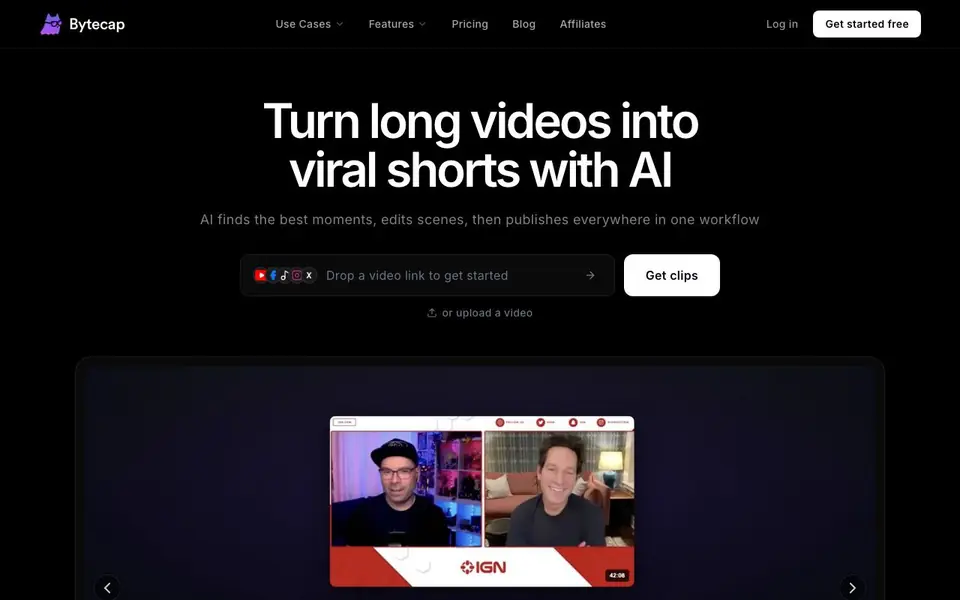
Bytecap is an AI video clipping tool that turns long videos into short, engaging clips. It finds the best moments, edits scenes, and publishes them across platforms. You can upload a video or paste a public YouTube or podcast URL to get started.
The AI automatically identifies highlights, adds captions, reframes to 9:16, and suggests B-roll. You can edit captions, silences, zooms, overlays, and more. It also includes a content calendar for scheduling and analytics to track performance.
Bytecap suits content creators, podcasters, streamers, marketers, educators, and agencies. It helps you scale video production without needing editing skills. The website mentions a free start, with testimonials praising its accuracy and workflow efficiency.
Bytecap features
- AI Video Clipping: Auto clip long videos into short, engaging clips.
- AI Captions: Create 99% accurate captions fast with AI.
- Auto Reframe: Convert 16:9 videos into tracked, editable 9:16 projects.
- AI B-roll: Add relevant B-roll footage automatically.
- Content Calendar: Plan, schedule, and publish videos across channels.
What you can do with Bytecap
- Turn podcast episodes into captioned clips for social media.
- Transform stream highlights into shareable viral videos.
- Create faceless videos with AI in seconds.
- Schedule and publish shorts to TikTok, Reels, and YouTube.
How to get started with Bytecap
- Paste a public YouTube or podcast URL, or upload a video.
- Let AI find highlights, add captions, reframe, and suggest B-roll.
- Edit clips, schedule them in the calendar, and publish to channels.
Tips for better results with Bytecap
- Upload a clean, high-quality source file or paste a direct YouTube or podcast URL so Bytecap can detect the clearest highlights and avoid misreading background noise.
- Review and edit the auto-generated captions, silences, and zooms in Bytecap's editor before publishing, since AI output may still need small adjustments for tone and timing.
- Use Bytecap's content calendar to schedule clips across TikTok, Reels, and YouTube in one workflow, which saves time and keeps your posting consistent.
- Test Bytecap on a short video first to see how its AI clipping and reframing match your style, then scale up to longer episodes once you trust the results.
Bytecap pricing
Bytecap has a free way to start, with paid plans for heavier use. Check bytecap.io for current limits and prices.
What to check before you rely on Bytecap
- Check the free plan's limits on video length, export count, and watermark before relying on Bytecap for client work, since the website does not list these details.
- Verify whether Bytecap's analytics and content calendar are included in the free tier or require a paid plan, as the pricing page is not shown here.
- Confirm what export formats and platforms Bytecap supports for publishing, because the website only mentions TikTok, Reels, and YouTube without specifying file types.
Who Bytecap is for
Bytecap suits content creators, podcasters, marketers and agencies. If that is not you, the AI video editors below may fit better.
Similar tools compared with Bytecap
| Tool | What it is | Pricing |
|---|---|---|
| Bytecap | AI video clipper for viral shorts | Freemium |
| SiVideoGen | AI video generator with multiple models | Freemium |
| Descript | AI video and audio text-based editor | Freemium |
| InVideo | Agentic AI video editor and maker | Freemium |
| VEED | AI video creation and editing platform | See website |
Bytecap FAQ
What exactly is Bytecap?
Bytecap is an AI video clipping tool that turns long videos into short clips. It finds highlights, adds captions and B-roll, and helps you publish to platforms like TikTok, Reels, and YouTube Shorts.
Is Bytecap built for someone like me?
Bytecap is designed for a wide range of users, including content creators, video editors, podcasters, streamers, real estate agents, educators, marketers, and agencies. It aims to simplify video editing with AI, so you don't need advanced skills.
How does AI clipping know which moments are actually good?
The AI finds real hooks, punchlines, and takeaways, not just loud moments. It cuts, reframes, and captions them like a senior editor would, according to user testimonials.
What about videos without any dialogue?
The website doesn't specify how it handles videos without dialogue. You can check the FAQ section on Bytecap's website for more details, or try uploading a video to see how it performs.
What can Bytecap export or connect to?
Bytecap lets you schedule and publish videos directly to TikTok, Reels, and YouTube through its content calendar. The website does not mention other export formats or integrations, so check the app or contact support for details on additional destinations or file exports.
Does Bytecap work on mobile devices?
The Bytecap website does not specify whether it runs on mobile devices or which platforms it supports. You can access it through a web browser on a computer, but for mobile app availability or system requirements, check the site's help center or contact their team.
What does the Bytecap free plan include?
Bytecap is freemium, and the website says you can start for free, but it does not list exactly what the free plan includes. To know the limits on uploads, exports, or features, visit the pricing page or sign up to see what's available without paying.


