
What is Arsaze?
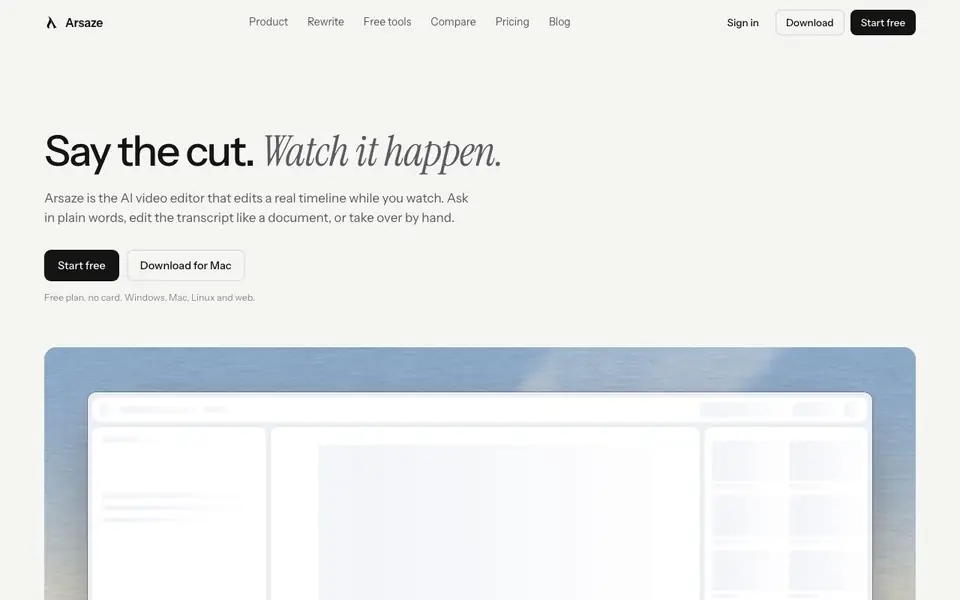
Arsaze is an AI-native video editor that works on a real multi-track timeline. You can edit by hand, or let an AI agent make cuts while you watch. It is built for video editors, creators, and the teams they work with.
You start by downloading the app for Mac, Windows, or Linux, or use the web version. You can ask for an edit in plain language, and Arsaze cuts the timeline and tells you what changed. You can undo any change. You can also edit the transcript like a document—delete a word and it is cut from the video. Every cut is a tracked change you can put back.
Arsaze includes captions with word timing, silence and filler word removal, color wheels and LUTs, voice isolation, noise reduction, and automatic ducking. You can generate images, video, voiceover, music, and sound effects directly onto the timeline. It also has background removal, motion tracking, and an After Effects panel. You can export MP4 without a watermark, or hand off to DaVinci Resolve and Premiere Pro as FCPXML. The free plan has no card required.
Arsaze features
- AI agent editing: Ask for an edit in plain words, and the agent cuts the real timeline while you watch.
- Transcript editing: Delete a word in the transcript and it is cut from the video, with tracked changes.
- Client review: Send a link; clients draw on frames and leave notes your AI can act on.
- Tab suggestions: After one cut, Arsaze shows your next edit on the timeline; Tab takes it, Esc leaves it.
- Built-in generation: Generate images, video, voiceover, music, and sound effects straight onto the timeline.
What you can do with Arsaze
- Cut a talking-head video by removing silences and filler words in one pass.
- Edit a video by typing changes in the transcript like a document.
- Send a client review link for frame-accurate notes that your AI can act on.
- Hand off a finished edit to DaVinci Resolve or Premiere Pro as FCPXML.
How to get started with Arsaze
- Download Arsaze for Mac, Windows, or Linux, or open the web version.
- Start with a free plan—no card required—and import your footage or use the demo.
- Ask for an edit in plain words, edit the transcript, or take over by hand on the timeline.
Tips for better results with Arsaze
- Start with a simple request like removing silences, then press Tab to accept Arsaze's suggested next edit and speed up your workflow.
- Use the transcript editing mode in Arsaze to delete filler words directly; each change becomes a tracked cut you can undo if needed.
- Connect your own AI model to Arsaze for more control over edits, and review the change log it provides before accepting any cut.
- Export your Arsaze project as FCPXML to hand off to DaVinci Resolve or Premiere Pro, keeping your timeline intact for finishing.
Arsaze pricing
Arsaze has a free way to start, with paid plans for heavier use. Check arsaze.com for current limits and prices.
What to check before you rely on Arsaze
- Check the free plan's export limits and whether the MP4 export without watermark applies to all resolutions before delivering client work.
- Verify Arsaze's pricing page for paid tiers, since the site labels it freemium but does not list specific plan costs or feature limits.
- Confirm your data privacy settings and how client review links are shared, as the website does not state retention or access policies.
Who Arsaze is for
Arsaze suits video editors, content creators, production teams and agencies. If that is not you, the AI video editors below may fit better.
Similar tools compared with Arsaze
| Tool | What it is | Pricing |
|---|---|---|
| Arsaze | AI-native video editor for agents and humans | Freemium |
| SiVideoGen | AI video generator with multiple models | Freemium |
| Descript | AI video and audio text-based editor | Freemium |
| InVideo | Agentic AI video editor and maker | Freemium |
| VEED | AI video creation and editing platform | See website |
Arsaze FAQ
Can I try Arsaze without an account?
Yes. The demos on arsaze.com are the real editor, Agent view, Rewrite, and client review page running on sample footage. The AI plays four sample edits. Exporting, adding your own footage, and AI generation need an account, and nothing in a demo is saved.
What can Arsaze do?
It does captions with word timing, silence and filler word removal, color wheels and LUTs, voice isolation, noise reduction, and automatic ducking. It also generates images, video, voiceover, music, and sound effects onto the timeline, and exports MP4 or FCPXML for DaVinci Resolve and Premiere Pro.
What does 'Cursor for video editing' mean?
Cursor works because code is text an AI can read and change, and you can check every change. Arsaze does the same for video: the timeline and transcript are structured data an AI agent can edit, and you can see and undo every change.
Is Arsaze free?
The website says 'Start free' and 'Free plan, no card.' It also mentions paid plans in the pricing section. So it is freemium—there is a free plan, and you can upgrade for more features.
What file formats can Arsaze export or hand off to other tools?
Arsaze can export MP4 without a watermark. For handing off to other editors, it supports FCPXML, which lets you move your project to DaVinci Resolve or Premiere Pro. The Arsaze website does not list other export formats, so check the app's export options for more.
Which devices and platforms does Arsaze run on?
Arsaze runs on Mac, Windows, and Linux as a downloaded app, and there is also a web version. This means you can use it on desktop operating systems and through a browser. The website does not mention mobile apps, so check the official site for any updates.
What does the free plan of Arsaze include?
The free plan of Arsaze requires no credit card. It lets you start using the app, and you can export MP4 without a watermark. The website does not specify limits on features or usage for the free plan, so check the pricing page or your account for details.


