
What is Warp?
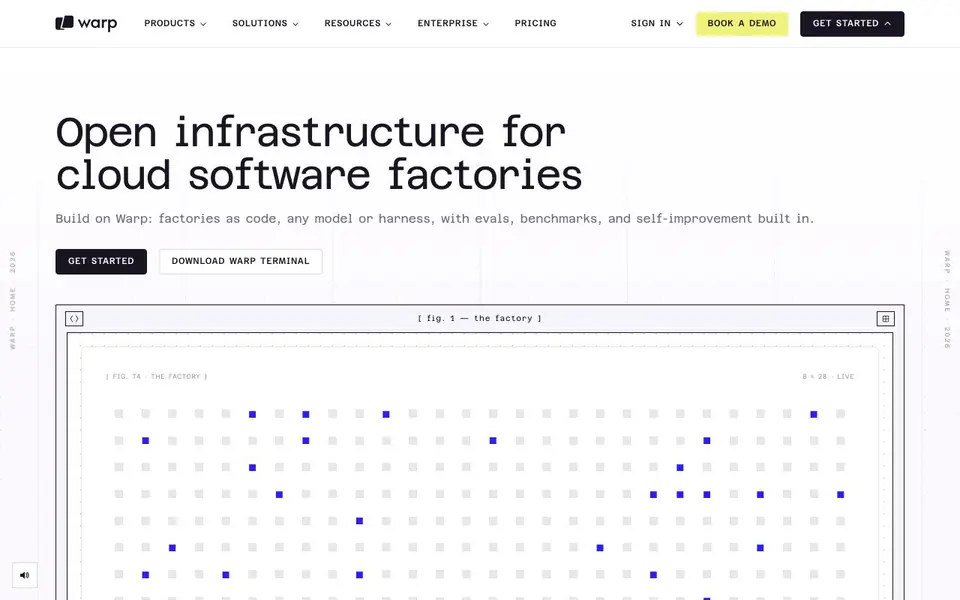
Warp is an open infrastructure platform for building what it calls cloud software factories. You define your entire software development pipeline as code, including agents, automations, runners, skills, webhooks, scorers, and benchmarks. This approach lets you version and measure your factory's performance and costs.
You start by creating a factory definition file, like factory.yaml, that connects repositories, credentials, work sources, and cloud access. Agents inherit these settings, and you can override them for specialized tasks. Work flows in from chat, tickets, and source control, and status flows back out. You can watch and steer runs from web, mobile, terminal, or IDE.
Every run is scored automatically. Observer agents can open pull requests against your factory config to improve it. Warp is built as a platform with API, CLI, SDK, and MCP support. It suits teams that want to automate the whole SDLC, not just CI/CD, and who value measurement and continuous improvement.
Warp features
- Factories as code: Define repos, agents, models, permissions, and checkpoints in one versioned definition.
- SDLC coverage: Automates the entire software development lifecycle, beyond just CI/CD.
- Quality loop: Every run is scored, and observer agents open PRs to improve your factory config.
- Any surface: Watch, steer, and hand off runs from web, mobile, terminal, or IDE.
- Integrations: Work flows in from Slack, Linear, Jira, and source control, with status flowing back.
What you can do with Warp
- Define a software factory in code to automate development tasks.
- Connect agents to repositories, credentials, and cloud providers for autonomous work.
- Score every run with evals and benchmarks to measure performance.
- Let observer agents open pull requests to improve your factory configuration.
How to get started with Warp
- Set up your first factory in about 5 minutes using the factory definition file.
- Connect repositories, credentials, work sources, and cloud access in the definition.
- Deploy and watch runs from web, mobile, terminal, or IDE, then iterate based on evals.
Tips for better results with Warp
- Start with a minimal factory.yaml that connects one repository and one agent, then expand as you validate each piece of the pipeline works as expected.
- Use Warp's scorer and benchmark definitions to measure every run, so you can see which agent changes actually improve your factory's performance over time.
- Let observer agents open pull requests against your factory config, but review each one carefully before merging to avoid unintended changes to your pipeline.
- Route work into Warp from Slack, Linear, or Jira using the alias you set in factory.yaml, so teammates can trigger runs without touching the terminal.
Warp pricing
Warp’s homepage does not list prices. Check warp.dev for current plans.
What to check before you rely on Warp
- Verify whether Warp's pricing is listed on the website, since the available information does not state any plan costs or limits.
- Confirm which cloud providers and MCP servers your factory needs, and check that your credentials and roles are set up correctly before running agents.
- Check the export and integration options for run results, as the website does not specify available formats for pulling scores or logs out of Warp.
Who Warp is for
Warp suits developers, DevOps teams and engineering managers. If that is not you, the AI coding tools below may fit better.
Similar tools compared with Warp
| Tool | What it is | Pricing |
|---|---|---|
| Warp | Open infrastructure for cloud software factories | See website |
| Tabnine | Agentic quality engineering platform for AI code | See website |
| CodeRabbit | AI pull request reviewer and prioritizer | Free trial |
| Cursor | AI coding agent for ambitious software | See website |
| Claude Code | AI coding agent for terminal and IDE | Paid |
Warp FAQ
What is a software factory?
A software factory is a system that automates the software development lifecycle using AI agents. Warp lets you define it as code, including agents, automations, runners, skills, and benchmarks.
How does Warp improve over time?
Every run is scored, and observer agents can open pull requests against your factory config to improve it. This self-improvement loop helps you optimize costs and performance.
Can I use Warp with my existing tools?
Yes, Warp integrates with Slack, Linear, Jira, and source control. Work flows in from these tools, and status flows back to where it started.
What pricing plans does Warp offer?
The website does not state specific pricing details. You can check the pricing page or book a demo to get more information.
Can Warp run on my mobile device?
Yes, Warp lets you watch, steer, and hand off runs from web, mobile, terminal, or IDE. The website does not specify which mobile platforms are supported, so check the Warp documentation or contact support for details on iOS and Android availability.
Does Warp require an account to get started?
The Warp website shows a 'Get Started' button and a 'Sign In' option, but it does not explicitly state whether an account is required. To begin using Warp, you likely need to create an account, but for confirmation, visit the Warp sign-up page or contact their team.
What integrations does Warp support for work flow?
Warp integrates with Slack, Linear, Jira, and source control systems. Work flows in from these tools, and status flows back out. The website does not list other specific integrations, so for a full list, check the Warp documentation or contact support.


