

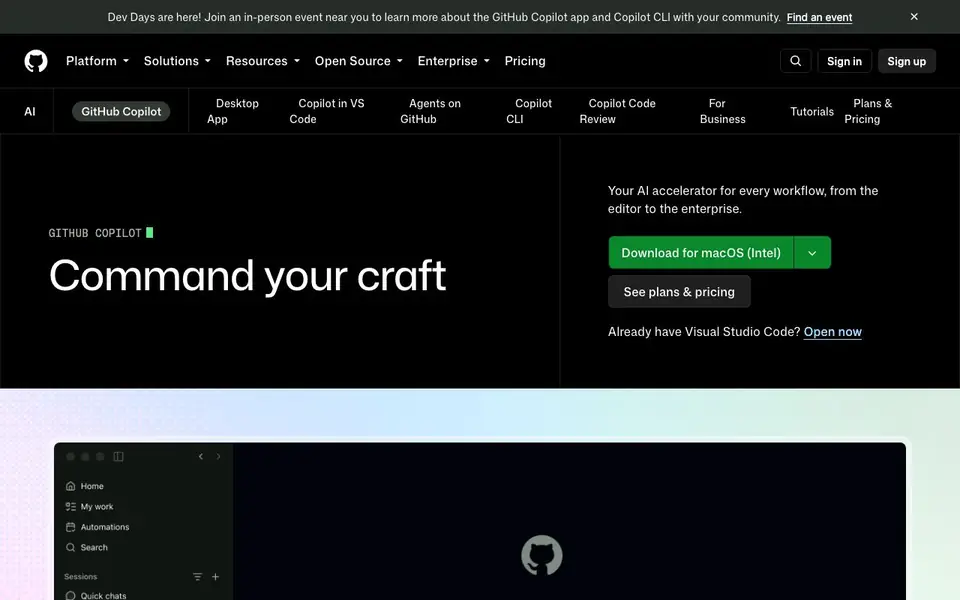
What is GitHub Copilot?
GitHub Copilot is an AI coding assistant from GitHub. It helps you write code faster by suggesting completions as you type and answering questions in a chat. You can use it in popular editors like VS Code, Visual Studio, JetBrains IDEs, and Xcode, as well as on github.com and the command line.
To get started, you install the Copilot extension in your editor and sign in with your GitHub account. As you code, it offers inline suggestions. You can also open the chat panel to ask questions about your codebase, explain concepts, or propose edits. In agent mode, Copilot can make changes across multiple files, run commands, and even open pull requests for you.
Copilot suits individual developers, teams, and enterprises. It offers a free plan with monthly limits, paid Pro plans for individuals, and Business and Enterprise plans for teams. Verified students, teachers, and maintainers of popular open-source projects get free access. The website also mentions enterprise controls for governance, security, and customization.
GitHub Copilot features
- Code completion: Suggests code as you type, including completions and next edit suggestions.
- Chat in editor: Answers questions and explains code concepts directly in your IDE.
- Agent mode: Makes changes across several files, runs commands, and opens pull requests autonomously.
- Pull request review: Reviews pull requests and provides feedback on code changes.
- Model selection: Choose from leading LLMs like Haiku, GPT-5 mini, and Opus for speed or accuracy.
What you can do with GitHub Copilot
- Write code faster with inline suggestions in your editor.
- Ask questions about your codebase and get explanations in chat.
- Automate multi-file changes and command execution with agent mode.
- Review pull requests and catch issues before merging.
How to get started with GitHub Copilot
- Install the GitHub Copilot extension in your editor like VS Code or JetBrains.
- Sign in with your GitHub account and start coding to see suggestions.
- Open the chat panel to ask questions or enable agent mode for autonomous tasks.
Tips for better results with GitHub Copilot
- Start with the free plan to learn Copilot's suggestions, then upgrade to Pro if you hit the monthly completion limit and need more capacity.
- Use agent mode in Copilot to automate multi-file changes and pull request creation, but review each proposed edit before accepting it.
- Ask Copilot in chat to explain unfamiliar code or suggest fixes, and reference specific files or functions in your question for more precise answers.
- Switch between models like Haiku and GPT-5 mini in Copilot to balance speed and accuracy, depending on whether you're prototyping or polishing code.
GitHub Copilot pricing
GitHub Copilot has a free way to start, with paid plans for heavier use. Check github.com for current limits and prices.
What to check before you rely on GitHub Copilot
- Verify your plan's monthly completion limit before relying on Copilot for heavy work, since the free plan includes only 2,000 completions per month.
- Check that your editor and GitHub account are properly connected, as Copilot requires an extension and sign-in to function in VS Code or JetBrains.
- Confirm the website does not state data privacy or security policies for your code, so review GitHub's enterprise controls if you handle sensitive projects.
Who GitHub Copilot is for
GitHub Copilot suits individual developers, software teams, enterprises and students and teachers. If that is not you, the AI coding tools below may fit better.
Similar tools compared with GitHub Copilot
| Tool | What it is | Pricing |
|---|---|---|
| GitHub Copilot | AI coding assistant and agent | Freemium |
| Tabnine | Agentic quality engineering platform for AI code | See website |
| CodeRabbit | AI pull request reviewer and prioritizer | Free trial |
| Cursor | AI coding agent for ambitious software | See website |
| Claude Code | AI coding agent for terminal and IDE | Paid |
GitHub Copilot FAQ
What is GitHub Copilot?
GitHub Copilot is an AI coding assistant that suggests code as you type and answers questions in a chat. It works in editors like VS Code, JetBrains, and on GitHub, and can automate tasks in agent mode.
Is GitHub Copilot free?
Yes, there is a free plan with monthly limits, including 2,000 completions per month and access to certain models. Paid Pro plans start at $10 per user per month, with Business and Enterprise plans for teams.
Who can use GitHub Copilot for free?
Verified students and teachers, as well as maintainers of popular open-source projects, can get free access. The free plan is also available to anyone starting out, with no credit card required.
What platforms does GitHub Copilot support?
It supports GitHub, Visual Studio, Visual Studio Code, Xcode, JetBrains, Neovim, Eclipse IDE, and Raycast. You can also use it in the command line with Copilot CLI.
Can GitHub Copilot export or integrate with other tools like Slack or Jira?
The GitHub Copilot website mentions that Copilot works in GitHub, your IDE, the CLI, project tools, chat apps, and custom MCP servers. It does not list specific integrations like Slack or Jira. For a full list of supported integrations, check the GitHub Copilot documentation or the 'Stay in your flow' section on the official site.
What does the GitHub Copilot free plan include exactly?
The GitHub Copilot free plan includes 2,000 completions per month, access to models like Haiku 4.5 and GPT-5 mini, and the Copilot CLI. It also offers community support and does not require a credit card. Verified students can access the Student plan, which may have different limits.
Does GitHub Copilot work on mobile devices or tablets?
The GitHub Copilot website mentions support for editors like VS Code, Visual Studio, JetBrains IDEs, and Xcode, as well as github.com and the command line. It does not mention mobile or tablet apps. For the latest platform availability, check the official GitHub Copilot page or documentation.


