

What is Stenography?
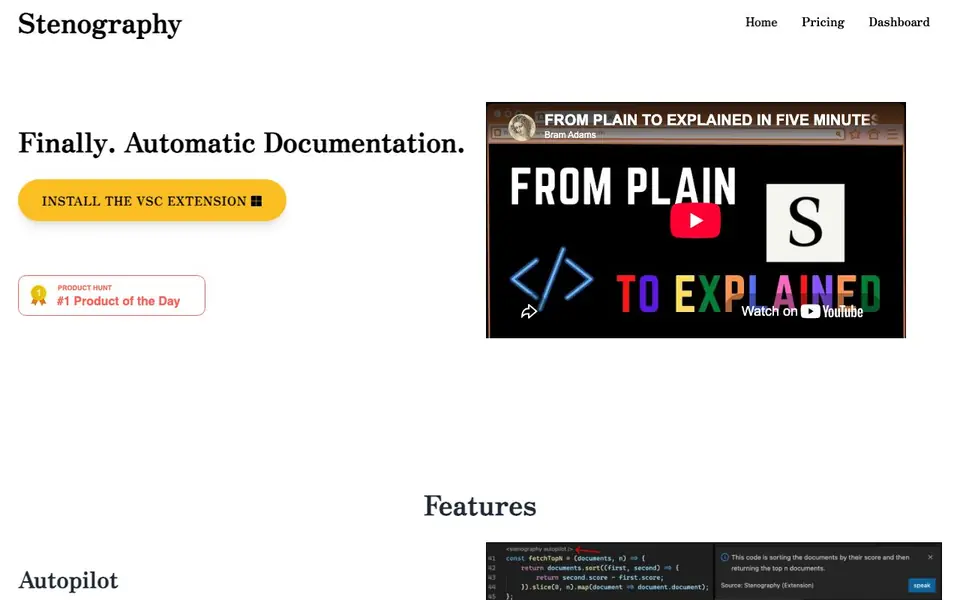
Stenography is a developer tool that writes documentation for your code automatically. It works as a Visual Studio Code extension and as an API. You can use it to document entire codebases or pass in individual pieces of code for a plain-English explanation.
When you install the VSC extension, it documents your code every time you hit save. The API lets you send code and receive an explanation, which you can customize to fit your needs. Responses can also include Stack Overflow suggestions and linked documentation from across the web, so you do not need to search elsewhere.
Stenography focuses on privacy. It uses a passthrough API and does not store your code, so your code stays on your system. You get 250 free API invocations per month, on VSC or on your own extension. For more usage, you can schedule a call. The tool was built by Bram Adams, an OpenAI Developer Ambassador and GPT-3 O'Reilly Media instructor.
Stenography features
- Autopilot documentation: Documents entire codebases automatically every time you hit save.
- Powerful API: Pass in code and receive a plain-English explanation, customizable to your needs.
- Stack Overflow suggestions: Hydrates responses with relevant Stack Overflow suggestions and web documentation.
- Privacy first: Uses a passthrough API and does not store your code, keeping it on your system.
- Free monthly invocations: Get 250 free API calls per month, usable on VSC or your own extension.
What you can do with Stenography
- Document a large codebase automatically as you save files.
- Explain a snippet of code in plain English via the API.
- Get Stack Overflow suggestions without leaving your editor.
- Build your own extension using the Stenography API.
How to get started with Stenography
- Install the VSC extension from the Stenography website.
- Open a code file and save it to trigger automatic documentation.
- Use the API in your browser to test code explanations and customization.
Tips for better results with Stenography
- Install the VSC extension and save your files regularly to let Stenography document your entire codebase automatically without extra effort.
- Use the Stenography API for individual snippets when you need a plain-English explanation, and customize the response to match your team's documentation style.
- Enable Stack Overflow suggestions in Stenography responses to get relevant community answers and linked docs without leaving your editor.
- Keep your code private by relying on Stenography's passthrough API, which does not store your code, so you can document sensitive projects safely.
Stenography pricing
Stenography has a free way to start, with paid plans for heavier use. Check stenography.dev for current limits and prices.
What to check before you rely on Stenography
- Check the free tier includes 250 API invocations per month, but the website does not state what happens if you exceed that limit or the cost of more usage.
- Verify that Stenography supports the programming languages and file types in your codebase, as the website does not list specific language coverage.
- Confirm that the VSC extension and API work on your operating system and editor version, since the website does not specify platform requirements.
Who Stenography is for
Stenography suits developers, software engineers and technical writers. If that is not you, the AI coding tools below may fit better.
Similar tools compared with Stenography
| Tool | What it is | Pricing |
|---|---|---|
| Stenography | Automatic code documentation and explanation tool | Freemium |
| Tabnine | Agentic quality engineering platform for AI code | See website |
| CodeRabbit | AI pull request reviewer and prioritizer | Free trial |
| Cursor | AI coding agent for ambitious software | See website |
| Claude Code | AI coding agent for terminal and IDE | Paid |
Stenography FAQ
What does Stenography do?
Stenography automatically documents your code and explains it in plain English. It works as a Visual Studio Code extension that documents on save, and as an API where you pass in code and get an explanation back.
Is Stenography free?
Stenography offers 250 free monthly API invocations, usable on VSC or your own extension. For more usage, the website suggests scheduling a call, but it does not list specific paid pricing.
Does Stenography store my code?
No. Stenography uses a passthrough API and does not store code. Your code stays on your system, according to the website.
Who is Stenography for?
Stenography is for developers who want automatic documentation, and for anyone building extensions that need code explanations. It also suits teams wanting to reduce time spent writing docs manually.
What programming languages does Stenography support?
The Stenography website does not list specific programming languages it supports. To find out which languages work with Stenography, check the examples and extensions on their Notion page or contact the team through their Discord or contact form.
Can I use Stenography without a Visual Studio Code extension?
Yes, Stenography offers a powerful API that you can use directly in your browser or integrate into your own extension. The website mentions extensions for various platforms, but the API is the core way to send code and receive explanations without needing the VSC extension.
Does Stenography work on Windows, Mac, or Linux?
The Stenography website does not specify which operating systems the VSC extension supports. Since it is a Visual Studio Code extension, it likely works wherever VSC runs, but the website does not confirm this. Check the extensions page or contact the team for platform-specific details.


