

What is rune?
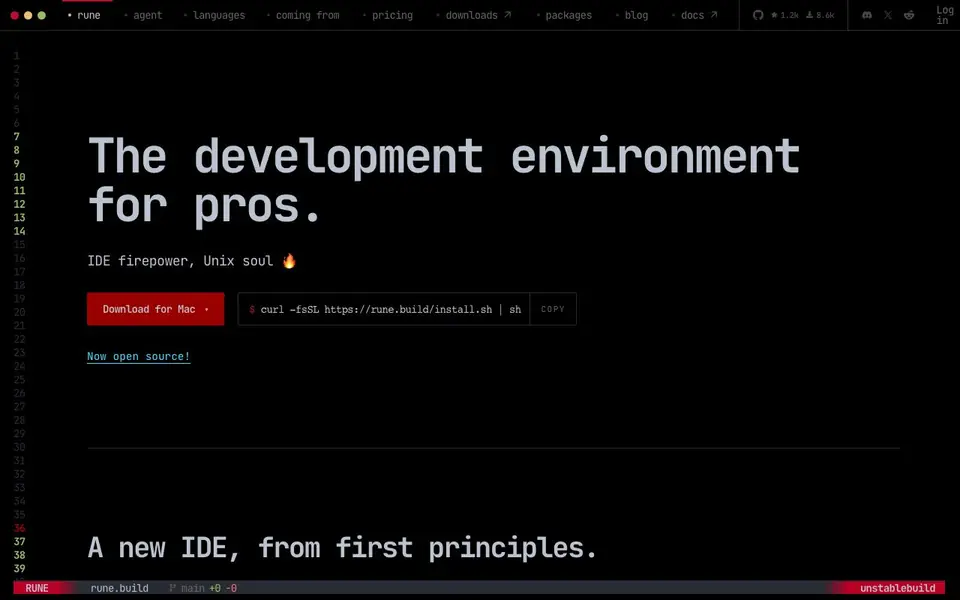
Rune is a development environment designed for professional programmers who prefer the Unix philosophy. It combines a code editor, terminals, CLI tools, and language intelligence into one composable, multi-workspace application. The IDE is native, using OpenGL on Linux and Metal on macOS, avoiding Electron for speed and efficiency.
You interact with Rune through a command prompt that drives actions, a console for managing the IDE, and infinitely splittable terminal tiles. It supports over 300 languages with syntax highlighting and structural queries. Tier 1 languages like Go, Python, Rust, Zig, and TypeScript get full LSP support, debugging, and ecosystem workflows.
Rune is open source under the GNU GPLv3 license. It offers official builds for macOS and Linux. The IDE includes a built-in agent or supports your own skills, and every CLI tool you have can act as a plugin. It also features a personal end-to-end encrypted network to access your workstations from anywhere.
rune features
- Command prompt: Drive actions and manage the IDE with a keyboard-driven prompt.
- Terminal tiles: Split your workspace into infinite terminal tiles under one set of key bindings.
- Language intelligence: Get production-grade LSP, debugging, and toolchain management for major languages.
- AI agents: Use a built-in agent or integrate your own skills for automation.
- Native performance: Runs on OpenGL and Metal for a fast, responsive experience.
What you can do with rune
- Code in Go with a built-in REPL and Delve debugger.
- Manage Python toolchains and dependencies with uv integration.
- Work with Rust using rustup and rust-analyzer.
- Access your workstation remotely through the encrypted network.
How to get started with rune
- Download the official build for macOS or Linux, or run the install script.
- Launch Rune and start coding in your preferred language.
- Use the command prompt to drive actions and manage your workspace.
Tips for better results with rune
- Start every Rune session by typing help in the command prompt to learn the key bindings and console commands, then customize them to match your existing Unix workflow.
- Use Rune's terminal tiles to run your CLI tools side by side with your editor, so you can treat every command you already use as a plugin without leaving the IDE.
- For Tier 1 languages like Go or Python, rely on Rune's built-in LSP and debugger support to catch errors early, and set up your toolchain through the console for smoother workflows.
- Explore Rune's nine workspace slots to organize multiple projects or tasks, and use the built-in agent or your own skills to automate repetitive actions across those workspaces.
rune pricing
rune’s homepage does not list prices. Check rune.build for current plans.
What to check before you rely on rune
- Check whether Rune offers a Windows build, since the official downloads only list macOS and Linux, and the website does not state Windows support.
- Verify the pricing model before committing, as the website labels pricing as unknown and does not list any plans or costs for Rune.
- Review the end-to-end encrypted network feature for data privacy implications, and confirm how your code and files are handled when accessing workstations remotely.
Who rune is for
rune suits professional developers, power users, Unix enthusiasts and open-source contributors. If that is not you, the AI coding tools below may fit better.
Similar tools compared with rune
| Tool | What it is | Pricing |
|---|---|---|
| rune | Open-source keyboard-driven IDE with AI agents | See website |
| Tabnine | Agentic quality engineering platform for AI code | See website |
| CodeRabbit | AI pull request reviewer and prioritizer | Free trial |
| Cursor | AI coding agent for ambitious software | See website |
| Claude Code | AI coding agent for terminal and IDE | Paid |
rune FAQ
What is Rune?
Rune is an open-source IDE that combines a code editor, terminals, and CLI tools into one keyboard-driven environment. It's designed for professional developers who like the Unix way of working.
Is Rune free?
Rune is open source under the GNU GPLv3 license, so the website code is freely available. The website does not state pricing details for official builds, so check the pricing page for more information.
Which languages does Rune support?
Rune supports over 300 languages with syntax highlighting. Tier 1 languages like Go, Python, Rust, Zig, and TypeScript get full LSP support, debugging, and toolchain management.
Does Rune have AI features?
Yes, Rune includes a built-in agent and supports your own skills. It also integrates with CLI tools, which can act as plugins for automation.
What operating systems does Rune run on?
Rune provides official builds for macOS and Linux. The website does not mention a Windows version, so if you need Rune on Windows, check the official downloads page or documentation for the latest supported platforms.
Can Rune connect to external tools or services?
Yes, Rune integrates with your existing CLI tools, which act as plugins. It also supports a built-in agent or your own skills for automation. The website does not list specific third-party integrations beyond these, so check the docs for details on connecting to particular services.
Does Rune require an account to use?
The website does not mention whether an account is required. However, Rune includes a personal end-to-end encrypted network to access your workstations remotely, which may require some form of authentication. Check the official documentation or login page for account requirements.


