

What is Qodo?
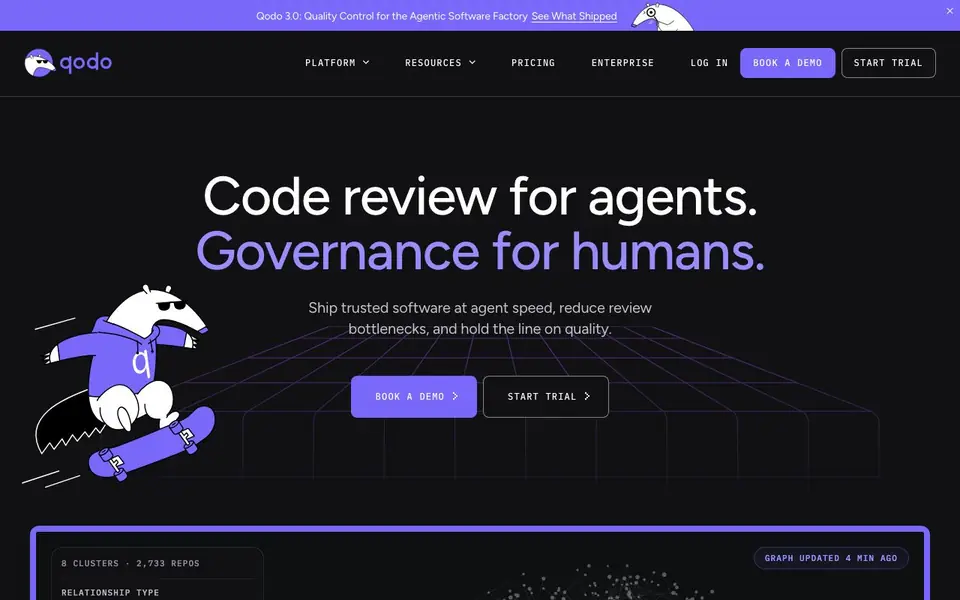
Qodo is an AI code review platform that helps engineering teams review code faster and keep quality high. It runs specialized review agents on every pull request, flagging real bugs, rule violations, and requirement gaps with less noise. The tool also provides governance features so you can track risks and quality across teams and repositories.
You start by connecting Qodo to your repositories. It builds a deep understanding of your codebase, including structure, dependencies, PR history, and business requirements. When you open a pull request, review agents reason over this context to surface issues. You can also set up rules that are automatically discovered from your code patterns and conventions, so your standards are enforced consistently.
Qodo works inside your IDE and agent workflows, letting developers fix issues without leaving their editor. It suits teams using AI-assisted development who need oversight and control. The website mentions enterprise features and a demo, but does not state specific pricing or free plan details.
Qodo features
- Context-aware PR review: Specialized agents run on every pull request, using full codebase context to flag real bugs and rule violations.
- Shift-left review skills: Review skills run inside your developer's agent, surfacing rules and fixes earlier in the development lifecycle.
- Local review workflows: Developers fix flagged code and validate changes directly in the IDE without switching tools.
- Self-learning rules: Rules are automatically discovered from your codebase patterns and PR history, turning them into enforceable standards.
- Risk intelligence: Track review findings, resolution rates, and risk concentration across teams and repositories.
What you can do with Qodo
- Review pull requests for bugs and rule violations before merging.
- Enforce coding standards consistently across multiple repositories.
- Integrate AI code review into your existing agent workflows.
- Monitor code quality and risk across your entire engineering organization.
How to get started with Qodo
- Connect Qodo to your code repositories and let it index your codebase and PR history.
- Set up or auto-discover rules that reflect your team's coding standards.
- Open a pull request and let Qodo's review agents flag issues, then fix them in your IDE.
Tips for better results with Qodo
- Connect Qodo to your repositories and let it analyze your codebase history before opening pull requests, so its review agents have the full context they need to flag real issues.
- Use Qodo's self-learning rules by reviewing its discovered patterns and conventions, then adjust them to match your team's actual standards for consistent enforcement across repos.
- Run Qodo's review skills inside your IDE or agent workflow to catch bugs and rule violations earlier, fixing issues in your editor instead of waiting for PR feedback.
- Track Qodo's risk intelligence dashboard to see resolution rates and risk concentration, then focus your team's review effort on the areas with the highest unresolved findings.
Qodo pricing
Qodo’s homepage does not list prices. Check qodo.ai for current plans.
What to check before you rely on Qodo
- Check whether Qodo's trial or free plan has limits on repositories, pull requests, or users, since the website does not state specific plan details.
- Verify how Qodo handles your code data and privacy, especially if you have proprietary or sensitive repositories, as the website does not list data policies.
- Confirm which version control platforms Qodo supports beyond Git, and whether it integrates with your CI/CD pipeline, since the website does not specify integrations.
Who Qodo is for
Qodo suits engineering teams, devops teams and software managers. If that is not you, the AI coding tools below may fit better.
Similar tools compared with Qodo
| Tool | What it is | Pricing |
|---|---|---|
| Qodo | AI code review and governance platform | See website |
| Tabnine | Agentic quality engineering platform for AI code | See website |
| CodeRabbit | AI pull request reviewer and prioritizer | Free trial |
| Cursor | AI coding agent for ambitious software | See website |
| Claude Code | AI coding agent for terminal and IDE | Paid |
Qodo FAQ
What does Qodo do?
Qodo is an AI code review tool that runs specialized agents on pull requests. It uses full codebase context to find bugs, rule violations, and requirement gaps, and it helps enforce your team's coding standards automatically.
Does Qodo work with my existing IDE?
Yes, Qodo offers local review workflows inside the developer's editor. You can fix flagged code and validate changes without leaving your IDE, which helps you resolve issues faster.
Who is Qodo for?
Qodo is built for engineering teams that use AI-assisted development and need quality control. It suits teams that want to reduce review bottlenecks, enforce standards, and maintain governance across multiple repositories.
What pricing plans does Qodo offer?
The Qodo website does not state specific pricing details. It offers a trial and a demo booking option, but you would need to contact them or check the pricing page for exact plans.
What integrations does Qodo support beyond GitHub and GitLab?
Qodo connects to your repositories to run review agents on pull requests, but the website does not list specific supported platforms beyond that. For a full list of supported integrations, check the Qodo platform documentation or contact their sales team.
Does Qodo work with Bitbucket or Azure DevOps?
The Qodo website mentions connecting to repositories and running reviews on pull requests, but it does not specify which Git hosting services are supported. To confirm whether Bitbucket or Azure DevOps are compatible, check Qodo's official documentation or reach out to their support.
Can I use Qodo without a paid plan?
Qodo offers a trial and a demo, but the website does not mention a free plan or specific pricing details. You can start a trial to explore the tool, but for ongoing use, you'll need to contact Qodo for pricing information.


