

What is https://aws.amazon.com/codewhisperer/?
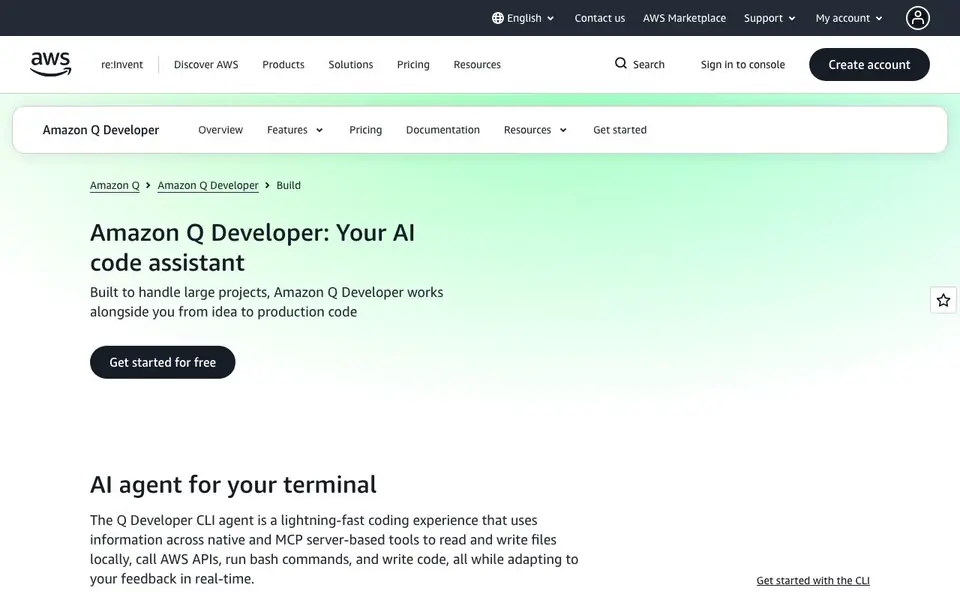
Amazon Q Developer is an AI coding assistant built for large projects. It works with you from idea to production code. You can use it in your IDE or as a command-line agent. It reads and writes files locally, calls AWS APIs, runs bash commands, and adapts to your feedback in real time.
You can chat with your entire codebase by typing @workspace. Ask questions about auth flows, service dependencies, or anything else. It can generate architecture diagrams and keep your project documented. It also automates code reviews on pull requests, spotting bugs, security issues, and infrastructure misconfigurations before your team sees them.
It works in VS Code, JetBrains, Visual Studio, Eclipse, and the command line. It integrates with GitHub and GitLab. A free tier gives you 50 chat interactions per month. The Pro tier costs $19 per user per month and includes 1,000 interactions, IP indemnity, and secure cloud processing. AWS does not state which programming languages are supported on the website, so check the documentation for details.
https://aws.amazon.com/codewhisperer/ features
- Terminal agent: Reads and writes files, calls AWS APIs, runs bash commands, and adapts to your feedback in real time.
- IDE assistant: Generates code diffs, runs shell commands, and sends real-time updates while you work.
- Project chat: Type @workspace to ask questions about your entire codebase and get architecture diagrams.
- Automated code review: Finds bugs, security vulnerabilities, and infrastructure misconfigurations in pull requests.
- Documentation help: Generates and updates README files and creates data-flow diagrams for faster onboarding.
What you can do with https://aws.amazon.com/codewhisperer/
- Ask questions about your entire project and get answers with architecture diagrams.
- Automate code reviews on pull requests to catch issues before your team reviews them.
- Generate and update README files and data-flow diagrams for your codebase.
- Use the CLI agent to write code, run commands, and call AWS APIs from your terminal.
How to get started with https://aws.amazon.com/codewhisperer/
- Create an AWS account or sign in to get started for free.
- Download the Amazon Q Developer extension for your IDE or the CLI agent.
- Connect it to your project and start chatting with @workspace or using the terminal agent.
Tips for better results with https://aws.amazon.com/codewhisperer/
- Use @workspace in your IDE to ask questions about your entire codebase, and it will generate architecture diagrams to help you understand complex dependencies.
- Let Amazon Q Developer run automated code reviews on pull requests to catch bugs, security issues, and infrastructure misconfigurations before your team sees them.
- Ask Amazon Q Developer to generate and update README files and data-flow diagrams, so your project stays documented and new team members onboard faster.
- Give Amazon Q Developer real-time feedback while it writes code or runs commands, and it will adapt its approach to match your preferences.
https://aws.amazon.com/codewhisperer/ pricing
https://aws.amazon.com/codewhisperer/ has a free way to start, with paid plans for heavier use. Check aws.amazon.com for current limits and prices.
What to check before you rely on https://aws.amazon.com/codewhisperer/
- Check the free tier's 50 chat interactions per month limit, which starts August 1, 2025, to see if it covers your typical usage.
- The website does not list which programming languages Amazon Q Developer supports, so verify this in the documentation before relying on it.
- Confirm whether your IDE version is supported, since it works in VS Code, JetBrains, Visual Studio, Eclipse, and the command line, but not all versions may be covered.
Who https://aws.amazon.com/codewhisperer/ is for
https://aws.amazon.com/codewhisperer/ suits developers, DevOps engineers, software teams and AWS users. If that is not you, the AI coding tools below may fit better.
Similar tools compared with https://aws.amazon.com/codewhisperer/
| Tool | What it is | Pricing |
|---|---|---|
| https://aws.amazon.com/codewhisperer/ | AI coding assistant for large projects | Freemium |
| Tabnine | Agentic quality engineering platform for AI code | See website |
| CodeRabbit | AI pull request reviewer and prioritizer | Free trial |
| Cursor | AI coding agent for ambitious software | See website |
| Claude Code | AI coding agent for terminal and IDE | Paid |
https://aws.amazon.com/codewhisperer/ FAQ
What does Amazon Q Developer do?
It is an AI coding assistant that helps you write, review, and understand code. It works in your IDE and terminal, reads and writes files, runs commands, and automates code reviews on pull requests.
Is there a free plan?
Yes, there is a free tier. It includes 50 chat interactions per month. The Pro tier costs $19 per user per month and includes 1,000 interactions plus extra features like IP indemnity and secure cloud processing.
Which IDEs and platforms does it support?
It supports VS Code, JetBrains, Visual Studio, Eclipse, and the command line. It also integrates with GitHub and GitLab for pull request reviews and issue assignment.
What programming languages are supported?
The website does not list specific programming languages. It mentions security scanning that outperforms leading tools across popular languages, but for the full list you should check the documentation.
Can Amazon Q Developer connect to GitHub or GitLab for code reviews?
Yes, Amazon Q Developer integrates with GitHub and GitLab. You can assign GitHub issues to it to automatically implement features and run code reviews on pull requests. For GitLab, it is available through GitLab Duo with Amazon Q for self-managed Ultimate customers. The website does not mention other DevOps integrations.
Does Amazon Q Developer work on Windows, macOS, or Linux?
Amazon Q Developer works in IDEs like VS Code, JetBrains, Visual Studio, and Eclipse, and as a command-line agent. The website does not specify which operating systems these run on, so you should check the documentation for each IDE or the CLI to see if your system is supported.
What does the free tier of Amazon Q Developer include?
The free tier of Amazon Q Developer gives you 50 chat interactions per month, which includes Q&A chat and agentic coding. It also lets you query info about your AWS resources up to 25 times per month per account. Data collection has an opt-out available, and reference tracking is included.


