

What is Hathr AI?
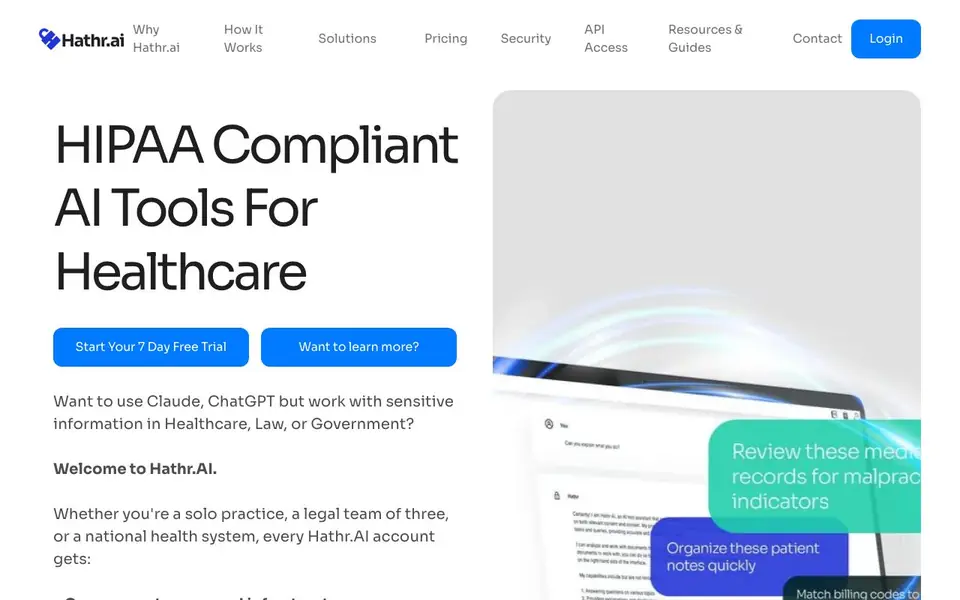
Hathr.AI is a private and compliant AI chat tool built for organizations that handle sensitive information like healthcare data, PHI, or PII. It runs Anthropic's Claude models on US government-approved GovCloud infrastructure, with a signed Business Associate Agreement (BAA) included for every account. It is designed for solo practitioners, small teams, and large organizations up to federal agencies.
You start with a 7-day free trial, then pay $47 per month for unlimited use with no seat minimums. You can upload unlimited documents to your File Library, including PDFs, image scans, Excel files, and more, with built-in OCR. The tool can handle documents with over 500,000 words, which is five times more than commercial Claude or ChatGPT. Your data is never used to train AI models and stays 100% private.
This tool suits healthcare providers, legal teams, RCM, skilled nursing, hospice, and government organizations. It is trusted by over 3,000 organizations, including the Dept of HHS and CMS. The website highlights that it is the most secure healthcare AI tool on the market, with FedRAMP High compliance and approval from the Department of Health & Human Services.
Hathr AI features
- Signed BAA in 24 hours: Get a Business Associate Agreement for every account, no matter the plan size.
- Unlimited document uploads: Add unlimited files to your File Library, including PDFs, scans, and Excel files.
- Native OCR support: Extract text from image scans and a wide range of file types automatically.
- Large document handling: Process documents with more than 500,000 words, five times more than commercial tools.
- Government-approved infrastructure: Data is hosted on FedRAMP High GovCloud servers approved by the Dept of HHS.
What you can do with Hathr AI
- Analyze massive healthcare documents securely without privacy risks.
- Automate administrative tasks to reduce paperwork and save time.
- Chat with sensitive legal or financial data while staying compliant.
- Process up to 100,000 pages of PDFs, scans, and Excel files in one place.
How to get started with Hathr AI
- Start your 7-day free trial from the Hathr.AI website.
- Upload your documents to the File Library, including scans or PDFs.
- Chat with the AI to analyze or automate tasks within your secure environment.
Tips for better results with Hathr AI
- Upload large PDFs, scans, or Excel files directly to your File Library, and let Hathr AI's OCR extract text automatically before you start asking questions about the content.
- Use Hathr AI for documents over 500,000 words, like lengthy medical records or legal contracts, to get summaries or answers without splitting files into smaller chunks.
- Ask Hathr AI to draft administrative responses or extract specific data points from your uploaded files, then review the output for accuracy against the original documents.
- Test Hathr AI with a sample of your sensitive data during the 7-day free trial to confirm it handles your file types and meets your compliance needs before committing to a paid plan.
Hathr AI pricing
Hathr AI has a free way to start, with paid plans for heavier use. Check hathr.ai for current limits and prices.
What to check before you rely on Hathr AI
- Confirm the $47 per month unlimited plan includes all features you need, since the website does not list any usage caps or additional fees beyond the freemium label.
- Verify that the signed BAA arrives within 24 hours as promised, and check that it covers your specific organization's legal and regulatory requirements before sharing PHI.
- Check whether Hathr AI offers export formats for your processed results, as the website does not state which file types you can download or share from the tool.
Who Hathr AI is for
Hathr AI suits healthcare providers, legal teams, government agencies and solo practitioners. If that is not you, the AI chatbots below may fit better.
Similar tools compared with Hathr AI
| Tool | What it is | Pricing |
|---|---|---|
| Hathr AI | HIPAA-compliant AI chat for sensitive data | Freemium |
| SiChatApp | Free browser chat with multiple AI models | Freemium |
| ChatGPT | AI chatbot for chat, work, and creation | Freemium |
| Gemini | AI assistant for chat and tasks | Freemium |
| Kimi | AI assistant for coding and knowledge work | See website |
Hathr AI FAQ
Is Hathr.AI HIPAA compliant?
Yes, Hathr.AI is HIPAA compliant and runs on FedRAMP High GovCloud infrastructure. Every account includes a signed Business Associate Agreement (BAA) within 24 hours, and your data is never used to train AI models.
What does Hathr.AI cost?
Hathr.AI offers a 7-day free trial, then costs $47 per month for unlimited use with no seat minimums. There are no usage limits, and a BAA is included for all accounts.
Who is Hathr.AI for?
Hathr.AI is for anyone handling sensitive data, including healthcare providers, legal teams, RCM, skilled nursing, hospice, and government organizations. It supports solo practitioners up to large multi-state companies and federal agencies.
Can I process large documents with Hathr.AI?
Yes, Hathr.AI can handle documents with more than 500,000 words, which is five times more than commercial Claude or ChatGPT. You can upload unlimited documents, including PDFs, image scans, and Excel files, with native OCR support.
Does Hathr.AI offer an API for developers to integrate with their own systems?
The Hathr.AI website includes an API Access section in its main navigation, but it does not provide details about the API's capabilities, endpoints, or authentication. To learn what the API can do, check the API Access page on hathr.ai or contact their support team directly.
Can I use Hathr.AI on my mobile phone or tablet?
The Hathr.AI website does not mention specific mobile apps or platform requirements. It describes a web-based tool for uploading and chatting with documents, so you may be able to access it through a mobile browser. For confirmation, check the How It Works page or reach out to Hathr.AI support.
What file types can I upload to Hathr.AI besides PDFs and Excel files?
Hathr.AI supports PDFs, image scans, and Excel files, and its built-in OCR extracts text from a wide range of file types. The website does not list every supported format, so for a complete list, visit the Resources & Guides section on hathr.ai or contact their team.


