

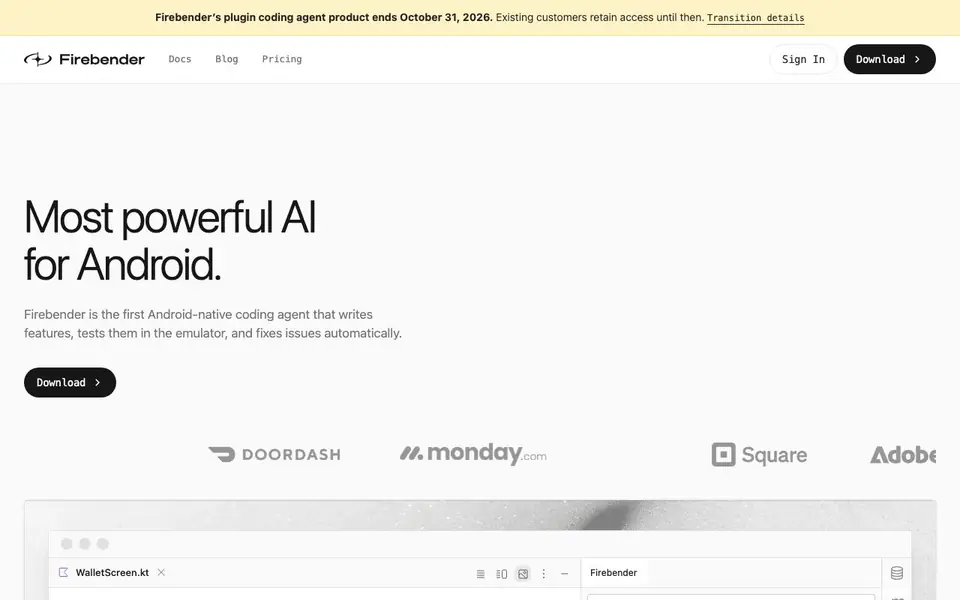
What is Firebender?
Firebender is an AI coding agent built specifically for Android development. It lives inside Android Studio and helps you write features, test them in the emulator, and fix issues on its own. The tool is designed to work with your existing codebase and tools, not replace them.
You can paste a Figma link and get production-ready Jetpack Compose code that matches your design system. Firebender also uses Android Studio's built-in refactor tools, debugger, and logcat to keep the code consistent with your project. You can create custom agents with agent.md files to define system prompts, tools, and workflows that match your team's style.
Firebender suits Android developers and teams who want to speed up feature work. The plugin coding agent product ends October 31, 2026, and existing customers keep access until then. The site shows case studies from Instacart and Tinder, but does not list pricing details.
Firebender features
- Figma to code: Paste a Figma link and get production-ready Jetpack Compose that works with your design system.
- Emulator testing: The agent runs your app in the emulator and checks that features work as expected.
- Custom agents: Define agents with agent.md files to match your team's prompts, tools, and workflows.
- Sub agents: Run many changes in parallel while keeping the parent agent's context, for large-scale edits.
- Deep Android Studio integration: Uses refactor tools, the debugger, and logcat to ship consistent code.
What you can do with Firebender
- Generate Jetpack Compose UI from a Figma design link.
- Automatically test new features in the Android emulator.
- Create custom agents for your team's specific coding workflows.
- Investigate and fix crash spikes in your Android app.
How to get started with Firebender
- Download Firebender from the website and install it in Android Studio.
- Open your project and give the agent a task, like a Figma link or a feature request.
- Let the agent write code, test it in the emulator, and fix issues automatically.
Tips for better results with Firebender
- Paste a Figma link directly into Firebender to generate Jetpack Compose code, then review the output against your design system to ensure it matches your components.
- Use Firebender's emulator testing to verify new features automatically, but manually inspect edge cases like network failures or empty states that the agent might miss.
- Create custom agents with agent.md files to encode your team's coding standards, and test them on a small task before applying them to large-scale edits.
- Leverage Firebender's deep Android Studio integration to run refactors and debugger checks, but confirm the changes align with your project's existing architecture and conventions.
- checks
Firebender pricing
Firebender’s homepage does not list prices. Check firebender.com for current plans.
What to check before you rely on Firebender
- Check whether Firebender's pricing is listed on the website; it is not, so contact the vendor for costs before committing to a plan.
- Verify Firebender's compatibility with your Android Studio version and project setup, since the site does not specify supported versions.
- Review Firebender's data handling and privacy policy, as the website does not state how your code or Figma designs are processed or stored.
Who Firebender is for
Firebender suits Android developers, Mobile app teams and Jetpack Compose users. If that is not you, the AI coding tools below may fit better.
Similar tools compared with Firebender
| Tool | What it is | Pricing |
|---|---|---|
| Firebender | Android-native AI coding agent | See website |
| Tabnine | Agentic quality engineering platform for AI code | See website |
| CodeRabbit | AI pull request reviewer and prioritizer | Free trial |
| Cursor | AI coding agent for ambitious software | See website |
| Claude Code | AI coding agent for terminal and IDE | Paid |
Firebender FAQ
What does Firebender do?
Firebender is an AI coding agent for Android Studio. It writes features, tests them in the emulator, and fixes issues automatically. You can also paste a Figma link to get Jetpack Compose code that matches your design system.
Is Firebender free?
The website does not state pricing details. It has a Pricing page, but the visible text does not mention free plans or costs. You would need to check the Pricing page for specifics.
Who is Firebender for?
Firebender is for Android developers and mobile app teams. It is especially useful for teams using Jetpack Compose and Android Studio. Case studies show companies like Instacart and Tinder using it.
What happens to Firebender after October 31, 2026?
The plugin coding agent product ends on October 31, 2026. Existing customers keep access until that date. The website mentions transition details, but does not specify what happens after.
Does Firebender work on Windows or Linux, or only macOS?
Firebender is an Android Studio plugin, so it runs on any operating system that supports Android Studio, including Windows, macOS, and Linux. The website does not list specific OS requirements, so check the official docs or download page for the latest compatibility details.
Can Firebender connect to my existing version control or CI/CD pipeline?
Firebender is designed to work with your existing codebase and tools, but the website does not mention specific integrations with version control systems or CI/CD pipelines. For details on what it can connect to, check the official documentation or contact support.
What does the free plan include for Firebender?
The Firebender website does not list pricing details or a free plan. It only says the plugin coding agent product ends October 31, 2026, and existing customers keep access until then. To find out about free access or trial options, visit the pricing page on firebender.com.


