

What is FakeYou?
FakeYou is an AI voice platform that lets you generate audio or videos of your favorite characters speaking any text you type. It combines text-to-speech, voice-to-voice conversion, and voice cloning in one place. The service is trusted by over 10 million users worldwide and has been featured by Techstars and other media outlets.
You start by picking a voice from a large library, which includes celebrity and character voices. Then you type what you want the voice to say and hit speak. For voice-to-voice, you record or upload your own speech and have it converted into another voice. There are also tools for creating your own AI voice from scratch, plus zero-shot cloning options that work without training data.
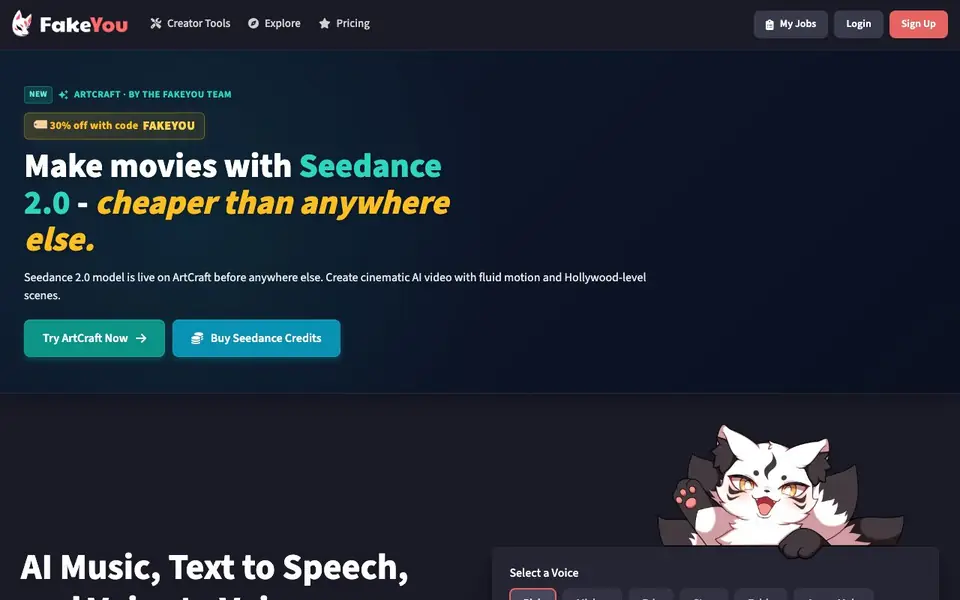
FakeYou suits content creators, meme makers, and anyone curious about AI voice tech. The website mentions a free tier to get started, with paid plans for more features. It also offers access to ArtCraft, a separate tool for AI video generation using models like Seedance 2.0.
FakeYou features
- Text to Speech: Generate audio from any text you type using a wide selection of voices.
- Voice to Voice: Speak in another voice by converting your own speech into a different character's voice.
- Voice Designer: Create your own custom AI voice from scratch with this tool.
- F5-TTS Voice Cloning: Clone a voice with zero-shot learning, meaning no training data needed.
- Seed-VC Voice Conversion: Convert your voice to another in real time with zero-shot voice conversion.
What you can do with FakeYou
- Make your favorite character say a funny line for a meme.
- Create a voiceover for a video using a celebrity-like voice.
- Generate an audiobook narration in a distinctive voice.
- Send a voice message to friends using a character's voice.
How to get started with FakeYou
- Sign up for a free account on the FakeYou website.
- Pick a voice from the library or create your own with Voice Designer.
- Type your text, hit speak, and download the generated audio or video.
Tips for better results with FakeYou
- Pick a voice from the library that matches the tone you want, then type short, clear sentences. FakeYou performs best with concise text, so avoid long paragraphs for cleaner audio.
- Use FakeYou's voice-to-voice feature by recording your own speech first, then converting it. This gives you more control over pacing and emphasis than typing text directly.
- For voice cloning with F5-TTS, provide a clean, single-speaker sample. FakeYou's zero-shot cloning works better with clear audio, so avoid background noise or multiple voices in your upload.
- Experiment with the Voice Designer to craft a custom voice, then save it for reuse. FakeYou lets you refine parameters, so test different settings to match your desired character or style.
FakeYou pricing
FakeYou has a free way to start, with paid plans for heavier use. Check fakeyou.com for current limits and prices.
What to check before you rely on FakeYou
- Check the free tier's daily or monthly generation limits before starting a large project. The website mentions a free tier but does not state specific usage caps.
- Verify whether the voice you want is available for commercial use, especially for celebrity or character voices. FakeYou's site does not list licensing details for individual voices.
- Confirm the output formats and download options for your generated audio or video. The website does not specify which file types are exported, so test a sample first.
Who FakeYou is for
FakeYou suits content creators, meme makers, voice enthusiasts and video editors. If that is not you, the AI voice generators below may fit better.
Similar tools compared with FakeYou
| Tool | What it is | Pricing |
|---|---|---|
| FakeYou | AI voice and video generator | Freemium |
| ElevenLabs | AI voice generator and voice agents platform | Freemium |
| Murf | AI voice and conversational agent platform | See website |
| Resemble AI | AI deepfake detection and watermarking platform | See website |
| Speechify | AI text-to-speech and voice assistant | Freemium |
FakeYou FAQ
What can I do with FakeYou?
You can generate audio or videos of characters speaking text you provide. It supports text-to-speech, voice-to-voice conversion, and voice cloning. You can also create custom voices with the Voice Designer tool.
Is FakeYou free to use?
The website says you can get started free, and there are paid plans available. The exact limits of the free tier are not detailed on the homepage, so check the pricing page for specifics.
Can I clone a voice with FakeYou?
Yes. FakeYou offers F5-TTS voice cloning for zero-shot cloning and Seed-VC for zero-shot voice conversion. These let you clone a voice without needing training data.
Who is FakeYou for?
It is for anyone who wants to create audio or video with AI voices, including content creators, meme makers, and video editors. The site says it is trusted by over 10 million users worldwide.
What audio or video formats can FakeYou export?
The FakeYou website does not specify which export formats are available. To find out what you can download or share, check the tool's help section or contact support directly from the site.
Does FakeYou work on mobile devices or only on desktop?
FakeYou is a web-based platform, so it runs in any modern browser on a computer, tablet, or phone. The website does not mention dedicated mobile apps, so you can access it through your browser on any device.
What does the free plan on FakeYou include, and what are the limits?
FakeYou offers a free tier to get started, but the website does not list specific limits or features for it. For details on what the free plan includes and what requires payment, check the pricing page on the site.


